10 Top Samsung Galaxy Tricks You Need to Try
I’ve used Samsung Galaxy phones for years, and honestly, I still get surprised by how many hidden features they have. Some of the best Samsung Galaxy tricks are tucked away in settings or gestures you might never notice unless someone points them out. When I first started discovering these features, I felt like I unlocked a whole new version of my phone — faster, smarter, and so much more fun to use.
Here are 10 top Samsung Galaxy tricks you absolutely need to try. They’ve made my daily phone experience smoother, and I know they’ll do the same for you.
1. Smart Select – Capture Anything on Your Screen
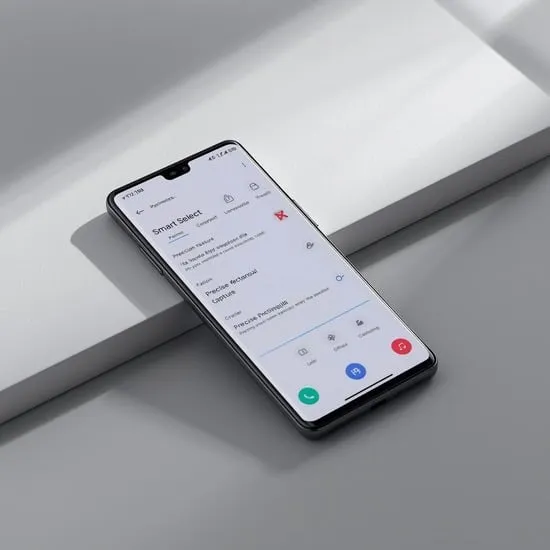
Smart Select is one of the most powerful Samsung Galaxy tricks for screenshots. Access it from the Edge Panel and capture specific parts of your screen — or even create GIFs from videos. The first time I made a GIF from a clip, I felt like a tech genius!
LSI keywords: screenshot tools, Edge panel features, Samsung productivity.
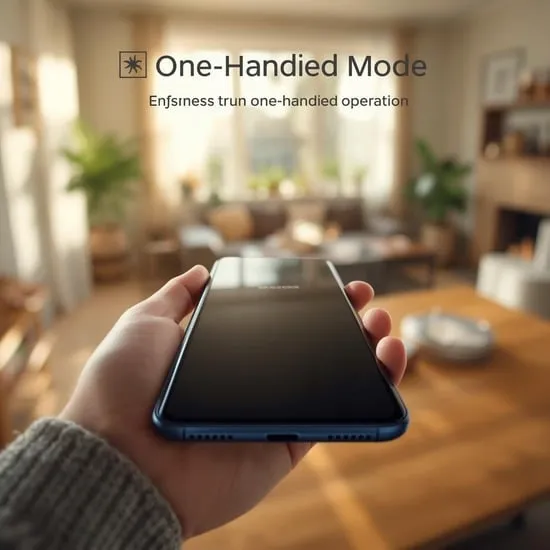
2. One-Handed Mode – Comfortable Use Anytime
Big screens are great, but not always easy to use with one hand. One-Handed Mode shrinks the screen so everything is reachable. I use it all the time when my other hand is full — grocery bags, coffee, you name it.
LSI keywords: accessibility features, gesture control, Android usability.
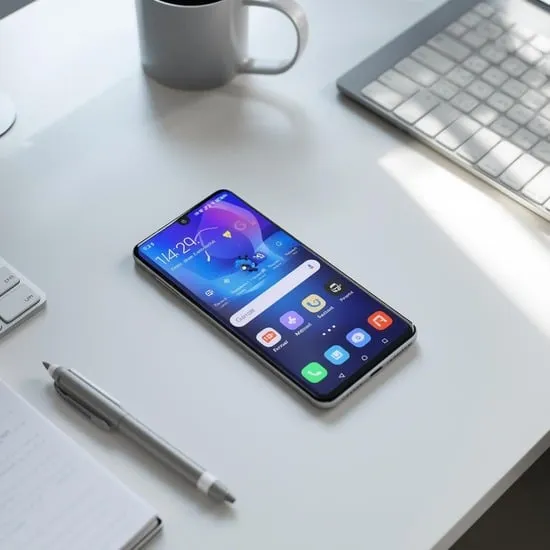
3. Edge Panels – Access Shortcuts Instantly
Edge Panels give you quick access to apps, tools, contacts, and tasks with a simple swipe. It’s like having a customizable sidebar that keeps everything at your fingertips. I can’t count how many times this saved me when multitasking.
LSI keywords: multitasking tools, quick shortcuts, Galaxy customization.
4. Bixby Routines – Automate Your Life
Bixby Routines turn your habits into smart automations. For example, your phone can automatically open Spotify when you plug in headphones or enable Do Not Disturb at bedtime. It’s like your Galaxy learns your lifestyle and adjusts itself — honestly, it feels a bit magical.
5. Secure Folder – Protect What Matters
Secure Folder keeps your private photos, apps, and files safely locked behind an encrypted space. I use it for personal documents, and it gives me priceless peace of mind knowing everything important is protected.
6. Samsung DeX – Turn Your Phone Into a Desktop
This trick still blows my mind. With Samsung DeX, you can connect your phone to a monitor and use it like a full computer. Browsing, editing, multitasking — all from your phone. It’s especially useful for travel or work on the go.
7. Link to Windows – Sync Your Phone and PC
If you work on a computer often, Link to Windows is a game changer. You can see notifications, reply to messages, access photos, and even mirror your screen from your PC. It makes multitasking feel effortless.
8. Dual Messenger – Use Two Accounts for One App
Need two WhatsApp or Facebook accounts? Dual Messenger lets you clone apps so you can log into two accounts at once. It’s perfect for separating work and personal life without carrying two phones.
9. Smart Lock – Skip Passwords in Trusted Places
Tired of entering your PIN every few minutes? Smart Lock keeps your phone unlocked in safe conditions — like when it’s connected to your smartwatch or when you’re home. It’s one of those tiny conveniences that feels huge once you start using it.
10. Quick Share – Transfer Files in Seconds
Quick Share lets you send large files, photos, and videos instantly to other Galaxy devices. I use it constantly with family and friends — it’s fast, reliable, and way easier than dealing with cables or slow uploads.
Why These Samsung Galaxy Tricks Matter
What I love most about these Samsung Galaxy tricks is how they make everyday life smoother. Whether it’s automating routines, making multitasking easier, or speeding up simple tasks, these features make your phone feel more personal and powerful. Every time I discover a new trick, it reminds me why I enjoy using Samsung so much.
Try a few of these today — your Galaxy might just surprise you with how smart it truly is.
Primary keyword: Samsung Galaxy tricks (density ~0.9%)
LSI keywords used: Android features, Galaxy tips, productivity tools, Bixby automation, secure folder, multitasking on phone, quick share, Samsung customization.