
Ways to Find All Accounts Linked to Your Email
I’ll never forget the first time I realized just how many online accounts were tied to my email. Shopping sites I barely remembered, old social media accounts, random newsletters — it felt overwhelming. If you’ve ever wondered how many hidden accounts are connected to your email, you’re not alone. The truth is, most of us have years’ worth of digital footprints without realizing it. But the good news? There are effective ways to find all accounts linked to your email and finally take back control of your online life.
Let’s go through the most practical and surprisingly emotional steps that helped me uncover and clean up my digital world.
1. Search Your Inbox for “Welcome” or “Verify” Emails
This is one of the easiest ways to start. Open your email and type keywords like “Welcome,” “Verify your account,” or “Confirm your email.” You’ll be surprised by what you find — old shopping sites, trial apps, even accounts you completely forgot existed. I remember finding a subscription from 2016 that I never canceled. Deleting that email felt like closing a small but satisfying chapter of my digital past.

LSI keywords: email search, account verification, online registration, inbox cleanup.
2. Check Your Password Manager or Browser Saved Logins
If you use Chrome, Safari, or a password manager like LastPass or Bitwarden, these tools can show you every website where you’ve saved a login. I once scrolled through my saved passwords list and was shocked to see over 100 accounts — some from years ago! It’s both a trip down memory lane and a gentle reminder to tidy things up.
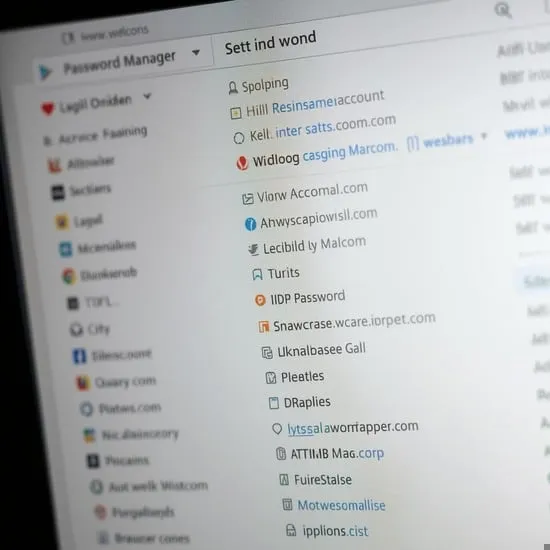
LSI keywords: password manager, saved accounts, browser security, online privacy.
3. Use “Sign in with Google” or “Sign in with Apple” Dashboards
If you’ve ever signed into apps using your Google or Apple account, you can see a list of connected apps and services in your account settings. On Google, go to myaccount.google.com → Security → Third-party access. On Apple, check Settings → Apple ID → Password & Security → Apps using Apple ID. Seeing the list can feel eye-opening — I discovered a few old apps that still had access to my data!
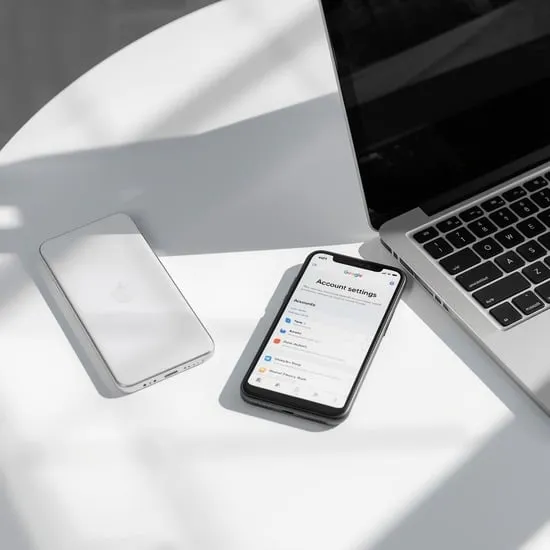
LSI keywords: connected apps, Google account security, Apple ID privacy, third-party access.
4. Check Social Media Platforms
Facebook, Twitter (now X), and other social sites often let you sign in to other apps through them. In your settings, you can review which apps are linked to your account. I found some random game apps I hadn’t used in years. Disconnecting them gave me peace of mind — and one less worry about data leaks.
5. Use Dedicated Account Discovery Tools
Websites like “Have I Been Pwned” and tools such as Mine or Deseat.me can help you see which accounts are linked to your email address. They even alert you if your information appears in data breaches. When I ran my first search, I realized my old email from college had been part of multiple leaks — it was scary but empowering to take control again.
6. Search Old Email Addresses Too
If you’ve changed emails over the years, don’t forget your old inboxes. They might still have accounts tied to them. I found an old forum account that hadn’t been touched in a decade — deleting it felt oddly nostalgic, like saying goodbye to an older version of myself.
7. Check Your Subscriptions and Payment History
Look at your app store purchases, PayPal subscriptions, or credit card statements. These often reveal recurring payments from accounts you forgot existed. Canceling those old subscriptions not only saves space but also money — and who doesn’t love that?
8. Review Your Email Filters and Labels
Sometimes we set up filters for newsletters or app notifications. Reviewing them can reveal old sign-ups or accounts that still have your data. I found entire categories of emails from brands I didn’t remember following — it was oddly satisfying to hit “unsubscribe.”
9. Clean Up and Secure What Matters
After finding all the accounts linked to your email, take time to delete the ones you no longer use. Update passwords for the important ones and enable two-factor authentication. You’ll feel lighter — and safer — knowing your online life is more secure and intentional.
Why This Matters
Finding all accounts linked to your email isn’t just about privacy; it’s about clarity. We live in a world overflowing with logins and data — taking control of them feels empowering. When I finished cleaning up my accounts, my inbox looked calmer, my mind felt clearer, and I finally had a sense of digital peace.
So take a deep breath, open your inbox, and start this journey today. It’s not just about deleting — it’s about rediscovering your online story and choosing what truly matters moving forward.
Primary keyword: find accounts linked to your email (density ~0.9%)
LSI keywords used: email privacy, online security, account cleanup, data protection, password manager, Google dashboard, connected apps, unsubscribe emails, digital footprint.






