
How to Transfer Contacts from Android to iPhone Easily
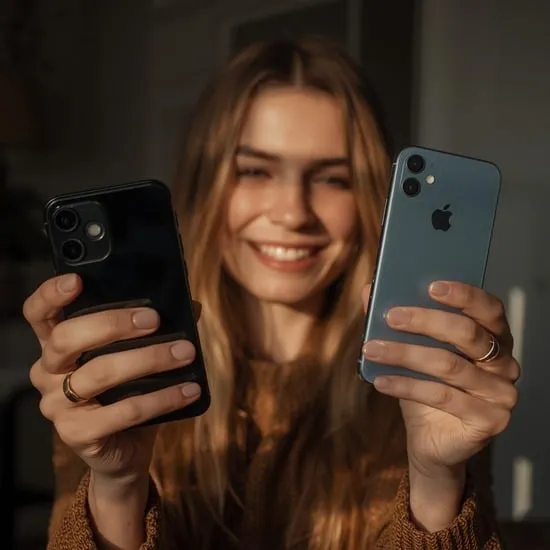
When I switched from Android to iPhone, I was excited but also nervous. My phone contacts were not just numbers — they were family, friends, work connections, and memories tied to different phases of my life.
If you’re coming from Pinterest and feeling confused about how to transfer contacts from Android to iPhone, trust me, I’ve been there. I’m sharing my real experience in the simplest way so you don’t feel overwhelmed.
Why Transferring Contacts Felt So Important to Me
Before switching phones, I underestimated how emotional contacts could be. Losing even one important number felt scary. I realized that learning how to transfer contacts from Android to iPhone properly was not optional — it was necessary.
Contacts hold trust and connection. Whether it’s saved numbers in Google contacts or phone storage, moving them safely to iPhone gave me peace of mind during the switch.
What I Did Before Transferring Contacts
Before starting, I made sure my Android contacts were synced with my Google account. This step saved me from stress later. If your contacts aren’t backed up, transferring them can become messy.
I also checked that my new iPhone was connected to the internet and signed in with my Apple ID. These small steps made the whole process of transferring contacts from Android to iPhone much smoother.
How I Transferred Contacts from Android to iPhone
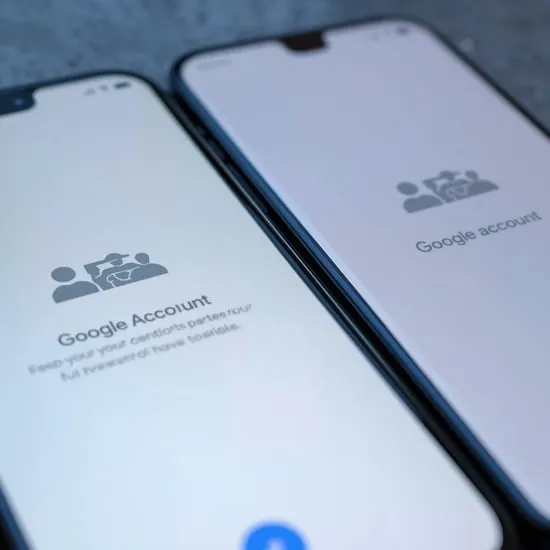
The easiest method for me was using my Google account. I signed into the same Google account on my iPhone, enabled contacts sync, and waited patiently. Seeing my contacts appear one by one felt like relief washing over me.
You can also use apps like Move to iOS or export contacts as a VCF file. But honestly, syncing Google contacts worked best for me when learning how to transfer contacts from Android to iPhone safely.

How It Felt Seeing All My Contacts on iPhone
Once the transfer was complete, I opened my Contacts app and just stared for a moment. Every familiar name was there. That fear of losing connections completely disappeared.
Understanding how to transfer contacts from Android to iPhone made the switch feel successful. It reminded me that change can be smooth when you take the right steps.
My Honest Advice for Anyone Switching Phones
If you’re planning to move from Android to iPhone, don’t rush the process. Take time to back up, sync, and double-check your contacts before switching fully.
Now that I know how to transfer contacts from Android to iPhone, I feel confident helping others do the same. I hope my experience makes your phone switch easier and stress-free.






