
Best iOS 14 New Features I Loved Using Every Day
When I first updated my iPhone to iOS 14, I didn’t expect it to feel so different. I remember unlocking my phone and instantly noticing small changes that made everything feel fresh, modern, and more personal.
If you’re coming from Pinterest and curious about the best iOS 14 new features, I want to share my experience honestly. Not in technical words, but in a real, everyday way that’s easy to understand.
Home Screen Widgets Changed Everything for Me
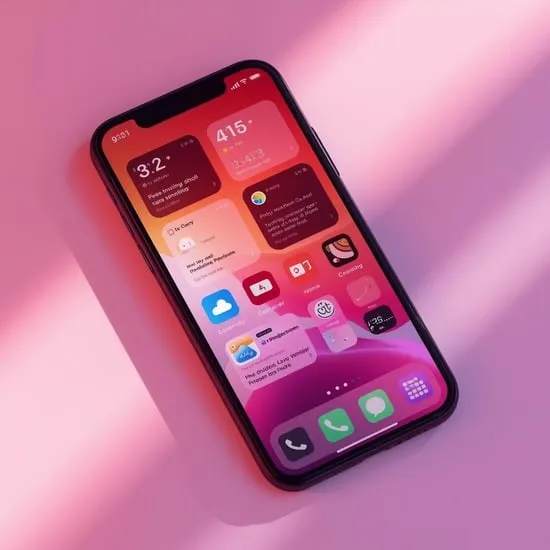
The moment I added widgets to my home screen, I felt like my iPhone finally belonged to me. Being able to place weather, calendar, and photos right on the screen felt exciting and surprisingly emotional.
Among the best iOS 14 new features, widgets stood out the most. They made my phone feel alive and useful without even opening apps, and I loved customizing them to match my mood.
App Library Made My iPhone Feel Organized
I used to hate scrolling through endless app pages. When I discovered the App Library, it honestly felt like relief. All my apps were neatly organized without any effort from me.
One reason the App Library is part of the best iOS 14 new features is how calm it made my digital space feel. My home screen looked cleaner, and my mind felt less cluttered.
Picture in Picture Changed How I Multitask
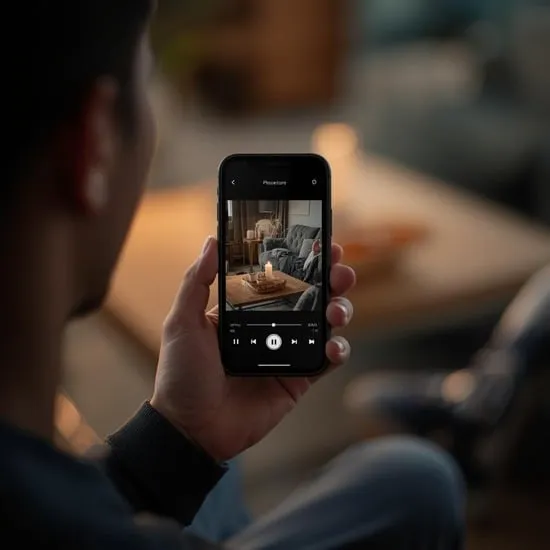
Picture in Picture was something I didn’t know I needed until I used it. Watching videos while replying to messages felt smooth and natural.
This feature quickly became one of the best iOS 14 new features for me because it saved time and made multitasking on iPhone feel effortless.
Privacy Features Made Me Feel Safer
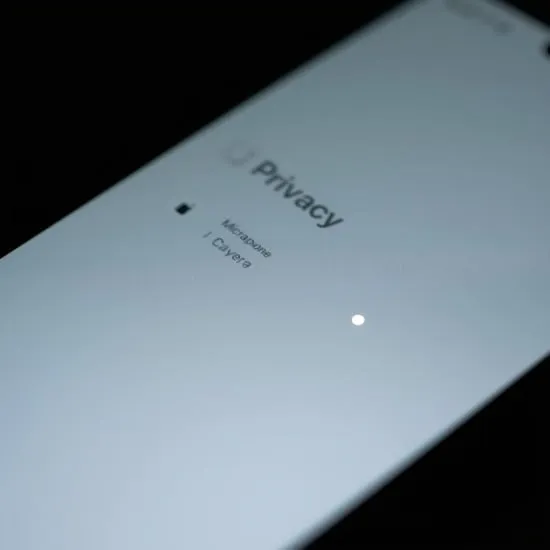
When iOS 14 started showing indicators for camera and microphone usage, I felt more in control of my privacy. It was comforting knowing when apps were accessing sensitive features.
These privacy updates are often overlooked, but they’re a big reason why iOS 14 features felt thoughtful and user-focused.
Why iOS 14 Still Feels Special to Me
Even after newer updates, I still remember how refreshing iOS 14 felt. It wasn’t loud or dramatic, but it quietly changed how I used my phone every day.
Looking back, the best iOS 14 new features weren’t just about design or tools — they were about making technology feel more human, personal, and comforting.






