iOS Stuck on Update Requested? Easy Fixes That Worked
Why My iOS Update Got Stuck on Update Requested
I still remember staring at my iPhone screen showing iOS stuck on update requested and feeling helpless. The update wouldn’t move for hours, even though my WiFi seemed fine. It honestly felt frustrating because I was excited about the new iOS features and suddenly everything stopped.
After digging deeper, I realized this issue often happens due to server overload, weak internet connection, or low storage. Many users face the iOS update requested stuck problem when Apple servers are busy or when the iPhone can’t properly verify the update file.

Check Internet and Storage Before Anything Else
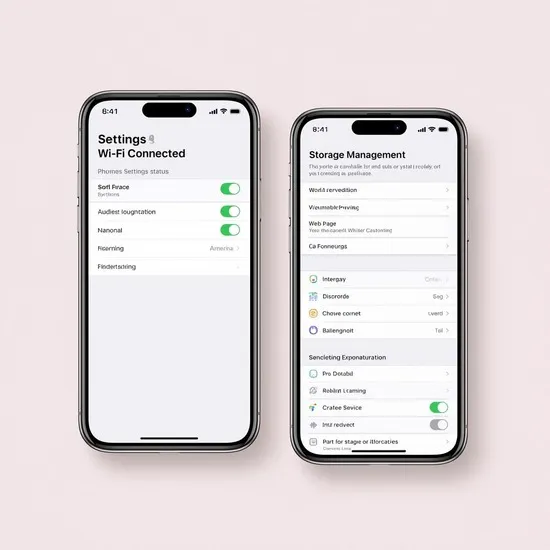
The first thing I did was check my WiFi connection. iOS stuck on update requested can happen if your internet is slow or unstable. Switching to a stronger WiFi network made a big difference for me.
I also checked my iPhone storage. iOS updates need enough free space to download and install. Clearing unused apps, photos, and cache helped remove one major reason why my iOS update was stuck on update requested.
Restart and Reset Network Settings
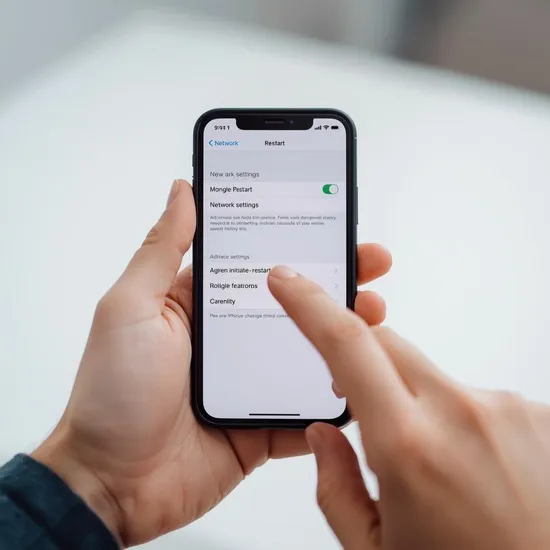
A simple restart surprisingly helped me more than expected. Restarting refreshes system processes and can fix iOS stuck on update requested issues caused by temporary glitches.
When that didn’t work fully, I reset my network settings. This step fixed hidden WiFi problems and helped my iPhone reconnect properly. Many people ignore this fix, but it’s very effective for iOS update requested stuck errors.
Delete the Update and Try Again
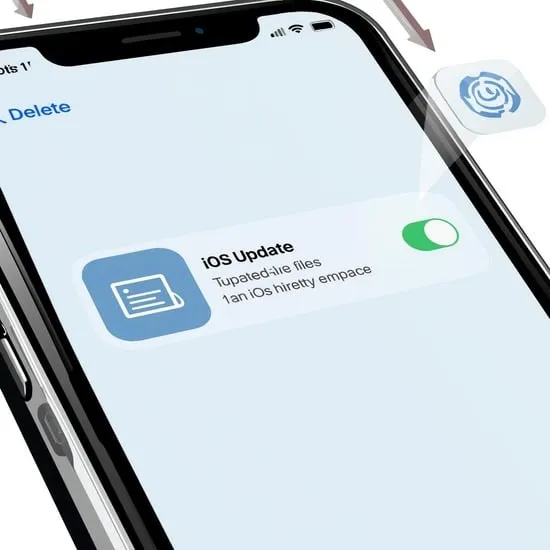
One fix that finally worked for me was deleting the iOS update file. I went to iPhone Storage, found the iOS update, and removed it. This cleared the corrupted download that caused iOS stuck on update requested.
After deleting it, I restarted my phone and downloaded the update again. This fresh start solved the iOS update requested stuck problem and the update moved forward smoothly.
Use iTunes or Finder as a Last Option
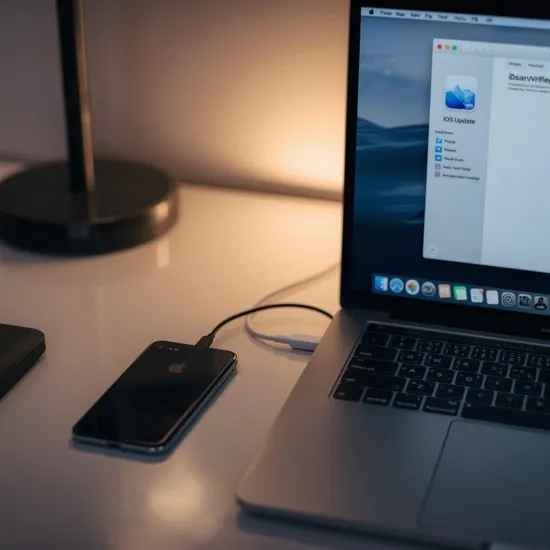
When nothing worked, I tried updating through a computer using iTunes and Finder. Connecting my iPhone to a Mac gave me more control over the update process.
This method bypassed WiFi issues and Apple server delays. If your iOS is stuck on update requested for hours, using a computer can be the safest and fastest solution.