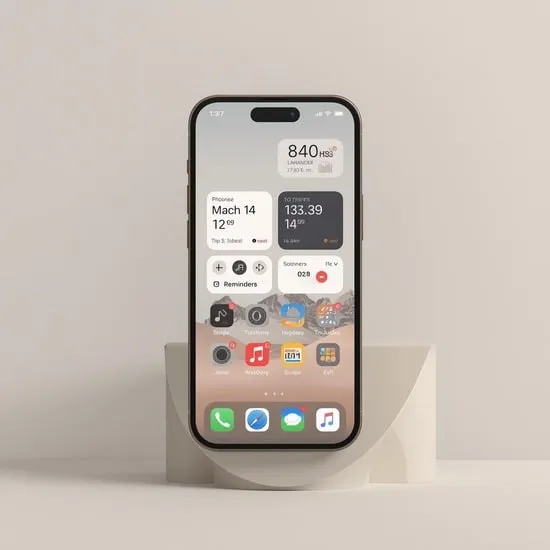
How I Finally Organize iPhone Apps Without Stress
I used to open my iPhone and instantly feel overwhelmed. Apps everywhere, no system, no calm. That’s when I decided to truly organize iPhone apps and turn my messy home screen into something peaceful and useful. What surprised me most was how small changes made such a big emotional difference.
If you’ve been meaning to organize iPhone apps but don’t know where to start, I’m sharing exactly what worked for me. These steps are simple, realistic, and actually stick.
Using Folders to Organize iPhone Apps by Habit
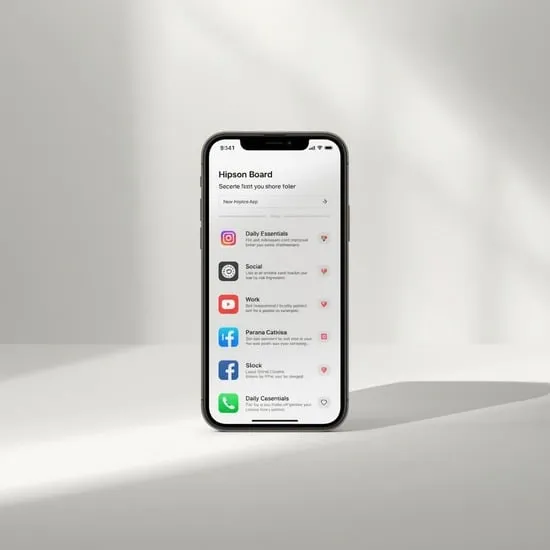
The first thing I did to organize iPhone apps was stop creating random folders. Instead, I grouped apps based on how I use them daily. For example, I made folders like Daily Essentials, Social Time, and Work Focus. This made my phone feel more human and less robotic.
When you organize iPhone apps by habit, your brain remembers where things are faster. I noticed I stopped endlessly swiping because everything finally had a clear place. It felt like cleaning my room after months of chaos.
Letting App Library Do the Heavy Lifting
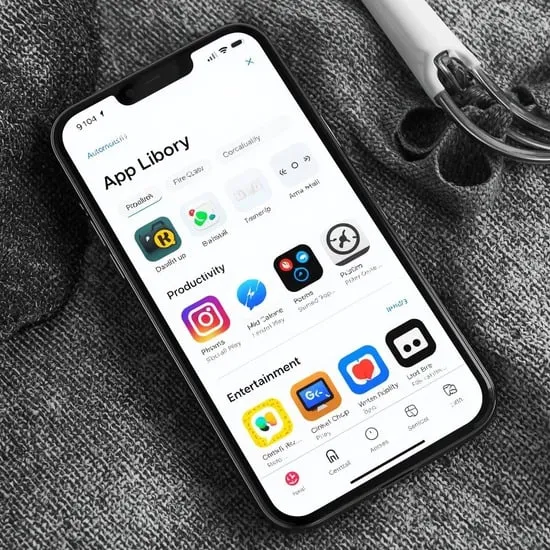
Discovering the App Library changed everything for me. Instead of forcing every app onto my home screen, I let iOS automatically sort apps into categories. This alone helped me organize iPhone apps without overthinking.
I removed most apps from my main screens and trusted the App Library. Knowing unused apps were still accessible reduced my anxiety. Organize iPhone apps this way if you want less clutter and more mental space.
Using Widgets and Minimal Screens for Calm
Once my apps were under control, I added widgets to make my phone feel intentional. Weather, calendar, and reminders replaced rows of icons. This step helped me organize iPhone apps visually and emotionally.
I now keep just one main screen with essentials and widgets, and everything else stays hidden. Every time I unlock my phone, it feels calm instead of noisy. If you truly want to organize iPhone apps and enjoy using your phone again, this step is powerful.