iPhone Backup Password: What It Is & How I Dealt With It
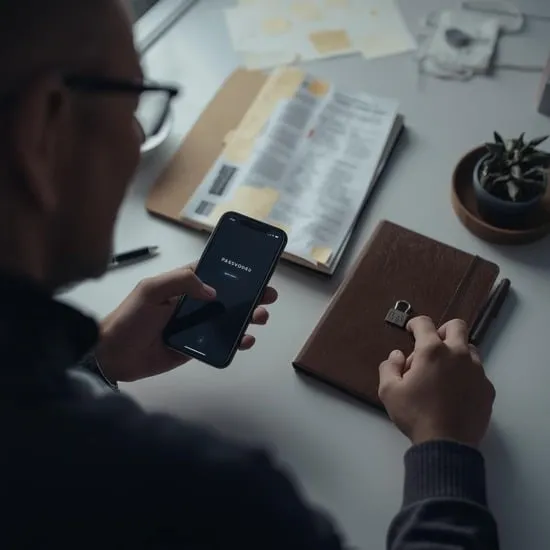
The first time I saw the message asking for my iPhone backup password, my heart honestly sank 😰. I didn’t even remember setting one, and suddenly I couldn’t access my backup. That confusion pushed me to finally understand what an iphone backup password really is.
If you’re staring at the same screen right now, feeling stuck and frustrated, I completely understand. In this article, I’m sharing my personal experience with the iphone backup password in the simplest way possible, so you don’t feel lost like I did.
What Is iPhone Backup Password
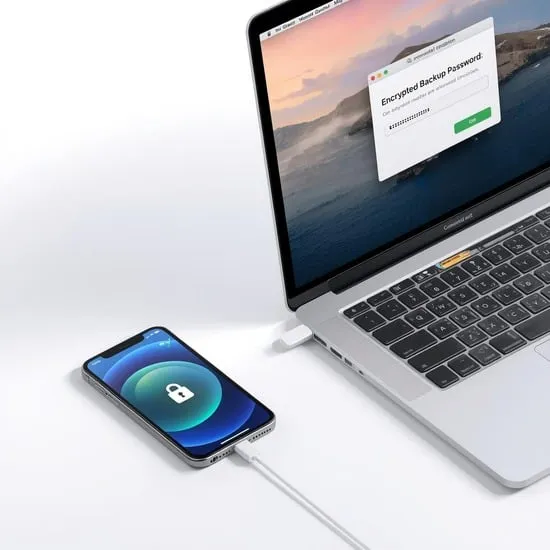
So, what exactly is an iphone backup password? It’s a password you create when you choose to encrypt your iPhone backup on a computer. This encryption protects sensitive data like saved passwords, Wi-Fi settings, and health data.
Once I learned this, things started to make sense 😊. The iphone backup password isn’t random—it’s there to keep your personal information safe. Without it, encrypted backups simply can’t be accessed.
Why iPhone Asks for a Backup Password
I used to think my phone was glitching when it asked for the password. But the truth is, if you ever enabled encrypted backups, your iPhone will always require that password to restore or view the backup.
Understanding why the iphone backup password is needed helped calm my panic. It’s not Apple trying to lock you out—it’s Apple protecting your data from being accessed by the wrong person 🔐.
What Happened When I Forgot My Backup Password
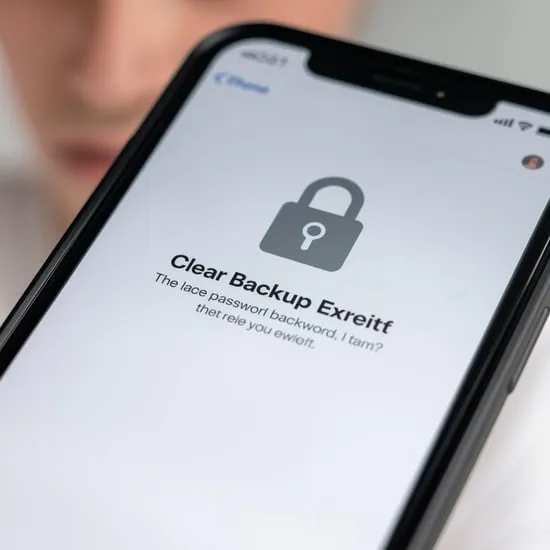
This was the worst part for me. I tried every password I could remember, but nothing worked. I felt helpless and worried I had lost everything forever.
Forgetting the iphone backup password taught me an important lesson: Apple cannot recover it for you. That realization was scary, but it also made me more careful about how I handle passwords now ⚠️.

How I Solved My iPhone Backup Password Problem
After some research, I learned that the only real solution was to reset my encrypted backups and create a new one. While it meant losing the old backup, it allowed me to move forward.
Dealing with the iphone backup password issue wasn’t easy, but it taught me to keep passwords stored safely. Now I always save important passwords in a secure place, and I feel much more prepared 💡.
My Honest Advice for iPhone Users
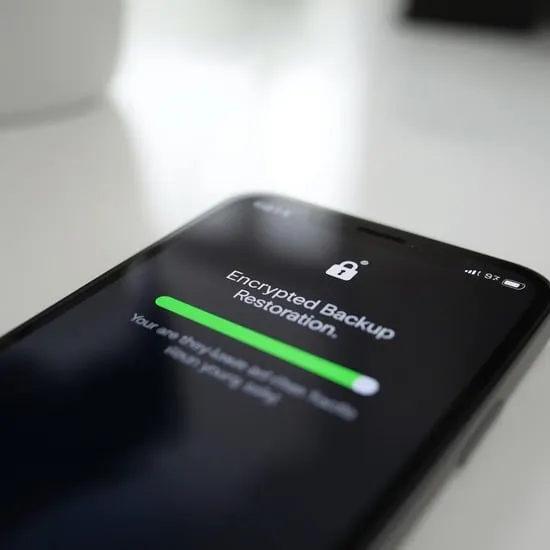
Looking back, I wish I had taken the backup password more seriously from the start. It’s a small step that can save you from a lot of stress later.
If you’re setting up an iphone backup password today, choose something memorable and store it securely. Trust me, learning this early can save you from a very emotional headache later ✨.