How to Access iCloud on iPhone, Mac & Windows
How to Access iCloud: My Easy Setup Guide
When I first tried to understand how to access iCloud across all my devices, I honestly felt overwhelmed. iPhone, Mac, Windows… everything seemed scattered. ☁️
But once I figured out how to access iCloud properly, it became one of the most helpful tools in my daily routine. Let me share what worked for me.
How to Access iCloud on iPhone
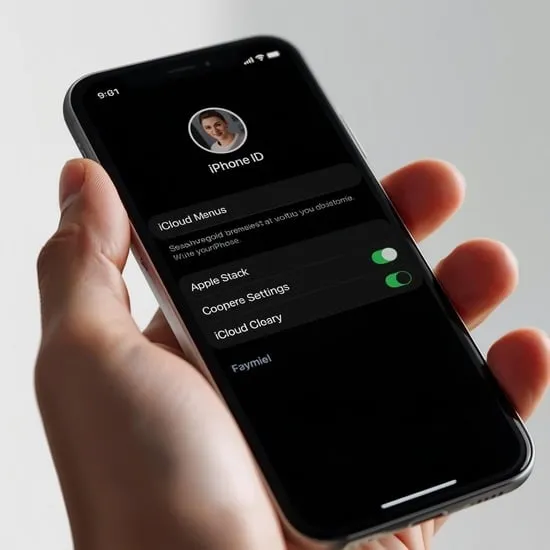
The simplest way I learned how to access iCloud on iPhone is through the Settings app. Just tap your Apple ID at the top and open the iCloud section.
From there, I can manage iCloud backup, Photos sync, contacts, notes, and iCloud Drive without installing anything extra.
How to Access iCloud on Mac
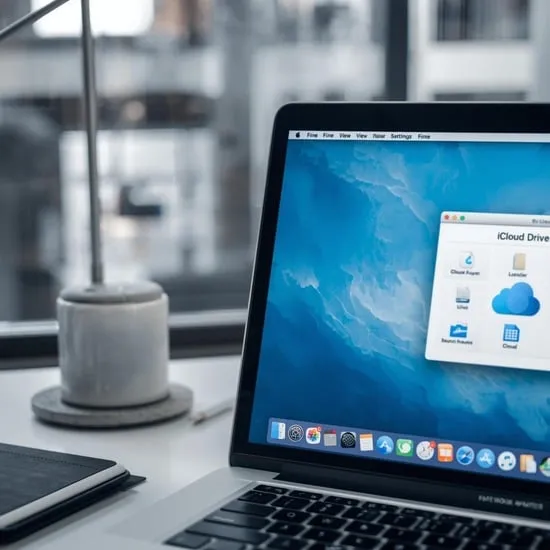
On my Mac, learning how to access iCloud was surprisingly smooth. I opened System Settings, clicked my Apple ID, and selected iCloud.
I also use Finder to open iCloud Drive directly. Everything syncs automatically between my Mac and iPhone, which feels effortless.
How to Access iCloud on Windows PC
If you’re wondering how to access iCloud on Windows, I installed iCloud for Windows from Apple’s official site.
After signing in with my Apple ID, I could sync photos, emails, bookmarks, and iCloud Drive files through File Explorer.
How to Access iCloud from a Web Browser
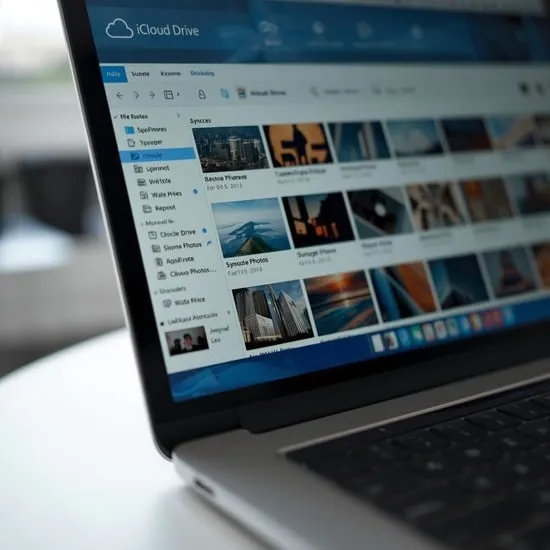
Sometimes I don’t have my own device, so knowing how to access iCloud from a browser saved me.
I visit iCloud.com, sign in securely, and instantly manage my files, photos, contacts, and calendar online. ✨
Managing iCloud Backup and Storage
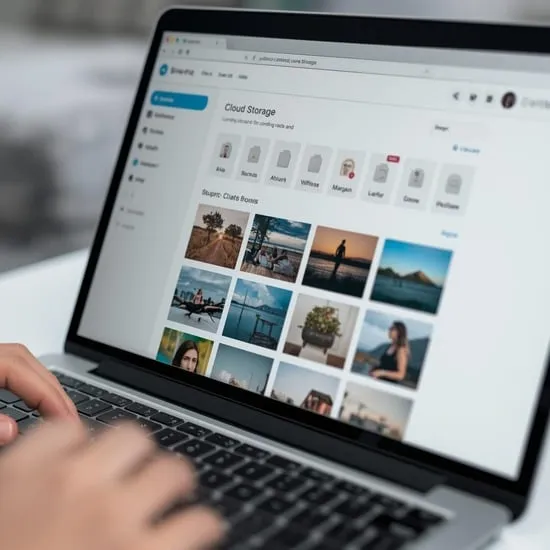
Once I understood how to access iCloud, I started checking my storage regularly.
I review iCloud backup settings, manage large files, and upgrade storage plans when needed to avoid running out of space.
Syncing Photos, Contacts & Notes
A big reason I love learning how to access iCloud properly is seamless syncing.
My photos, contacts, calendars, and notes update automatically across iPhone, Mac, and Windows devices.

My Final Thoughts on Using iCloud
After mastering how to access iCloud, I feel much more organized and confident about my data.
Everything stays backed up and connected, which honestly gives me peace of mind every single day. 💛