How to Access iCloud Drive on iPhone, Mac & PC
How to Access iCloud Drive: My Simple Guide
When I first tried to figure out how to access iCloud Drive, I honestly thought it would be confusing. But once I understood where everything lives, it became so simple. ☁️
If you’re wondering how to access iCloud Drive across devices, I’m sharing exactly what worked for me on iPhone, Mac, Windows PC, and even through a web browser.
How to Access iCloud Drive on iPhone
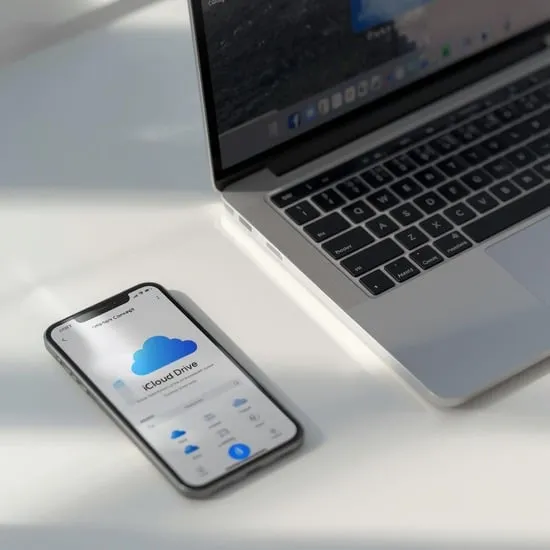
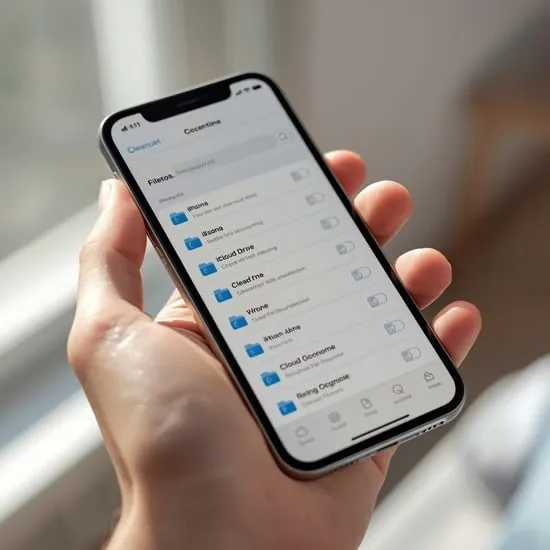
The easiest way I learned how to access iCloud Drive on iPhone is through the Files app. It’s already built in, so there’s nothing extra to install.
Just open Files, tap Browse, and select iCloud Drive. From there, you can see documents, photos, folders, and synced files instantly.
How to Access iCloud Drive on Mac
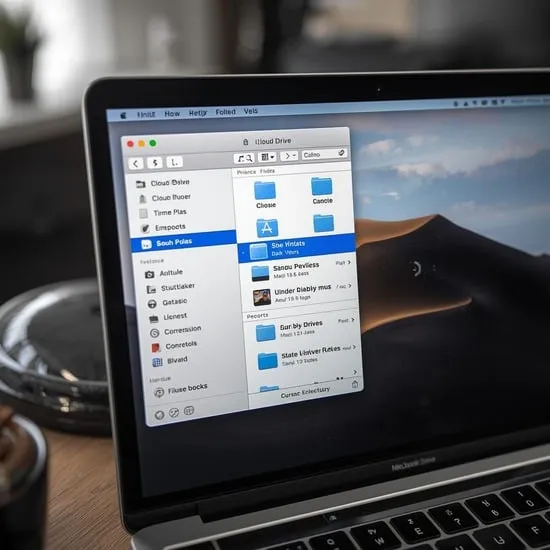
If you’re using a Mac, learning how to access iCloud Drive is even smoother. It appears directly in Finder under the iCloud section.
I love that it syncs automatically. Any file I save to Desktop or Documents can appear in iCloud Drive if sync is enabled.
How to Access iCloud Drive on Windows PC
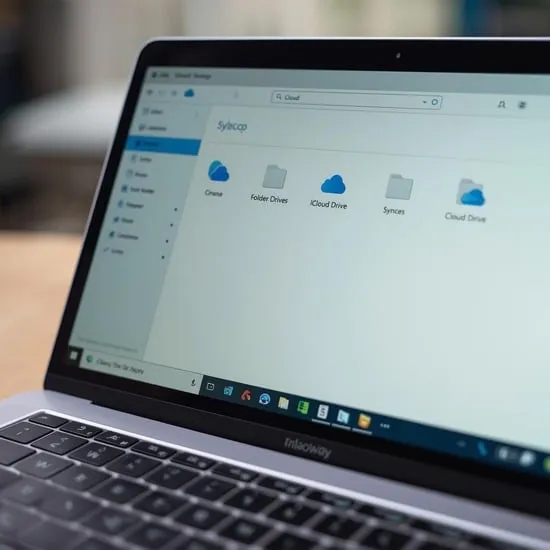
When I needed to know how to access iCloud Drive on Windows, I installed iCloud for Windows from Apple’s website.
After signing in with my Apple ID, a dedicated iCloud Drive folder appeared in File Explorer. It works almost like any other cloud storage service.
How to Access iCloud Drive from a Web Browser
Sometimes I don’t have my own device, so knowing how to access iCloud Drive from a browser really helped.
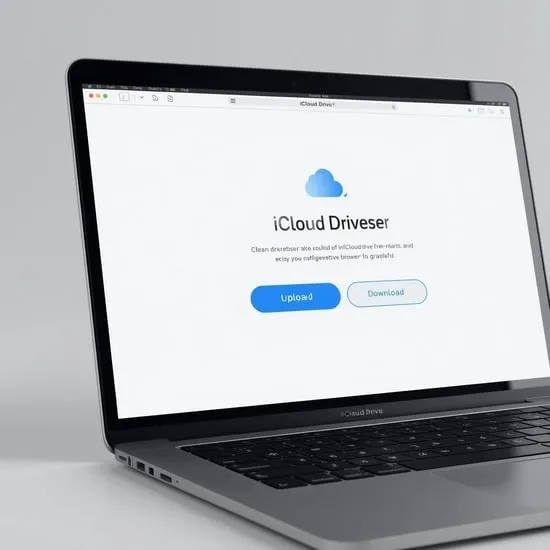
I simply visit iCloud.com, sign in securely, and open iCloud Drive. It lets me upload, download, and manage files from anywhere. ✨
Managing Files and Folders
After learning how to access iCloud Drive, organizing files became important. I created folders for work, personal documents, and photos.
You can drag and drop files, rename items, and even share folders with others for collaboration.

Sync Settings and Storage Space
Understanding storage settings is key when learning how to access iCloud Drive properly.
I always check my iCloud storage plan to avoid running out of space, especially when syncing large files and backups.
My Final Thoughts
Once I truly understood how to access iCloud Drive, it became one of my favorite cloud storage tools.
It keeps my documents synced across devices and gives me peace of mind knowing my files are safely backed up. 💛