How to Delete Voicemail on Android (Easy Step-by-Step)
I didn’t realize how much voicemails were stressing me out until my phone storage started acting weird. Every time I opened my Phone app, those unread voicemail notifications just sat there, quietly annoying me. That’s when I decided to finally learn how to delete voicemail on Android the right way.
If you’re here, chances are you’re feeling the same frustration I felt. The good news is that once I figured it out, deleting voicemails on Android turned out to be way easier than I expected. I’m sharing my exact experience so you don’t waste time guessing.
Delete Voicemail Directly from the Android Phone App
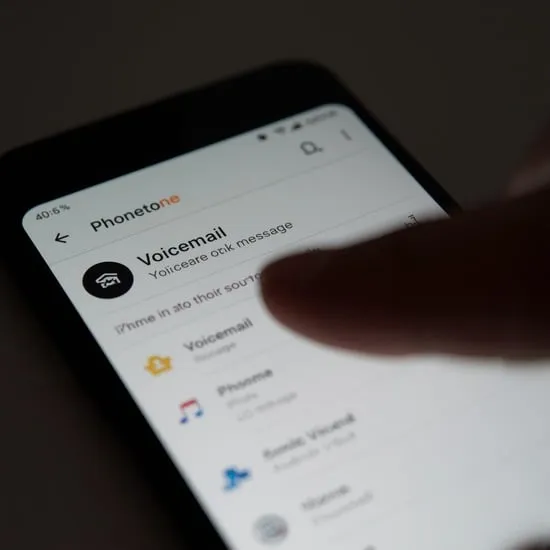
The first method I tried was using the default Phone app. I opened the Phone app, tapped on the Voicemail tab, and suddenly saw a long list of old messages I had completely forgotten about. This is the most common way people delete voicemail on Android.
I simply pressed and held the voicemail I wanted to remove, then tapped the delete icon. In seconds, it was gone. If you’re wondering how to delete voicemail on Android without extra apps, this is the fastest and safest method.
How I Deleted Multiple Voicemails at Once
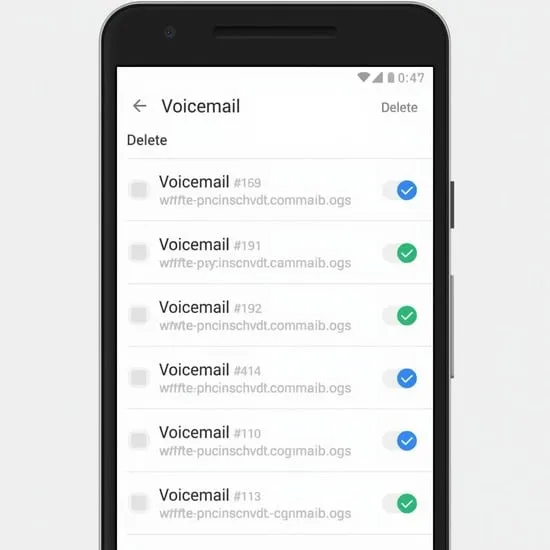
After deleting one voicemail, I realized I had dozens more. Deleting them one by one felt exhausting, so I looked for a faster option. Thankfully, Android allows you to select multiple voicemails at once in most versions.
I tapped and held one voicemail, selected others, and hit delete. Watching all those old messages disappear felt incredibly satisfying. If your voicemail inbox is full, this method will save you a lot of time.
Delete Voicemail Through Your Carrier’s Visual Voicemail App
On another Android phone I use, the voicemail didn’t show up in the Phone app at all. Instead, it opened a Visual Voicemail app from my carrier. At first, this confused me and made deleting voicemail feel impossible.
Once I opened the carrier voicemail app, the steps were similar. I tapped the voicemail, chose delete, and confirmed. If you’re struggling with how to delete voicemail on Android, always check if your carrier uses a separate voicemail app.

Calling Voicemail to Delete Old Messages Manually
One time, none of the apps worked properly, so I tried the old-school method. I called my voicemail number, entered my PIN, and listened to the prompts. It felt outdated, but it worked when nothing else did.
By pressing the correct key during playback, I deleted the voicemail manually. It’s not the most convenient method, but it’s a lifesaver if your voicemail app crashes or won’t load.

Learning how to delete voicemail on Android gave me a surprising sense of relief. My phone felt cleaner, notifications stopped bothering me, and I finally felt in control again.
If voicemails have been piling up on your Android phone, don’t ignore them like I did. Try these methods calmly, and you’ll clear them out faster than you think. Trust me, it’s worth it.