How to Erase iPhone Safely Before Selling or Resetting It
The first time I searched how to erase iPhone, my heart was honestly racing. My phone wasn’t just a device — it was filled with years of photos, messages, notes, and memories that mattered deeply to me.
If you’re coming from Pinterest, I know you probably want an easy guide that feels human, not robotic. So I’m sharing exactly how I erased my iPhone, calmly and safely, without losing my peace of mind.
Why I Needed to Erase My iPhone Completely
I needed to erase my iPhone because I was planning to sell it. At first, I thought deleting apps and photos would be enough, but something didn’t feel right. I realized my personal data could still be recovered.
Learning how to erase iPhone properly showed me that a full factory reset iPhone process is the only way to protect your Apple ID, iCloud data, and privacy.
Things I Did Before Erasing My iPhone
Before doing anything, I backed up my data. This step was emotional because my photos and notes meant so much to me. I used iCloud backup, but you can also back up using a computer.
I also signed out of iCloud and turned off Find My iPhone. This step is very important. Skipping it can cause activation lock issues for the next user.
How I Erased My iPhone Step by Step
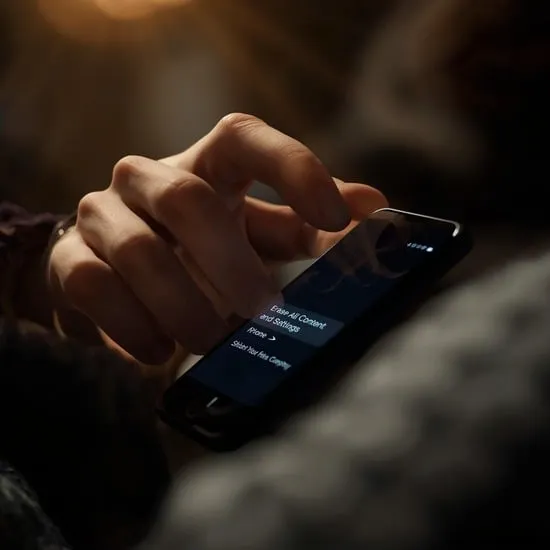
When I finally felt ready, I opened Settings, tapped General, then Transfer or Reset iPhone, and selected Erase All Content and Settings. My hands were shaking a little when I confirmed.
The screen went black, the Apple logo appeared, and after a few minutes, everything was wiped clean. This is the safest way to erase iPhone data completely.


How It Felt After Resetting My iPhone
Seeing the “Hello” screen again felt strange but peaceful. My iPhone looked brand new, and I felt relieved knowing my personal information was gone.
Understanding how to erase iPhone taught me that letting go of digital clutter can feel emotional, but it also brings clarity and confidence.
My Honest Advice for Anyone Erasing an iPhone
If you’re reading this from Pinterest, my advice is simple: don’t rush. Take your time, back up what matters, and follow each step carefully.
Now that I truly know how to erase iPhone safely, I feel more confident with my tech decisions. I hope my experience helps you erase your iPhone without fear or regret.