How to Share WiFi Password on iPhone Easily (My Experience)
The first time someone asked me to share my WiFi password on iPhone, I honestly panicked a little. I couldn’t remember the password, and reading it from the router felt awkward and confusing.
If you’re here from Pinterest, I know that feeling. So I’m sharing my real experience of how I learned to share WiFi password on iPhone easily — without typing anything or feeling embarrassed.
Why I Needed to Share WiFi Password on iPhone
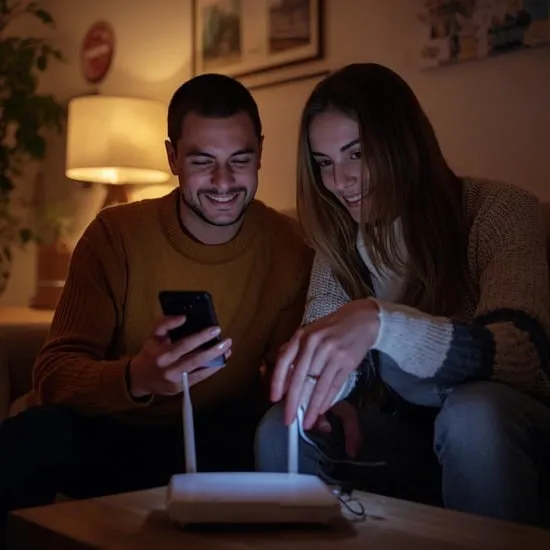
When friends came over, the first question was always about WiFi. I hated digging for passwords or spelling them out letter by letter. That’s when I realized there had to be a simpler way.
Learning how to share WiFi password on iPhone changed everything. Apple made it surprisingly smooth, and once I used it, I never went back to manual sharing.
Things I Checked Before Sharing WiFi Password
Before sharing, I made sure both iPhones had WiFi and Bluetooth turned on. This part is important, and I learned it the hard way when it didn’t work the first time.
I also checked that both devices were signed in with Apple ID and saved in contacts. These small steps made sharing WiFi password on iPhone feel effortless.
How I Shared WiFi Password on iPhone
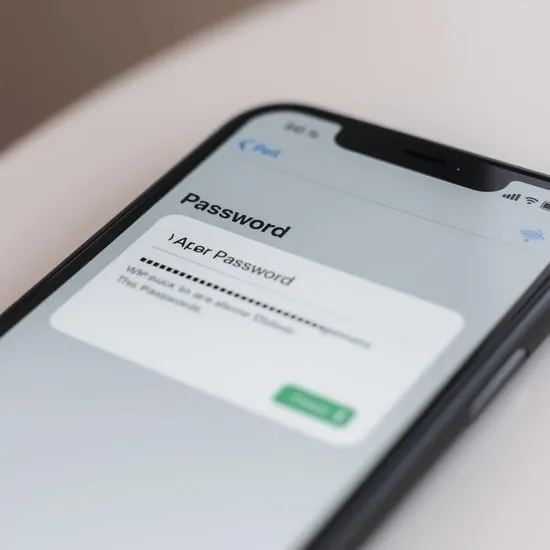
When my friend tried connecting to my WiFi, a pop-up appeared on my iPhone asking if I wanted to share the password. I just tapped Share Password, and that was it.
Watching their phone connect instantly felt almost magical. No typing, no awkward pauses. This is truly the easiest way to share WiFi password on iPhone.
How It Felt After Sharing WiFi So Easily
I felt relieved and a little impressed. Something that used to feel stressful became smooth and simple in seconds.
Now, every time someone asks for WiFi, I confidently share it knowing exactly how to share WiFi password on iPhone without hassle.
My Honest Advice If Sharing WiFi on iPhone
If it doesn’t work instantly, don’t panic. Check Bluetooth, WiFi, and contacts. Most issues are small and easy to fix.
Once you understand how to share WiFi password on iPhone, it becomes second nature. I hope my experience helps you feel calm and confident the next time someone asks for your WiFi.