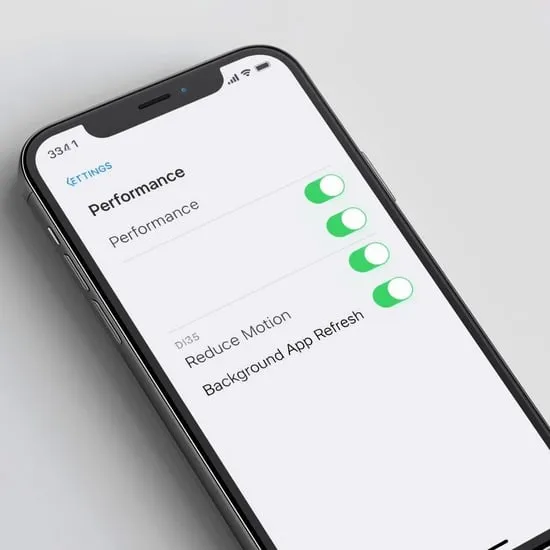
How to Speed Up iPhone Fast: Easy Tips That Actually Work
I still remember the frustration when my iPhone started lagging. Apps took forever to open, scrolling felt choppy, and even typing had a delay. If you’re searching for how to speed up iPhone, trust me, I’ve been there, and the good news is it’s fixable.
After trying and testing different solutions, I finally found what truly works. In this guide, I’m sharing my real experience and simple steps that helped me speed up iPhone performance without stress or tech confusion.
Restart and Update Your iPhone Regularly
The first thing I did to speed up iPhone performance was surprisingly simple. Restarting my iPhone cleared background processes that were slowing everything down. It felt like giving my phone a fresh breath of air.
I also learned that keeping iOS updated is crucial. Apple updates often include performance improvements and bug fixes. Once I updated my device, I noticed smoother animations and faster app launches almost instantly.
Free Up Storage and Remove Unused Apps
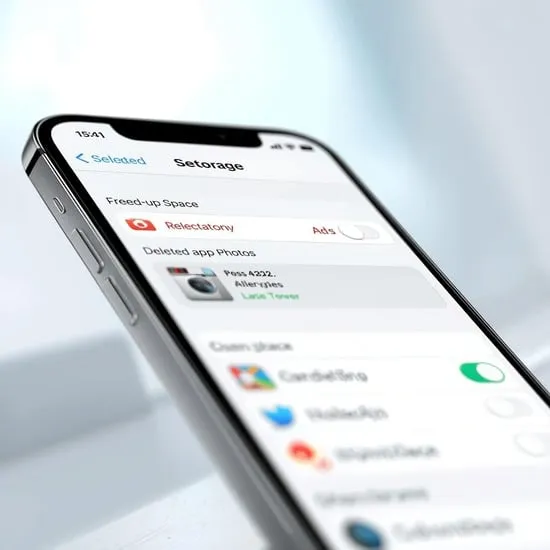
One major reason my iPhone felt slow was low storage. When storage is almost full, your device struggles to function properly. Deleting old photos, videos, and apps I no longer used made a huge difference.
I also offloaded unused apps while keeping their data safe. This simple cleanup helped speed up iPhone responsiveness and reduced random freezes I used to face daily.
Disable Background Features and Visual Effects
To speed up iPhone even more, I turned off unnecessary background app refresh and location services for apps I rarely use. This reduced battery drain and improved overall performance.
I also disabled motion effects like Reduce Motion and transparency. It may seem small, but these visual tweaks made my iPhone feel noticeably faster and smoother during everyday use.