iPhone Stuck in Headphone Mode? How I Fixed It Easily
The first time my iPhone got stuck in headphone mode, I felt instant panic. No sound from speakers, calls felt broken, and I honestly thought my phone was damaged.
If you’re here from Pinterest dealing with the same issue, I truly understand that frustration. I’m sharing my real experience so you can fix iPhone stuck in headphone mode without stress.
How I Realized My iPhone Was Stuck in Headphone Mode
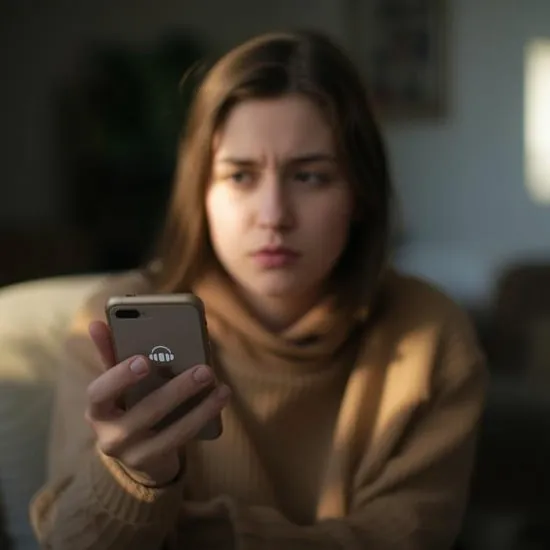
I noticed the problem when sound stopped coming from my speakers, even though nothing was plugged in. The headphone icon just wouldn’t disappear, no matter what I did.
At that moment, I knew my iPhone was stuck in headphone mode. It felt confusing and annoying, especially when calls and notifications became almost useless.
Why iPhone Gets Stuck in Headphone Mode
After some research, I learned that dust, moisture, or debris in the headphone jack or lightning port can trick the phone into thinking headphones are connected.
Understanding why iPhone stuck in headphone mode happens helped me stay calm. Most of the time, it’s a small issue — not serious hardware damage.
What I Tried to Fix iPhone Stuck in Headphone Mode
The first thing I did was plug headphones in and remove them a few times. Surprisingly, this simple trick helped reset the audio output.
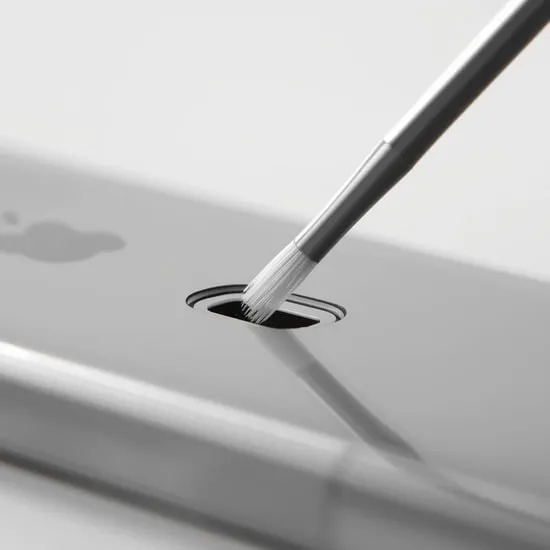
I also gently cleaned the port using a soft brush and restarted my phone. These steps worked together to finally remove headphone mode from my iPhone.

How It Felt When My iPhone Sound Came Back
When the headphone icon disappeared and sound returned, I felt instant relief. It sounds small, but that moment felt like a win.
Fixing iPhone stuck in headphone mode taught me that not every tech issue means panic. Sometimes, patience and simple steps are enough.
My Honest Advice If Your iPhone Is Stuck in Headphone Mode
If your iPhone is stuck in headphone mode, don’t rush to the service center immediately. Try cleaning, restarting, and checking settings first.
Now that I know how to fix iPhone stuck in headphone mode, I feel more confident handling small issues myself. I hope my experience helps you feel calm and in control too.