Save iPhone Battery Life: What Finally Worked for Me
I used to panic every afternoon when my iPhone battery dropped below 20% 😩. Even with light use, my phone never seemed to last the whole day.
That frustration pushed me to seriously learn how to save iPhone battery life. I tested different settings and habits, and I’m sharing what actually made a difference for me.
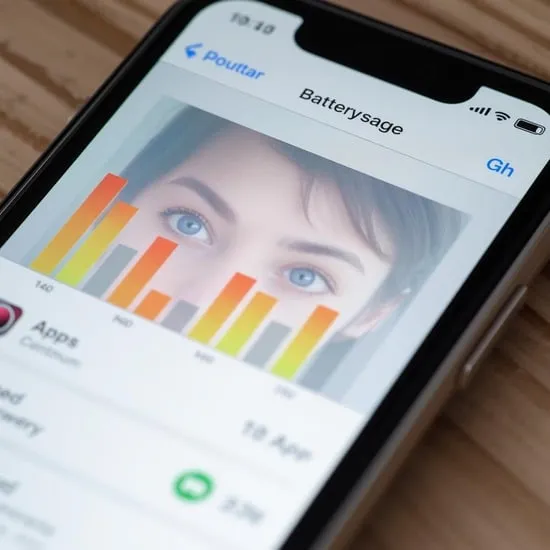
The first thing I did was open Battery settings to see which apps were draining power. I was shocked to see some apps running heavily in the background.
Understanding this was the first real step to save iPhone battery life. Once I knew the culprits, I finally felt in control again 🔋.
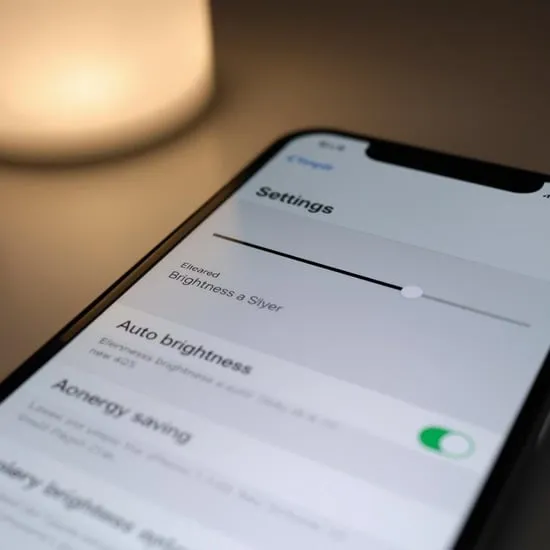
I didn’t realize how much the screen affected battery. My brightness was always high, even indoors, without me noticing.
Lowering brightness and turning on auto-brightness helped save iPhone battery life instantly. It was a small change, but the impact was huge 🌤️.
I used to wait until my battery was almost dead before turning on Low Power Mode. That was a big mistake.
Now I enable it earlier, and it truly helps save iPhone battery life. My phone lasts longer without affecting normal use much ⚡.
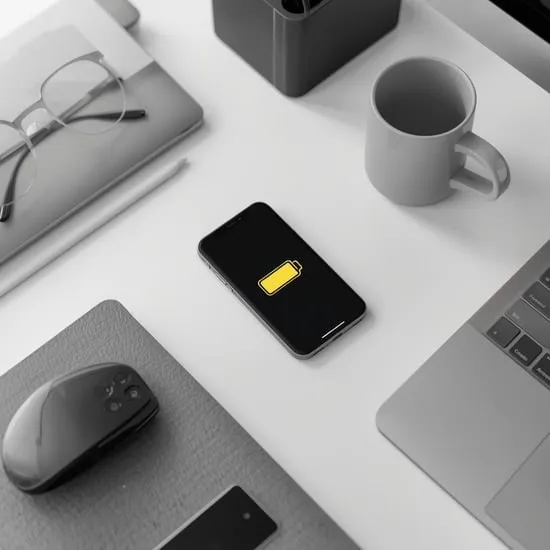
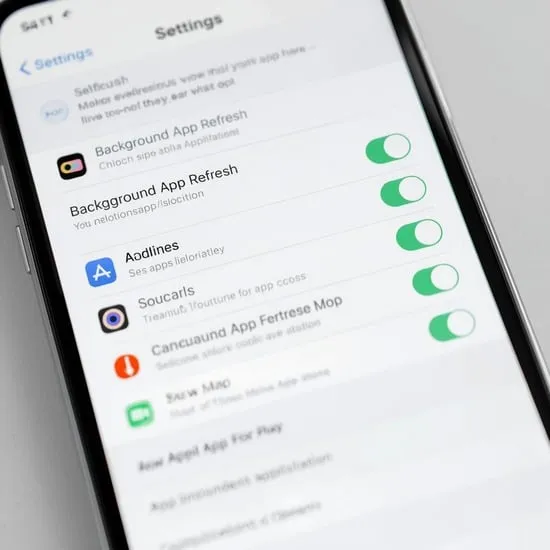
Many apps were refreshing in the background even when I wasn’t using them. I had no idea this was happening constantly.
Turning off background refresh for unused apps really helped save iPhone battery life. My battery drain slowed down noticeably 📉.
I stopped charging overnight, kept iOS updated, and avoided extreme heat. These habits protected my battery health over time.
If you’re trying to save iPhone battery life, consistency matters. These simple changes helped my phone last through the day without stress ✨.