10 Art Apps You Absolutely Need to Try on Your Digital Canvas
Ever feel that creative itch but don’t have your sketchbook handy? I’ve been there. That’s why my tablet and phone have become my portable studios. The world of digital art apps is incredible, but it can also be totally overwhelming. Which ones are worth your time?
I’ve spent countless hours testing, sketching, and painting across different apps to find the real gems. Whether you’re a seasoned illustrator or just doodling for fun, there’s a perfect app waiting to unlock your creativity. Forget the clutter—here are the 10 art apps I genuinely use and think you need to try.
1. Procreate: The Gold Standard for iPad Artists
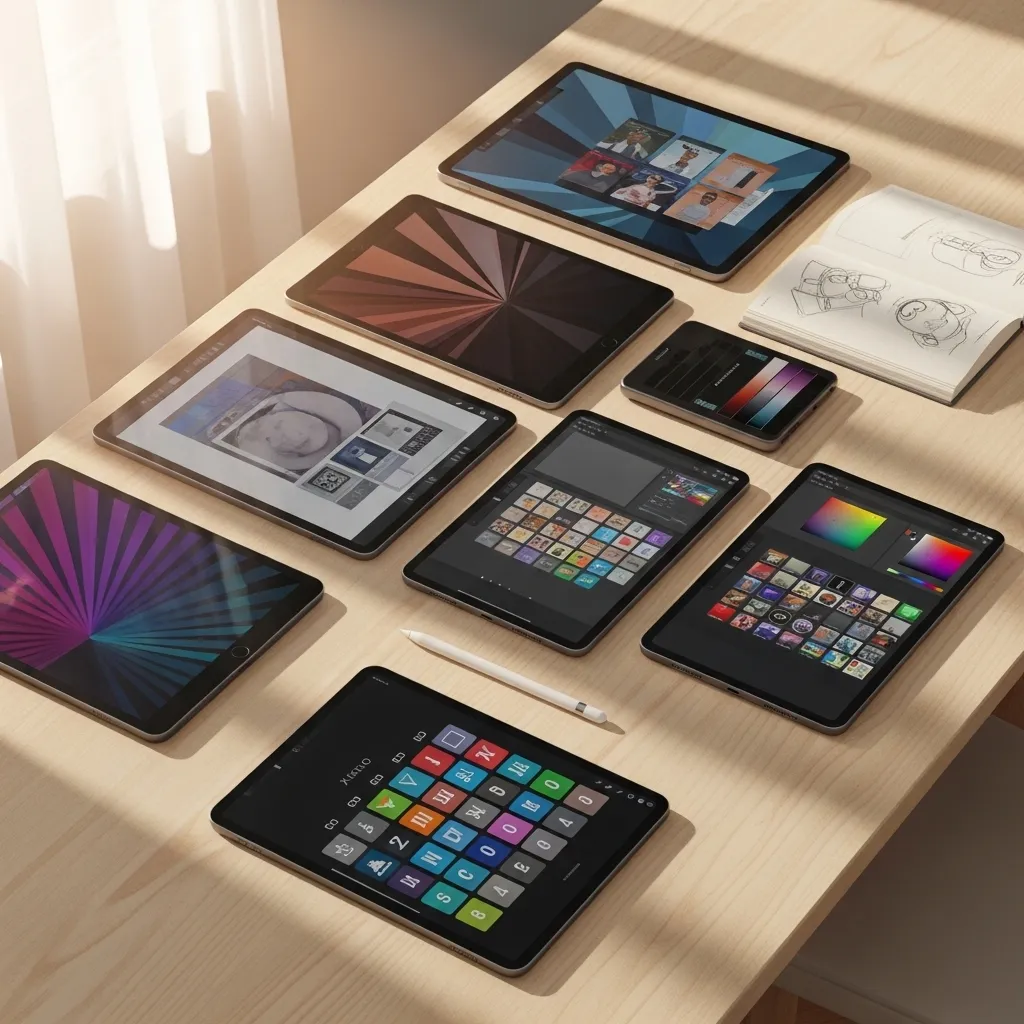
If you have an iPad, this is your non-negotiable first download. Procreate feels intuitive, powerful, and just plain fun. It’s the app that made me fall in love with digital art.
Its brush engine is legendary, offering everything from realistic pencils to magical, custom effects. With features like quick shape, animation assist, and a massive canvas size, it handles everything from quick sketches to professional illustrations. The one-time purchase fee feels like a steal for what you get.
2. Adobe Fresco: Live Brushes That Feel Real
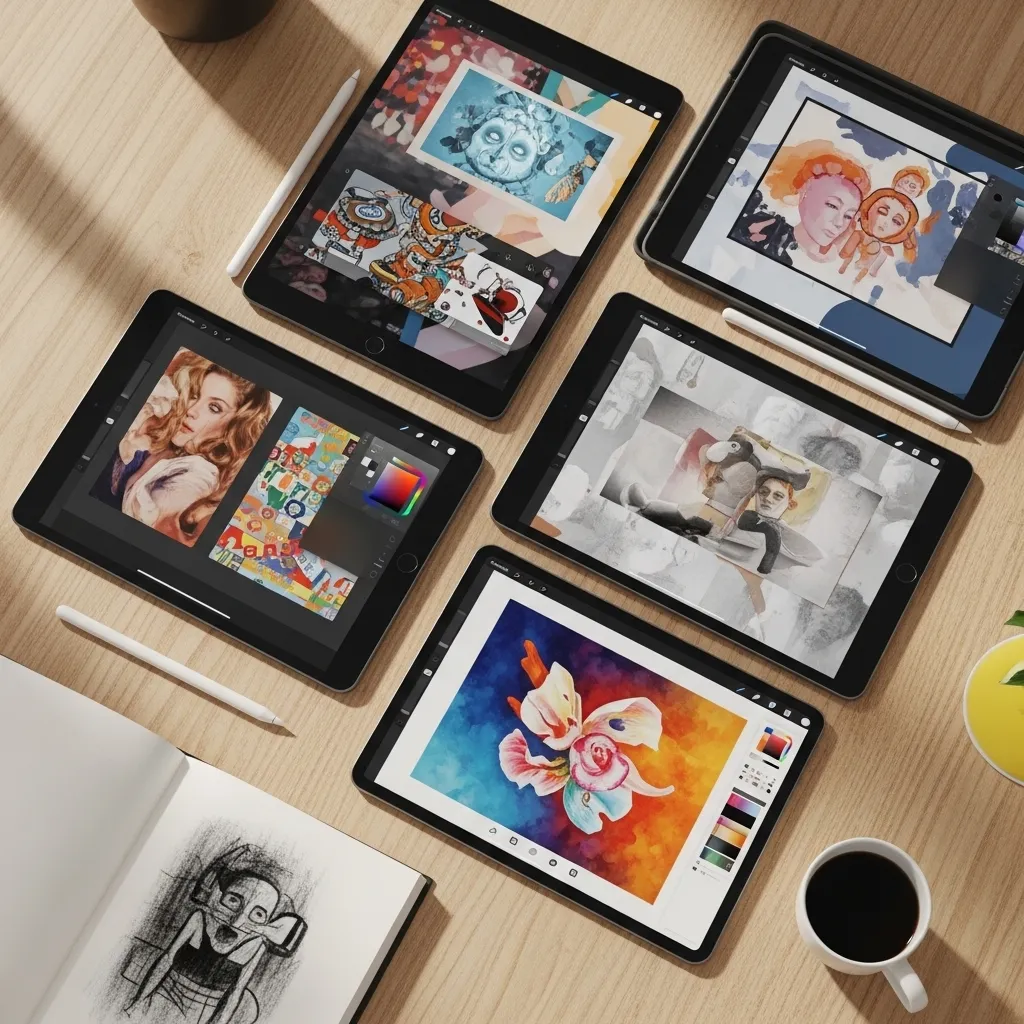
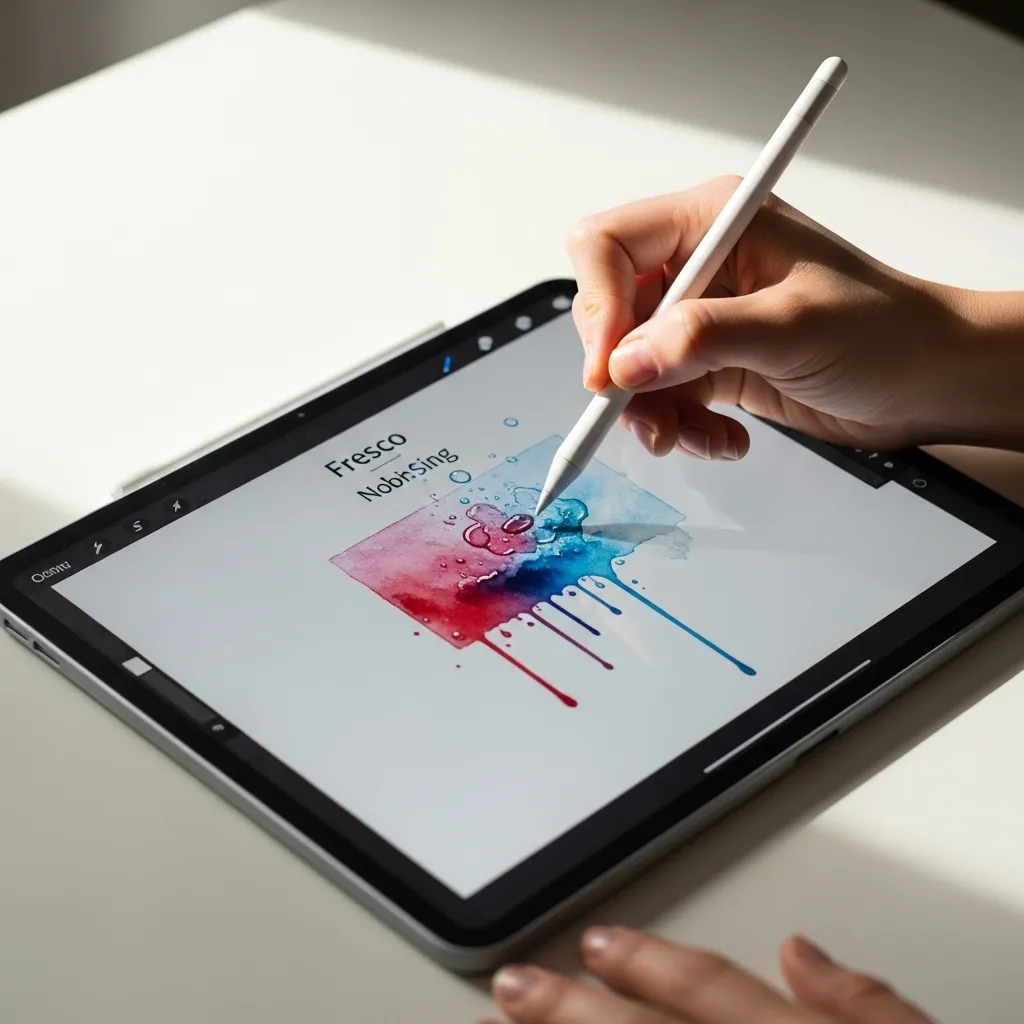
Adobe Fresco is a dream for painters. Its standout feature? Live brushes. These mimic real watercolor and oil paints, blending and blooming on the digital canvas just like their physical counterparts.
It seamlessly combines raster, vector, and live brushes in one place. If you’re already in the Adobe ecosystem, it syncs beautifully with Photoshop and Illustrator. I use it when I want to practice traditional painting techniques without the cleanup.
3. Sketchbook: A Free & Powerful Workhorse
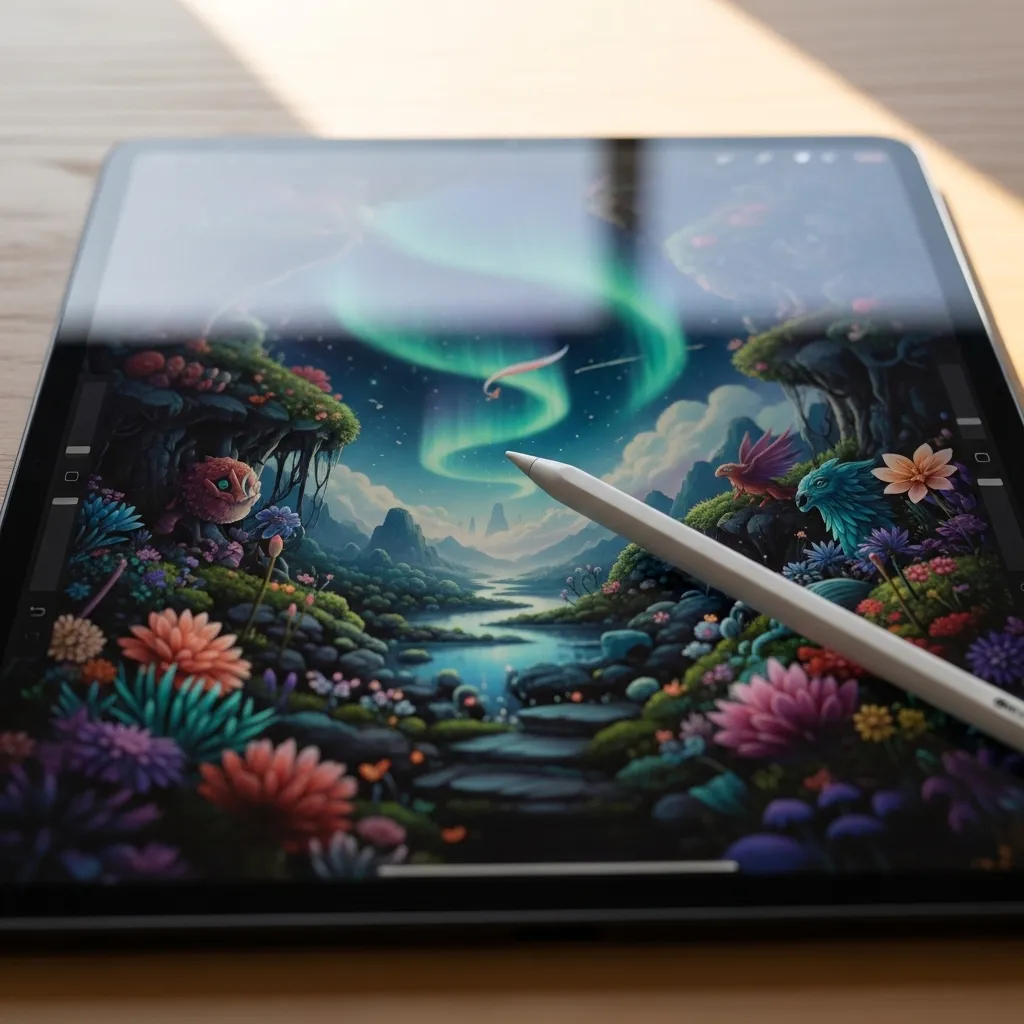
Don’t let the “free” tag fool you—Sketchbook by Autodesk is a professional-grade app. It’s available on virtually every platform, making it my go-to for cross-device sketching.
The interface is clean and distraction-free, with a superb radial menu for quick tool selection. Its perspective drawing tools and extensive brush library are perfect for concept art and industrial design. It’s the reliable, no-fuss friend in my app toolkit.
4. Procreate Dreams: Animation Made Simple
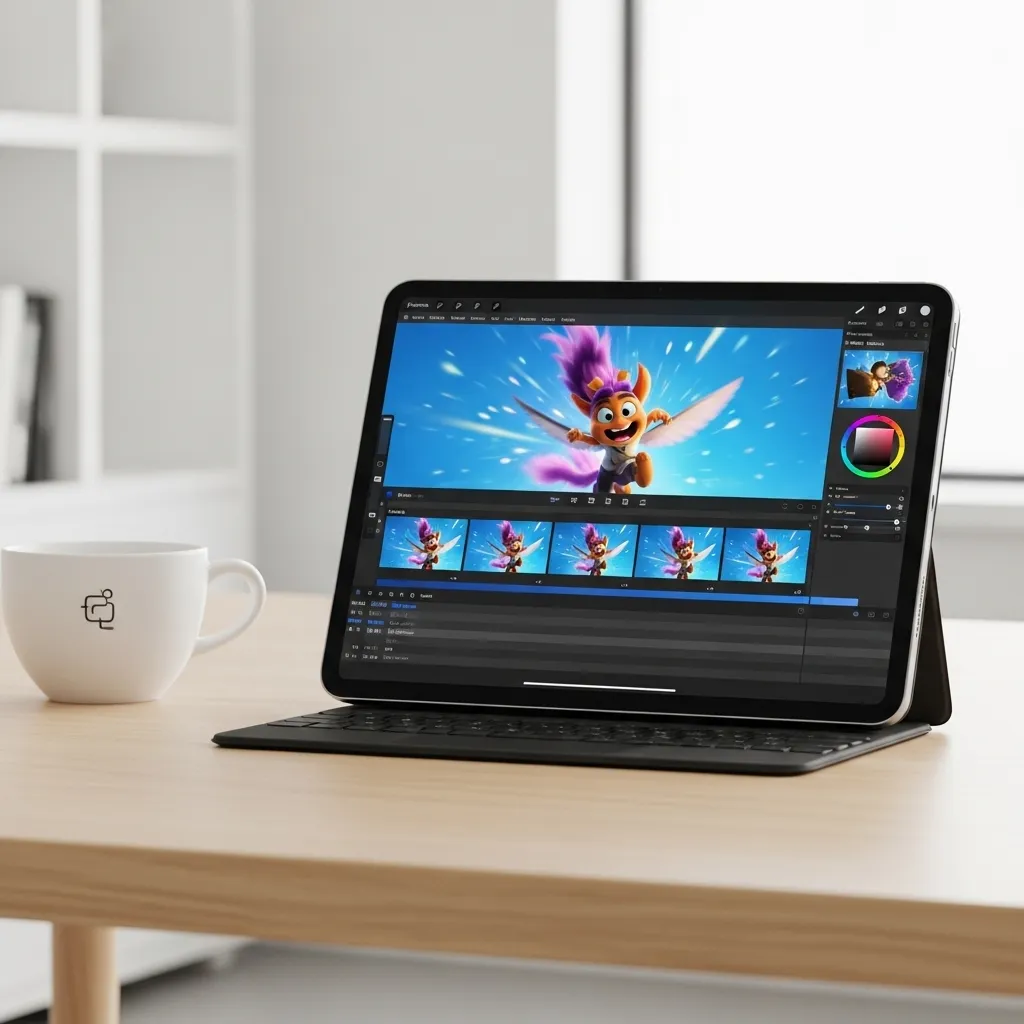
From the makers of Procreate, this app is a game-changer for bringing your art to life. Procreate Dreams makes animation approachable, even if you’ve never made a frame before.
You work directly on a timeline with intuitive gestures—no complex rigs required. It’s perfect for creating animated illustrations, short loops, or storyboards. If you love Procreate, this feels like a natural and exciting extension of your skills.
5. Tayasui Sketches: For a Natural Sketchbook Feel
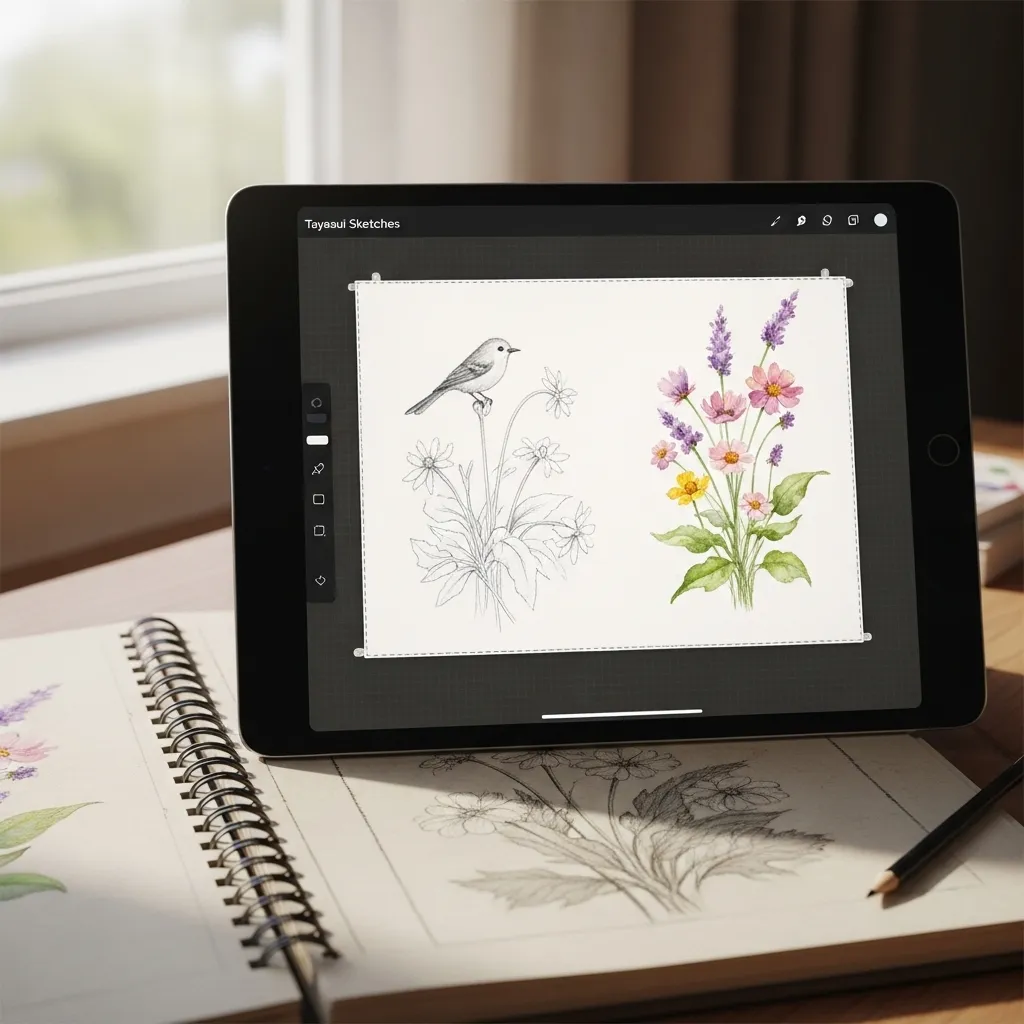
When I miss the tactile feel of paper, I open Tayasui Sketches. Its tools are designed to feel organic and responsive, with beautiful watercolor washes and textured pencils.
The minimalist interface focuses your mind on drawing. It’s less about layers and more about the joy of the mark-making itself. I use this for journaling, quick observational sketches, and relaxing, meditative drawing sessions.
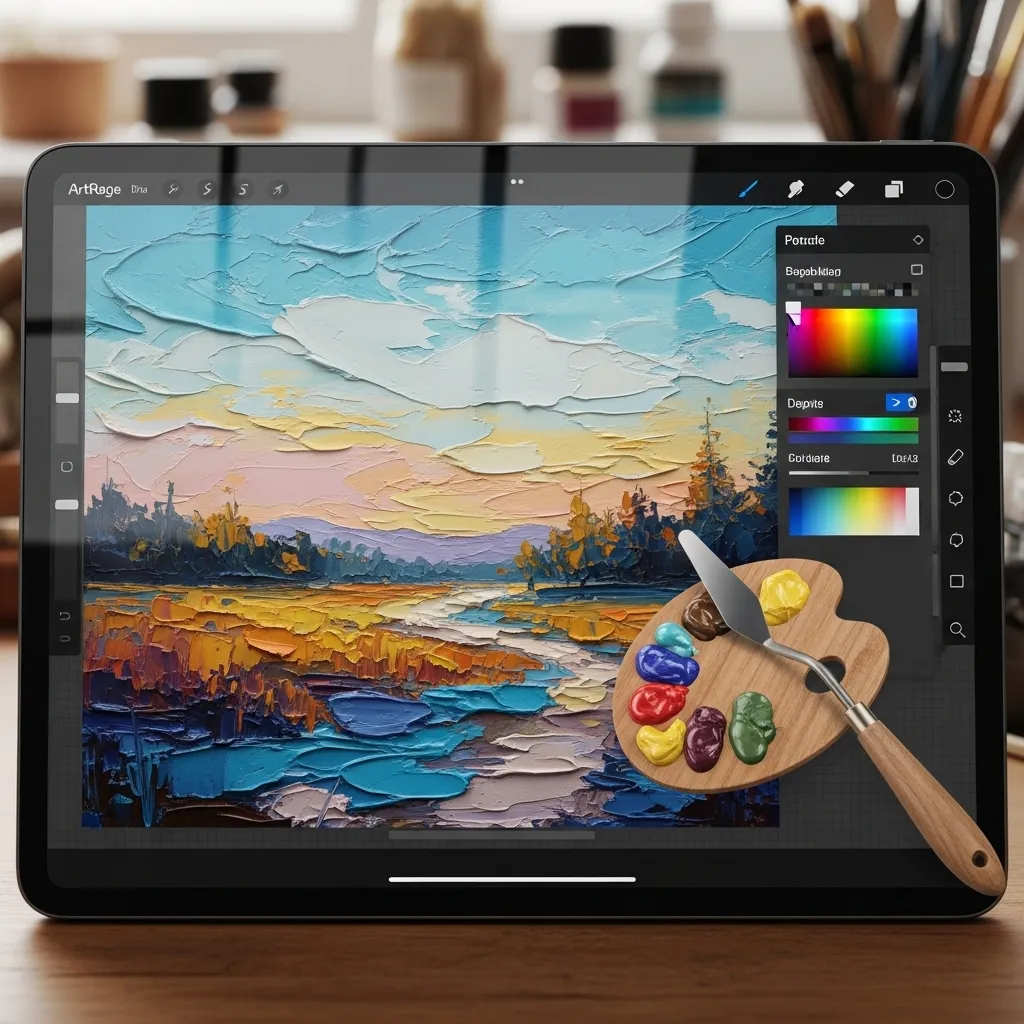
6. ArtRage: Digital Oil Paint That Gets Messy
ArtRage specializes in realistic mediums. Want thick, impasto oil paint you can almost smell? This is your app. It simulates paint thickness, canvas texture, and how colors mix on the palette.
It’s incredibly fun for experimental, textured work. While it may not have a million pro features, it excels at creating authentic traditional art digitally. It’s my weekend app for getting “messy” without any actual mess.
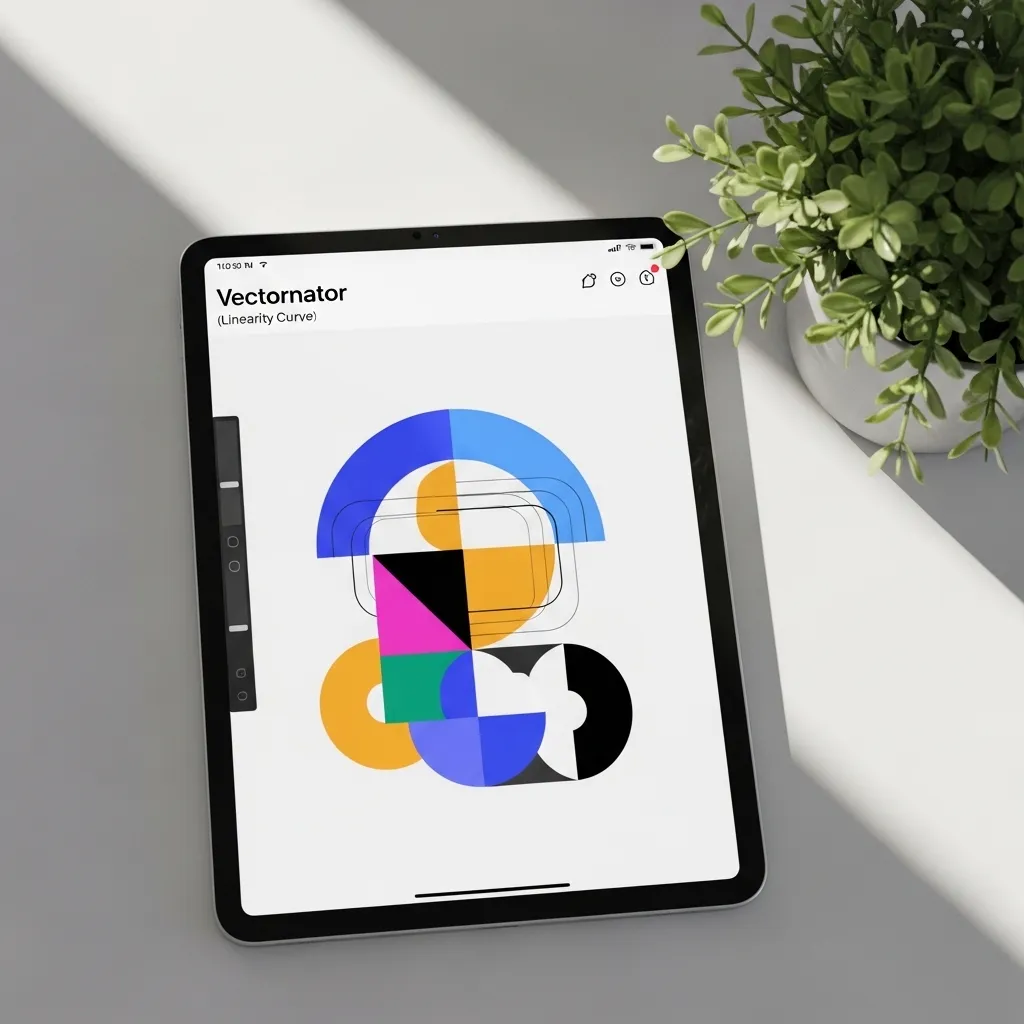
7. Vectornator (Linearity Curve): Crisp Vector Graphics
For logo design, crisp illustrations, or anything you need to scale infinitely, you need a vector app. Vectornator, now called Linearity Curve, is a powerhouse that’s surprisingly easy to use and completely free.
The node editing is intuitive, and the auto-trace feature is magic for turning sketches into clean vectors. If Adobe Illustrator feels intimidating, start here. It’s perfect for designing stickers, t-shirt graphics, or sleek icons.
8. IbisPaint X: A Community-Focused Favorite
IbisPaint X is wildly popular for a reason. It’s packed with features often found in paid apps—over 15,000 brushes, 1,500 fonts, and robust comic creation tools—all for free.
Its social feature lets you record and share time-lapses of your process, which is fantastic for learning. The community aspect is huge. I love browsing the gallery for inspiration and seeing how others use the tools.

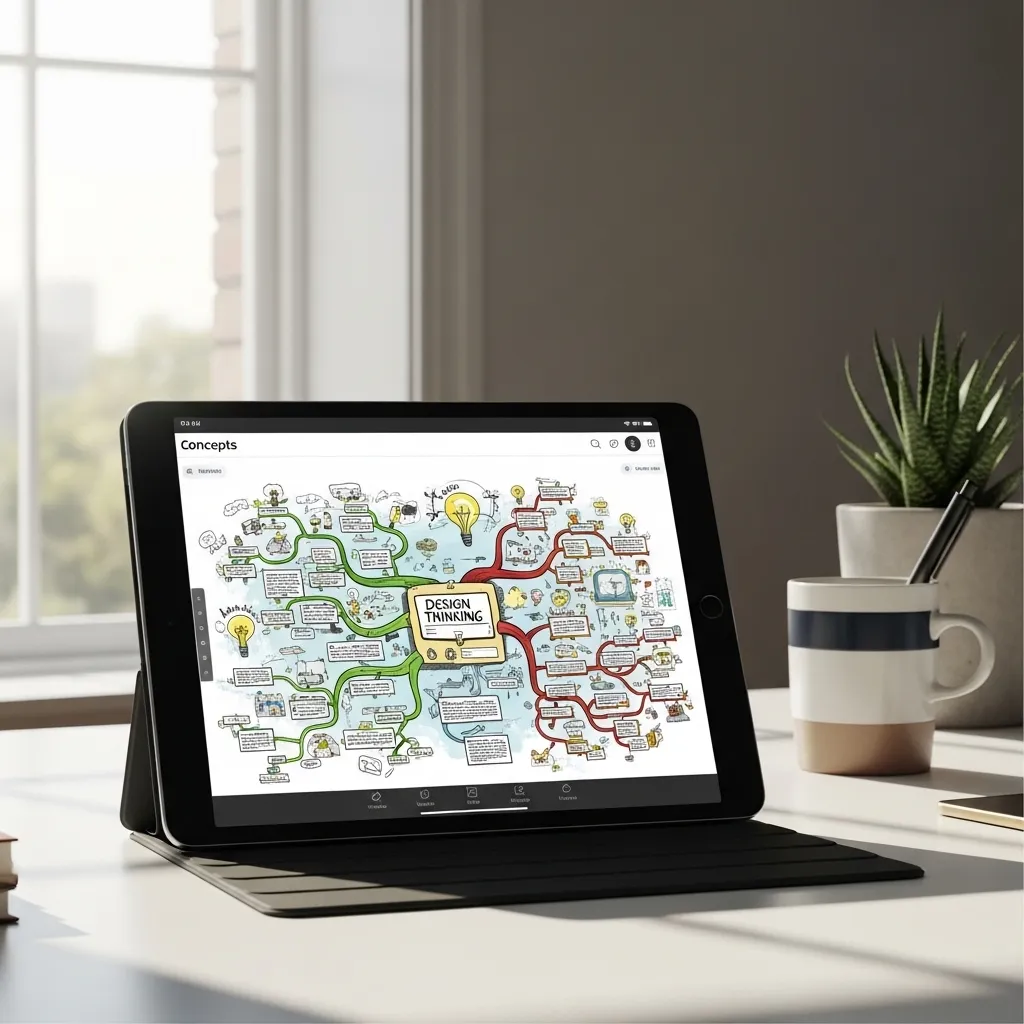
9. Concepts: Infinite Canvas & Flexible Vectors
Concepts is my top choice for mind-mapping, architectural sketches, and UX/UI wireframes. It uses a flexible vector system, so every stroke stays editable—you can adjust the line weight, color, or shape anytime.
The infinite canvas lets your ideas sprawl without boundaries. Its focus on precision and ideation makes it less of a painting app and more of a thinking tool. It’s where my projects start.
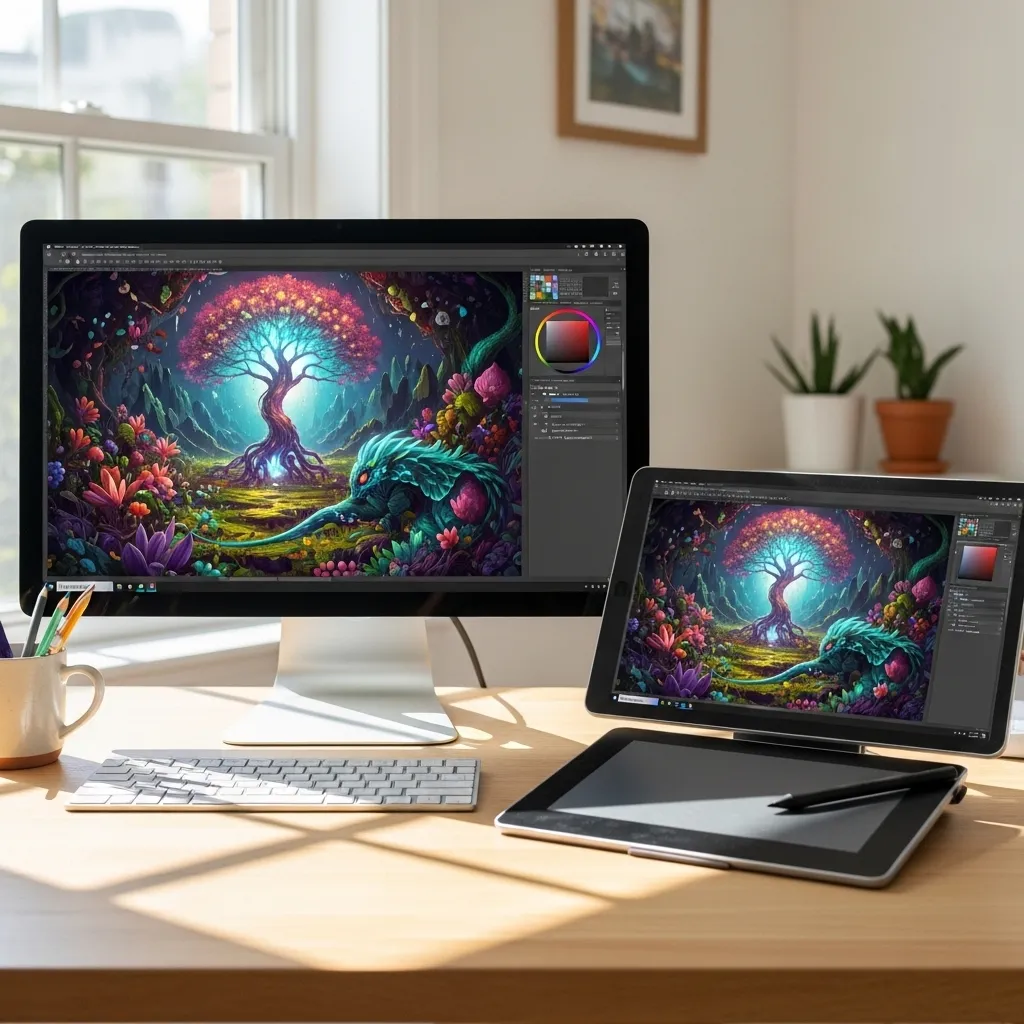
10. Krita: A Desktop Powerhouse (Now on Mobile)
Krita has long been a beloved, free open-source champion for desktop. Its mobile app brings that serious painting power to your tablet. It’s built by artists, for artists.
The brush stabilizers are excellent for smooth inking, and it supports advanced features like wrap-around mode for creating seamless textures. It’s a bit more complex but offers incredible depth for those who want a fully-featured studio in their hands.
Ready to Create?
The best part about digital art is there’s no “right” app—just the right app for you right now. My advice? Pick one or two that match your current goals and dive in. The tools don’t make the artist, but they sure can make the journey more joyful. Happy creating!
Your Digital Art App FAQ
Q: I’m a complete beginner. Which app should I start with?
A: Start with a free, simple app like Sketchbook or Tayasui Sketches. They have gentle learning curves so you can focus on drawing, not the software.
Q: Is Procreate only for professionals?
A: Not at all! While pros use it, it’s designed to be intuitive for everyone. Its gestures feel natural, making it a fantastic app to grow with.
Q: Can I use these apps without a stylus?
A: You can, but a basic stylus (even a simple one) makes a world of difference for pressure sensitivity and control. It’s a worthwhile small investment.
Q: Which app is best for animation?
A: For beginners, Procreate Dreams is incredibly approachable. For more frame-by-frame control, look at Callipeg or RoughAnimator.
Q: Do I need to pay for a good art app?
A> No! Amazing free options like Sketchbook, IbisPaint X, and Vectornator exist. Paid apps often offer more advanced features, but you can create stunning work with free tools.