
Essential iPhone Apps You’ll Actually Use Every Day
Let’s be real, our iPhones are lifelines. But with millions of apps in the App Store, it’s overwhelming to find the gems that truly make life smoother, more creative, or just more fun. I’ve spent way too much time testing apps so you don’t have to.
This isn’t a list of every app I’ve ever downloaded. It’s a curated collection of the tools I genuinely rely on. These apps solve real problems, spark joy, and help me get things done. Think of it as your starter pack for a smarter, more organized, and more enjoyable iPhone experience.
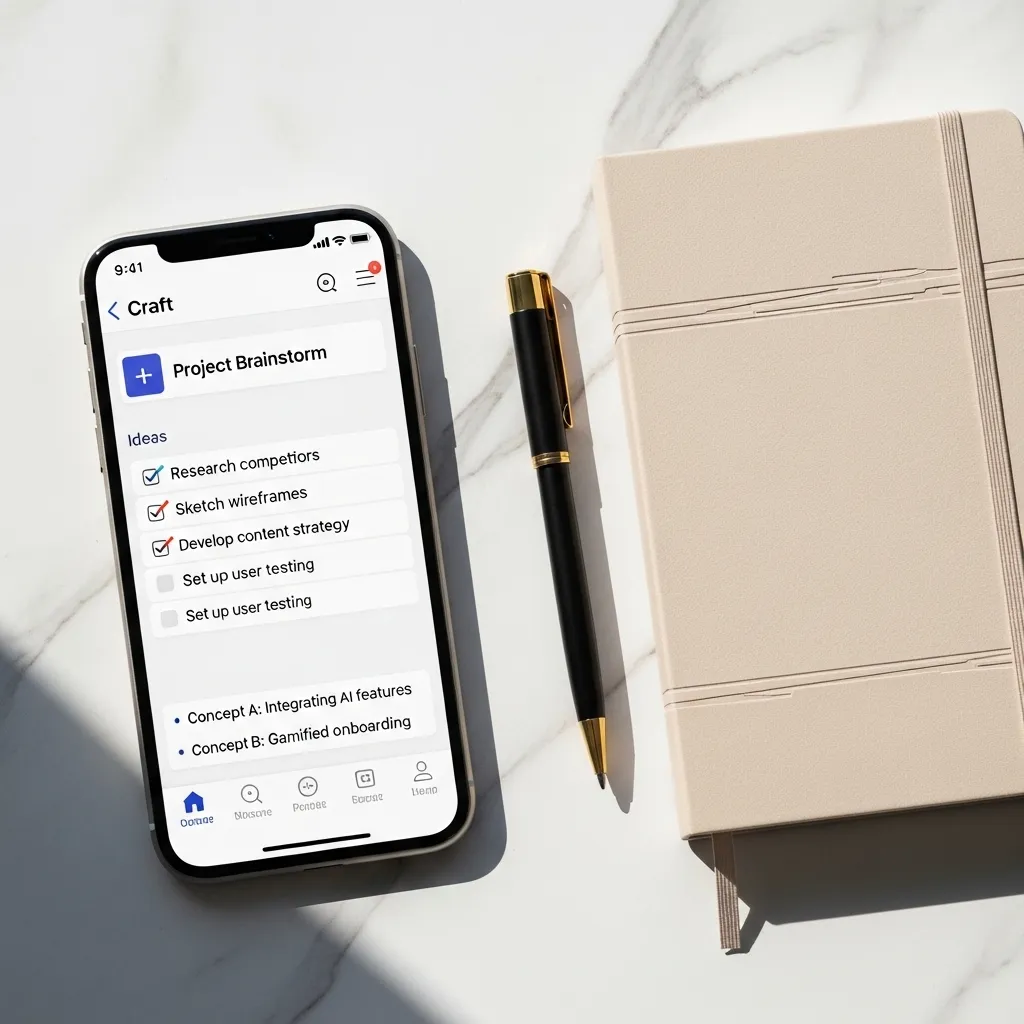
1. Your All-in-One Note Taker: Craft
Forget the basic Notes app for anything serious. Craft is where beautiful design meets powerful organization. I use it for everything: brainstorming blog posts, planning trips with shared documents, and keeping my personal journal.
Its block-style editing is intuitive, letting you drag and drop text, images, and to-do lists seamlessly. The best part? It syncs flawlessly across all my Apple devices, so my thoughts are always with me, beautifully formatted.
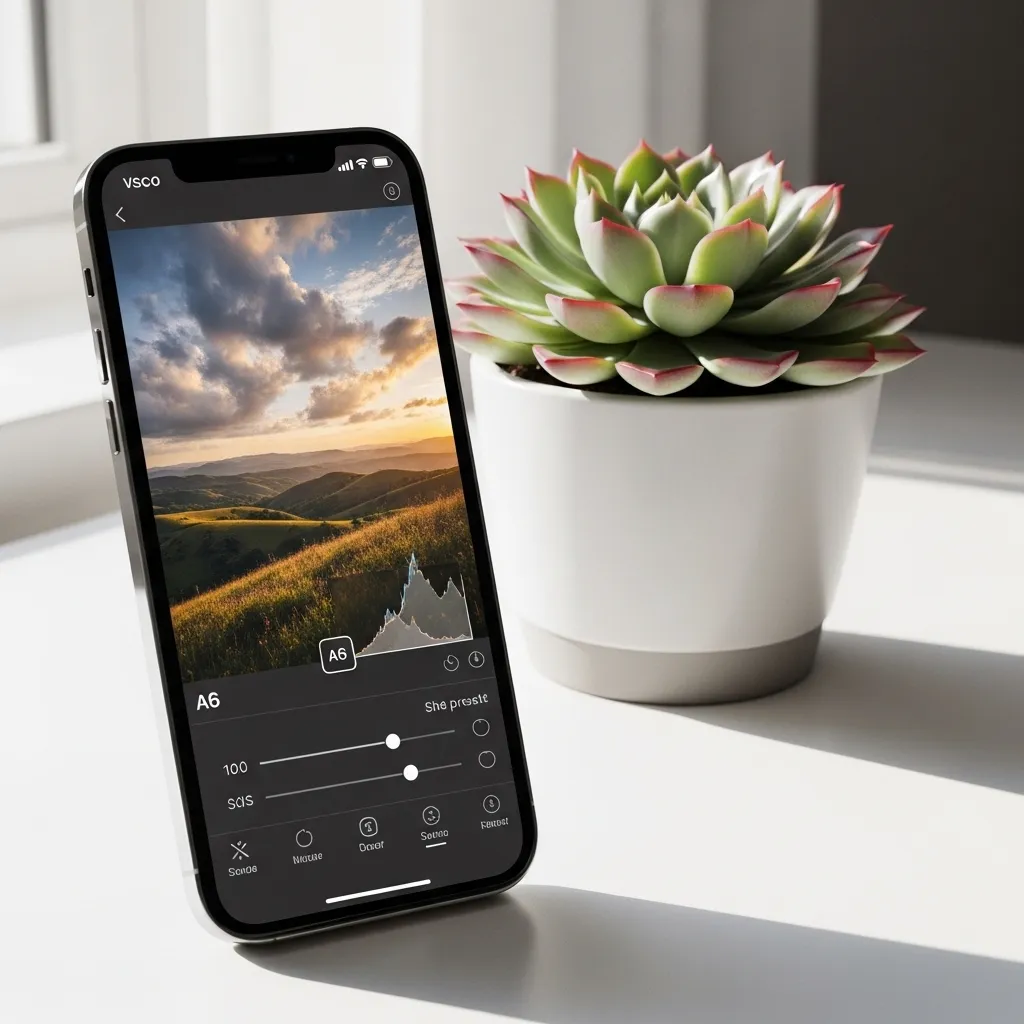
2. The Ultimate Photo Editor: VSCO
If you want your photos to have that timeless, editorial look, VSCO is my go-to. It’s more than just filters; it’s a full editing suite. I start with a subtle preset and then fine-tune the colors, grain, and fade to get the perfect mood.
The community aspect is inspiring, but I love it most for its powerful yet simple tools. It makes my everyday snapshots feel like art without being overly complicated or artificial.
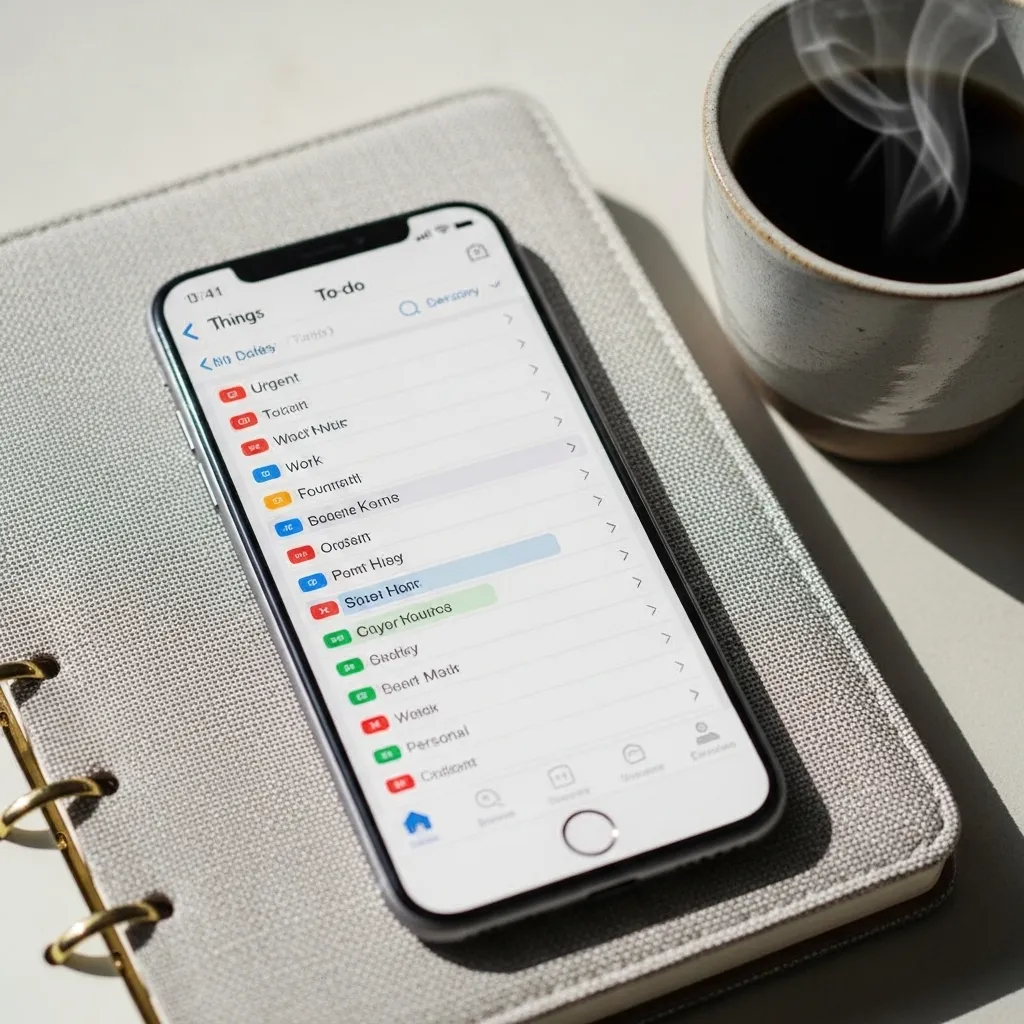
3. Master Your To-Do List: Things 3
This app is a masterpiece of design and function. Things 3 helps me break down my overwhelming projects into manageable steps. I can schedule tasks for “Today,” set deadlines for “Upcoming,” and file ideas into “Someday.”
The interface is clean and satisfying to use. Checking off a task has a little celebratory animation that never gets old. It’s the reason I actually stick to my daily planning.
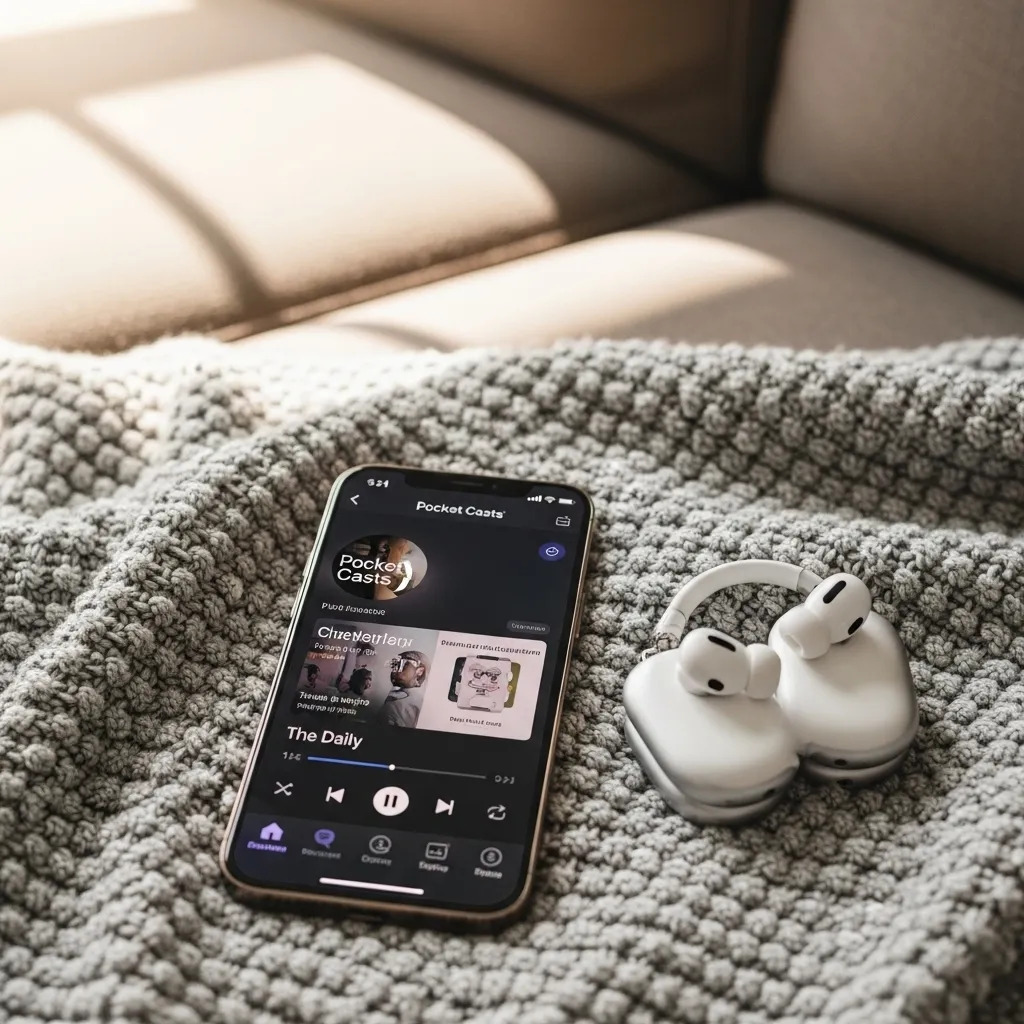
4. Listen Smarter: Pocket Casts
For podcast lovers, a great app is non-negotiable. Pocket Casts is my favorite for its powerful features and clean interface. The silence trimmer automatically shortens pauses, and the volume booster evens out quiet speakers, so I can listen faster and clearer.
Discovering new shows is easy, and organizing my subscriptions is a breeze. It syncs my progress across my phone and computer, so I never lose my place.
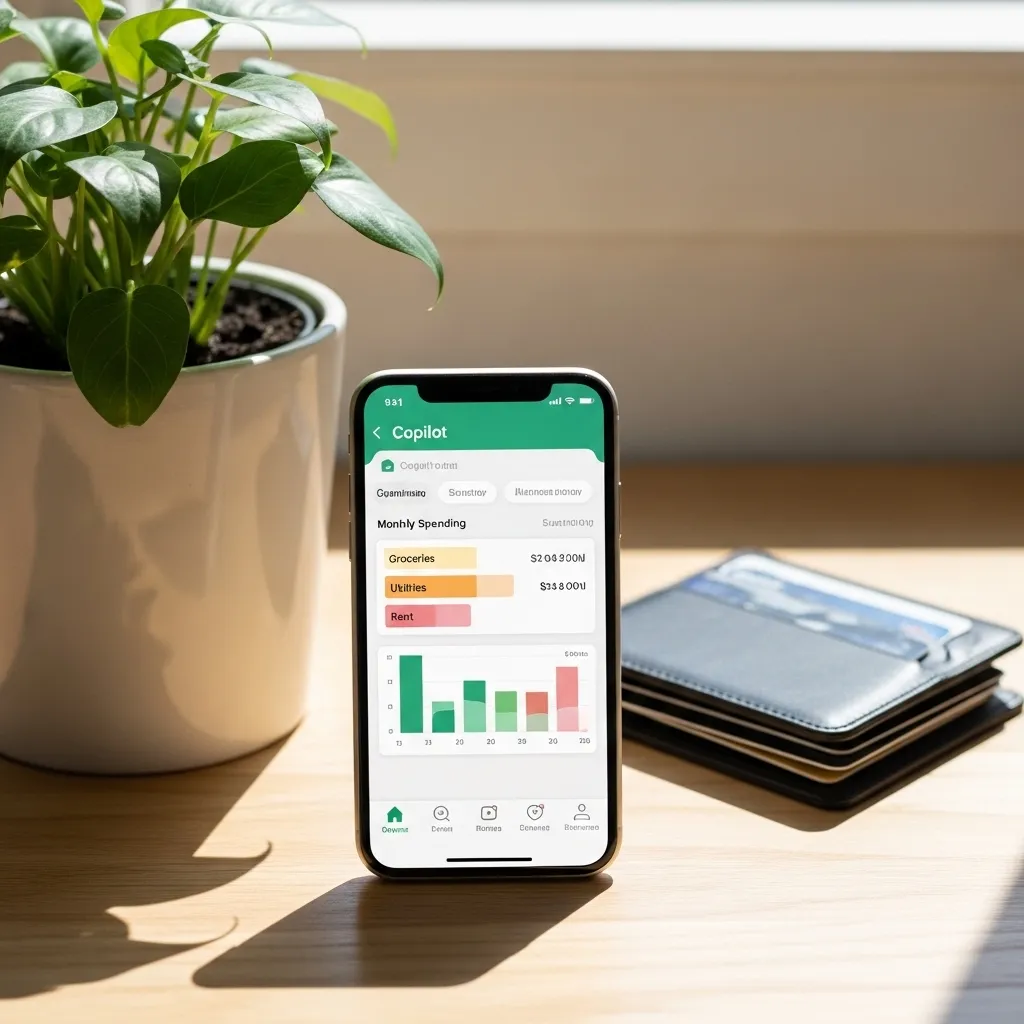
5. Budget Without the Guilt: Copilot
Managing money should be insightful, not stressful. Copilot gives me a crystal-clear view of my spending with smart auto-categorization and beautiful charts. It connects securely to my bank accounts and highlights my subscriptions and spending trends.
I get a gentle weekly recap that helps me stay on track without feeling micromanaged. It turned budgeting from a chore into an engaging habit.
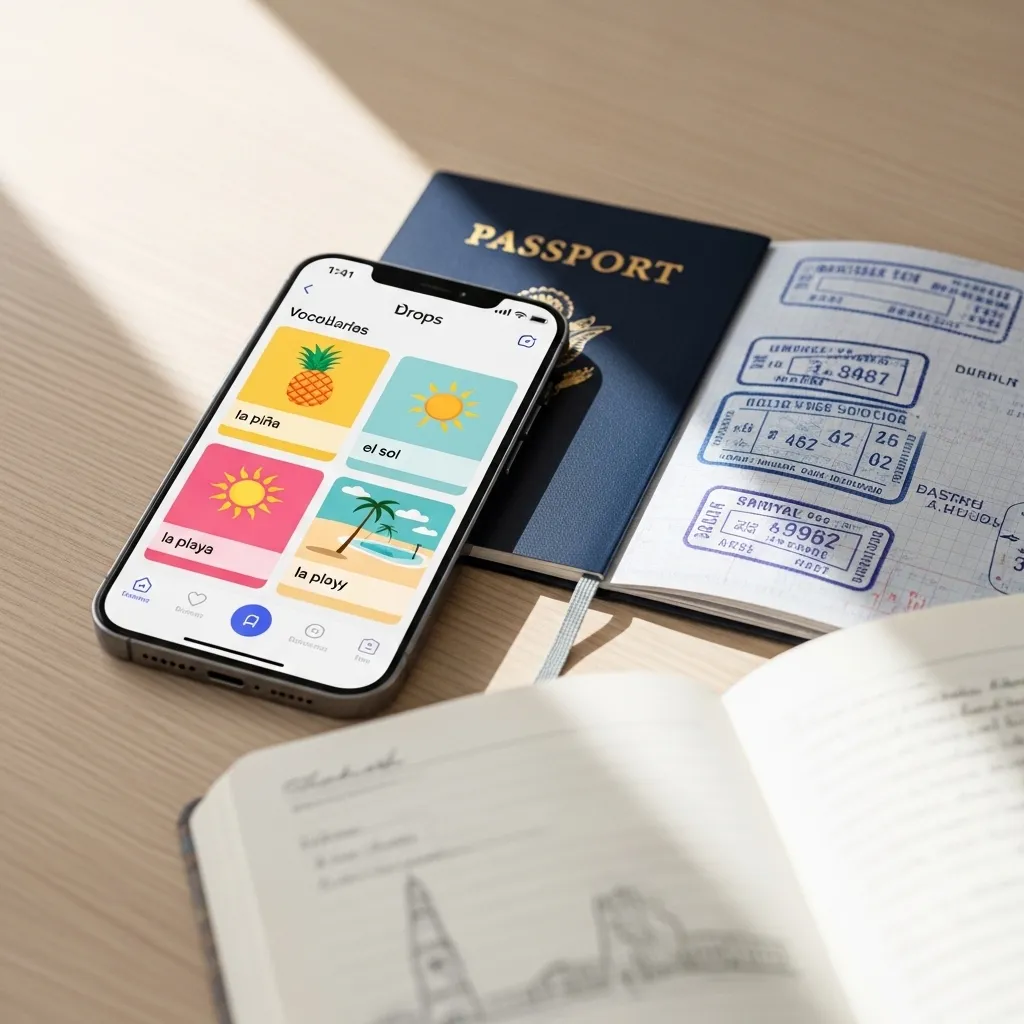
6. Learn a Language in Bites: Drops
Want to learn Spanish, Japanese, or even Korean alphabets? Drops makes it feel like a game. You get five free minutes per day of gorgeous, visual matching games focused purely on vocabulary.
The short, timed sessions are perfect for a coffee break. It’s addictive, beautifully designed, and a fantastic, low-pressure way to build a foundational vocabulary.
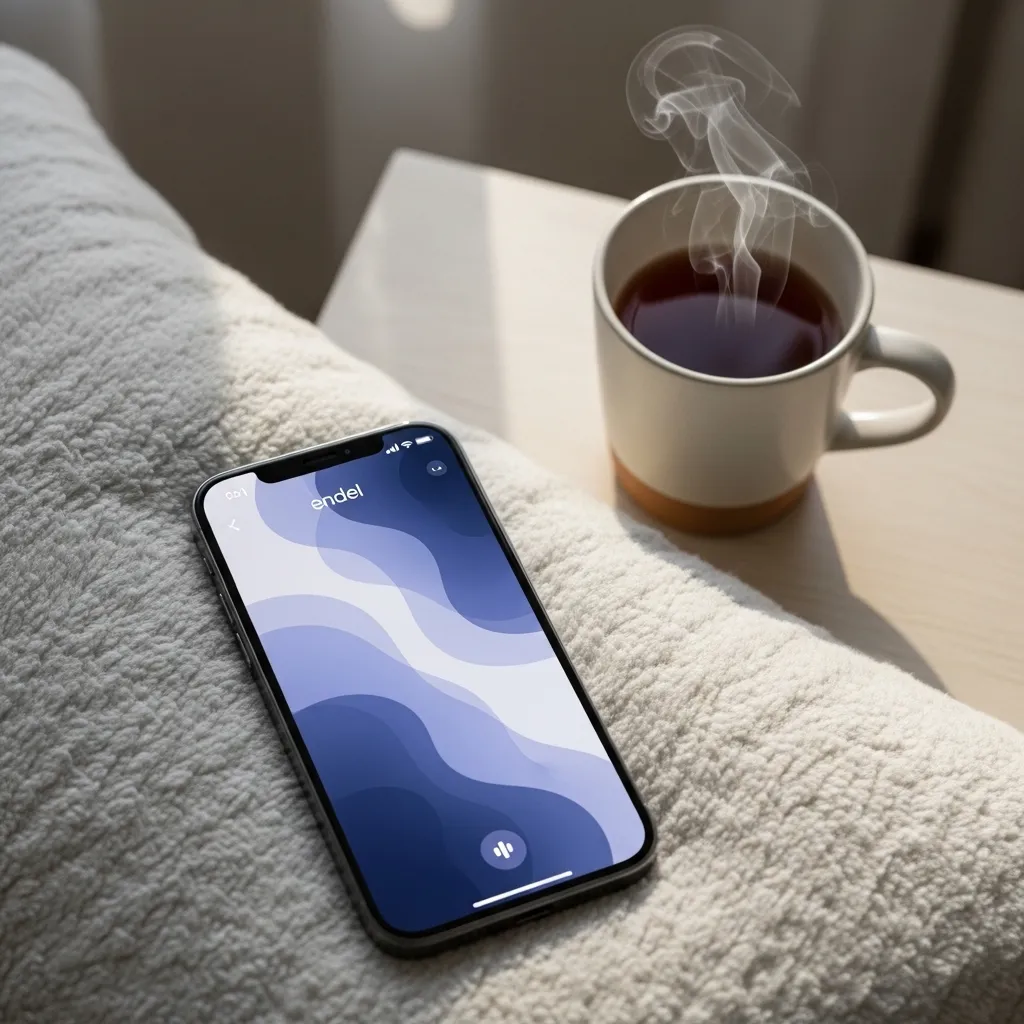
7. Find Calm Anywhere: Endel
This isn’t your typical meditation app. Endel creates personalized soundscapes to help you focus, relax, or sleep. Using AI, it adapts to your time of day, location, and even your heart rate (if you use an Apple Watch).
I use the “Focus” sound while working to drown out distractions and the “Sleep” mode to wind down. It’s my secret weapon for finding my flow state or calming a busy mind.
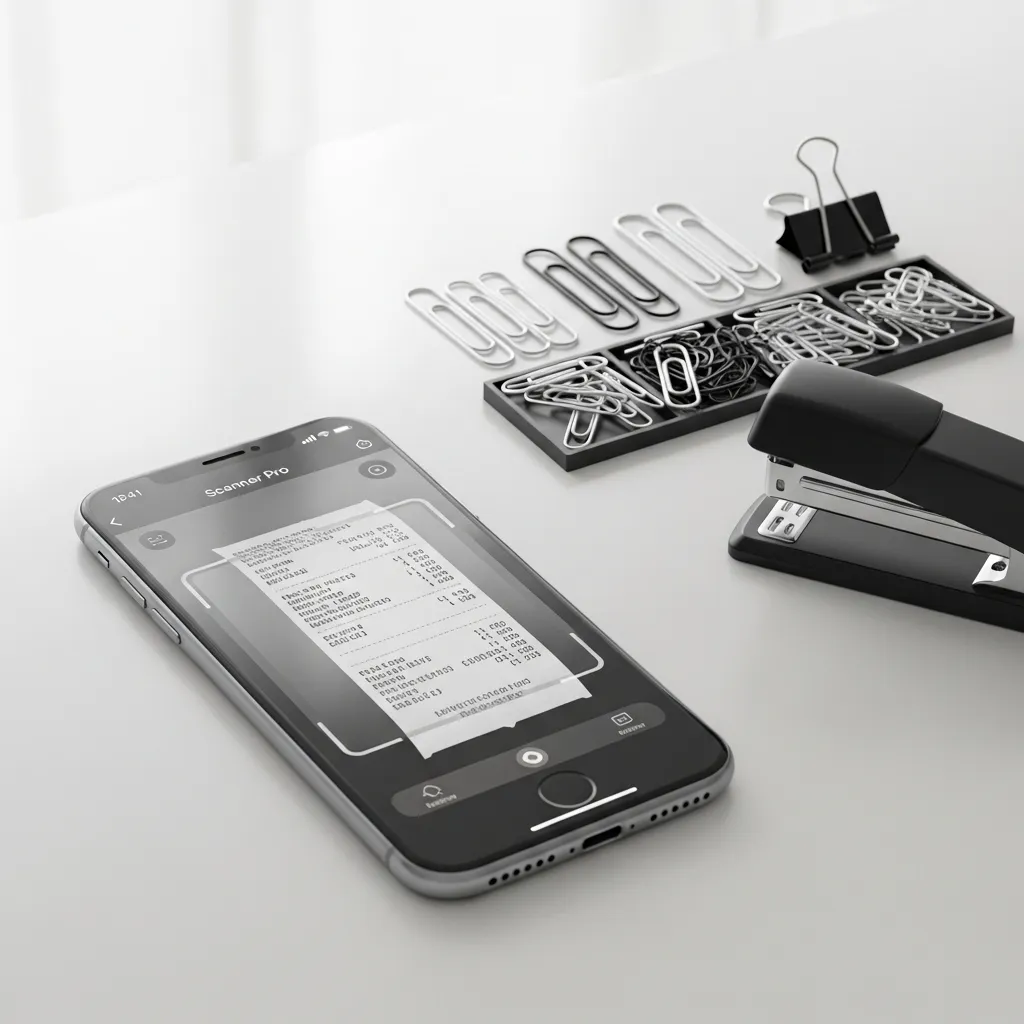
8. Scan & Organize Documents: Scanner Pro
This app turns your iPhone into a portable scanner. Need to digitize a receipt, a contract, or a page from a book? Just open the app, point your camera, and it automatically detects edges, corrects perspective, and enhances the text.
I scan everything into searchable PDFs and organize them into folders. It’s saved me countless times when I needed a document on the go.
9. Cook Without the Clutter: Paprika 3
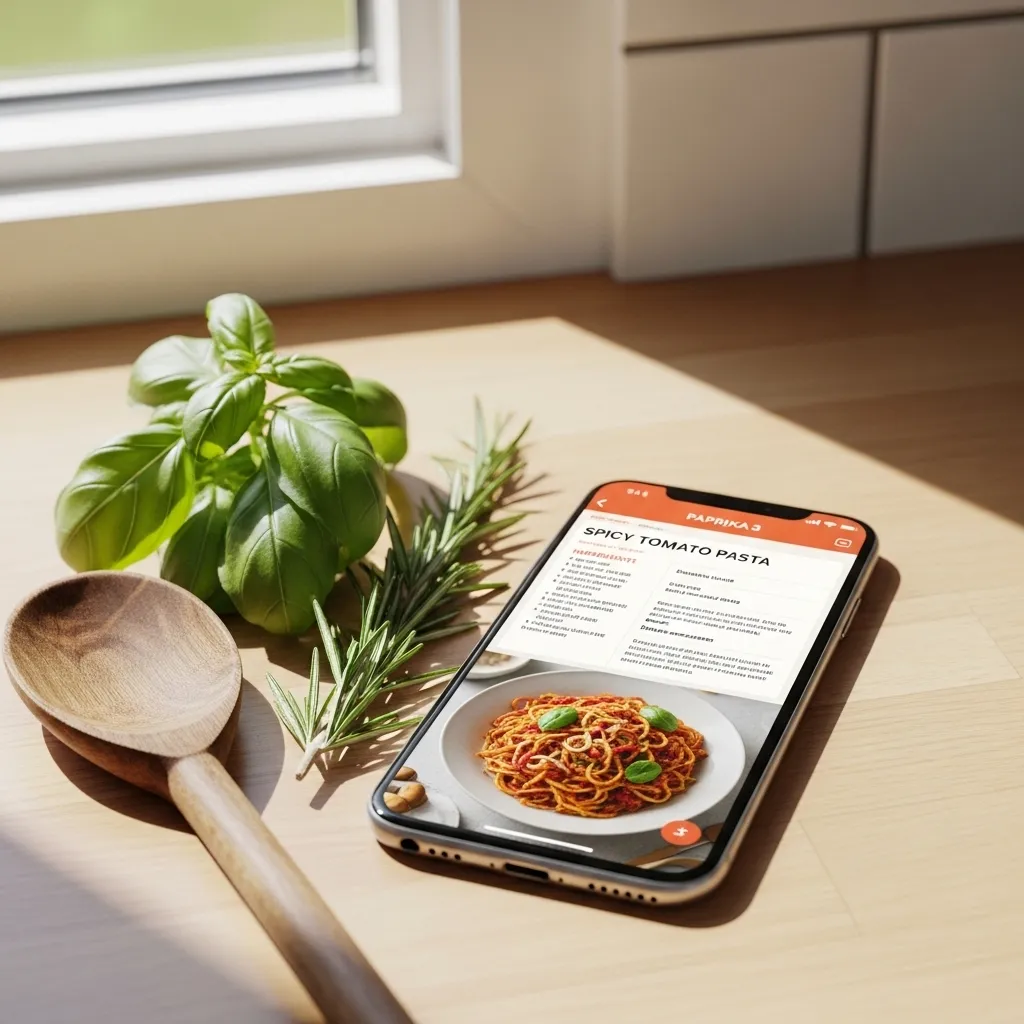
Paprika is my digital recipe box. I can save recipes from any website with one tap, and it strips away all the ads and life stories, leaving just the ingredients and instructions. The built-in timer and meal planner are game-changers.
At the grocery store, I can check off ingredients directly from the recipe. It has simplified my meal planning and cooking process completely.
10. Discover Hidden Gems: AllTrails
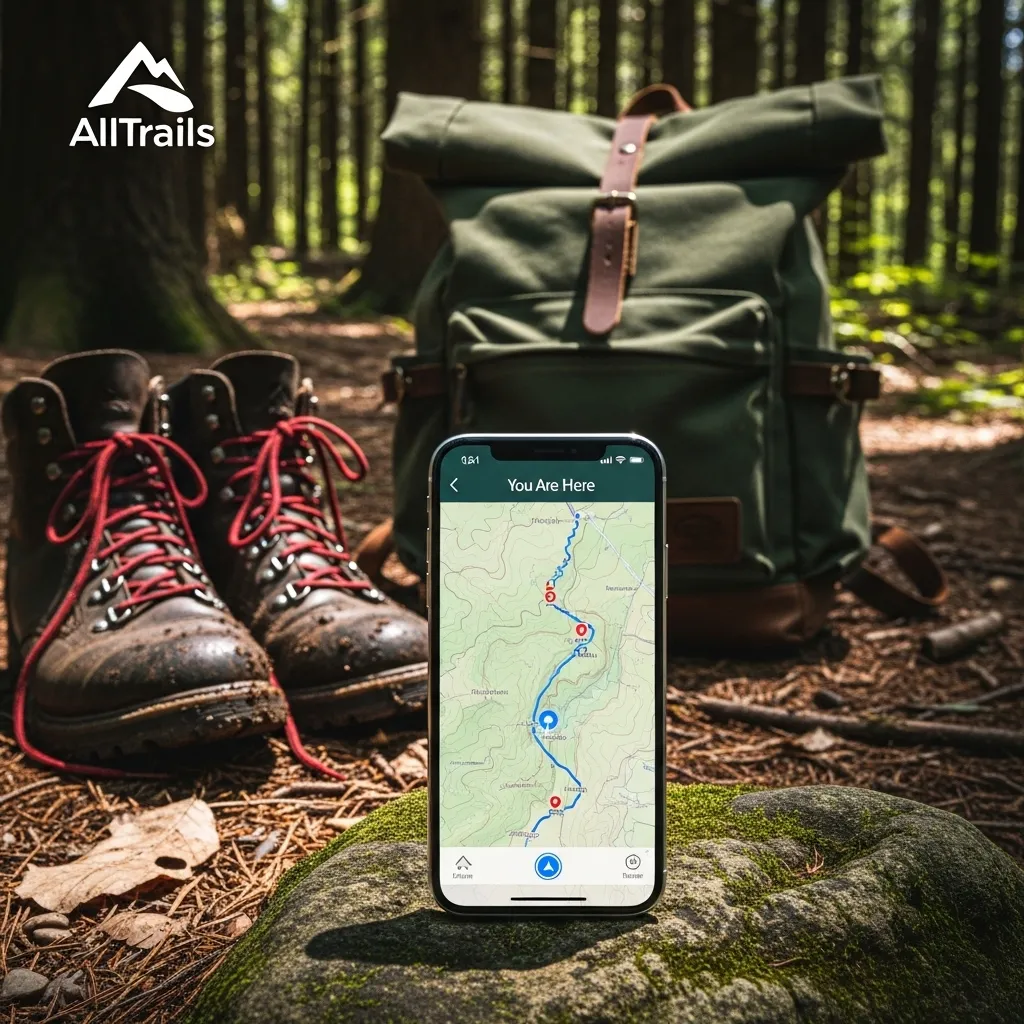
For anyone who loves to hike or just take a walk in nature, AllTrails is essential. It has a massive database of trails with detailed maps, photos, and reviews from other hikers. You can filter by difficulty, length, and whether it’s dog or kid-friendly.
I use it to discover new paths in my area and download maps for offline use when I’m out of service. It’s my guide to getting outside more often.
Wrapping Up Your Digital Toolkit
Building your perfect iPhone setup is a personal journey. Start with one or two apps from this list that solve a current pain point for you. The goal isn’t to have every app, but to have the right apps that work seamlessly in the background of your life, making everything just a little bit easier and more enjoyable.
Quick FAQ
Q: Are all these apps free?
A: Most have free versions or trials, but several are premium paid apps. I find their one-time or subscription costs worth it for the value they provide daily.
Q: Won’t these apps drain my battery?
A> Not significantly more than any other active use. Background app refresh can be managed in Settings if you have concerns.
Q: I’m overwhelmed. Which one should I try first?
A> Start with Scanner Pro or VSCO. They solve very specific, common problems (scanning documents, editing photos) and are incredibly satisfying to use right away.
Q: Do I really need another notes app?
A> If you live by lists and ideas, yes. A powerful notes app like Craft can centralize your digital brain, replacing multiple scattered tools.
Q: How do I find more apps like these?
A> I love browsing curated “Essentials” lists in the App Store and reading reviews from trusted tech blogs that align with my interests.






