
AI Workflow Automation Examples: Real Implementations That Changed How We Work
AI Workflow Automation Examples: Real Implementations That Changed How We Work
The moment I truly understood the power of AI workflow automation was at 2:47 AM on a Tuesday in October 2024. I was frantically preparing a client presentation due at 9 AM, manually copying data from our CRM into slides, cross-referencing it with project management notes, and formatting everything. My business partner messaged me: “Why are you still doing this manually?”
Good question.
By mid-2025, we’d automated that entire workflow. Now when a client presentation is due, our system automatically pulls updated metrics from Salesforce, grabs project milestones from Asana, generates visualization charts, populates a slide template, and drops it in our shared folder. The whole process takes about four minutes instead of three hours. I’m sleeping better, and our presentations are more accurate because we’re not introducing human error at 3 AM.
That’s just one example. Over the past two years, I’ve built, broken, fixed, and refined dozens of AI-powered workflow automations across content creation, client management, operations, marketing, and finance. Some have been transformative. Others failed spectacularly. A few worked technically but nobody used them.
Let me show you what’s actually working in 2026, with specific examples you can adapt, along with honest assessments of what didn’t work and why.
What Makes Workflow Automation “AI-Powered”?
Before diving into examples, let’s clarify what we’re talking about. Traditional workflow automation follows rigid rules: “When form submitted, send email.” AI workflow automation adds intelligence and adaptability: “When form submitted, analyze the responses to determine urgency and intent, route to the appropriate team member based on expertise and availability, and draft a personalized response in our company’s tone.”
The AI component brings pattern recognition, natural language understanding, prediction, and contextual decision-making that makes automation flexible enough to handle real-world complexity instead of just simple if-then scenarios.
That distinction matters because it determines what’s worth automating and how sophisticated your workflows can become.
Content Creation and Publishing Workflows
This is where I’ve spent the most time building automations, and it’s yielded some of the biggest productivity gains.
Blog Post Production Pipeline
I run a content agency, and our old blog production process was chaotic. Writers submitted drafts in various formats, editors tracked changes manually, SEO reviews happened inconsistently, image sourcing was ad hoc, and publishing involved multiple copy-paste steps across systems.
Here’s the AI-powered workflow we built using a combination of Airtable, Make.com, and several AI tools:
- Writer submits draft via Airtable form
- AI content analysis automatically runs (using a custom integration with Claude API) to check readability, identify potential SEO keywords, flag missing elements like meta descriptions, and assess tone consistency with brand guidelines
- Assignment to editor happens automatically based on content topic (AI categorizes the piece) and editor availability/workload (pulled from our project management system)
- Editor reviews with AI-suggested improvements already flagged
- SEO optimization using Surfer SEO’s API to analyze content against target keywords and suggest improvements
- Image generation and sourcing: AI generates relevant image descriptions, which either trigger Midjourney API for custom images or search our stock photo library for matching assets
- Formatting and publishing: Once approved, the system automatically formats for WordPress, adds proper heading structure, inserts images, generates meta tags, and schedules publication
- Social media content: AI extracts key quotes and creates social post variations for LinkedIn, Twitter, and Facebook, scheduling them via Buffer
- Performance tracking: After publication, the system monitors traffic and engagement, reporting back if a post is underperforming expectations
This workflow reduced our production time per article from roughly 8 hours (across multiple people) to about 3.5 hours, with significantly more consistency in quality and SEO optimization.
The catches? Setting this up took me about 40 hours across three weeks. It breaks occasionally when APIs change. And we still have humans review everything before publication—the AI catches maybe 70% of issues but misses nuanced problems that require editorial judgment.
Video Content Repurposing
A colleague produces a weekly video podcast. His old workflow: record episode, manually upload to YouTube, manually create description, manually create social clips, manually transcribe for blog post. Total time: about 4 hours per episode beyond the actual recording.
His current AI workflow:
- Recording uploads automatically to Dropbox (via OBS auto-upload)
- Descript automatically processes the video, creating accurate transcript, removing filler words, and identifying chapter breaks based on topic shifts
- AI clip identification: A custom script analyzes the transcript for “quotable moments” with high engagement potential and creates 60-second clips automatically
- Caption generation: Auto-generated captions added to clips with brand styling
- Multi-platform publishing: Full episode uploads to YouTube with AI-generated description and chapters; clips post to Instagram, TikTok, and LinkedIn with platform-specific optimizations
- Blog post creation: Transcript gets processed through ChatGPT with custom prompting to create a readable blog article covering main points
- Newsletter content: AI extracts key insights and creates newsletter segment
- Show notes: Automatically generated with timestamps, resources mentioned, and guest links
His post-production time dropped from 4 hours to about 45 minutes of review and approval. The AI handles the mechanical work; he focuses on quality control and engagement with his audience.
The limitation he’s encountered: AI-generated social clips sometimes pick awkward moments that are quotable but lack context, creating confusing content. He now reviews clip selections rather than publishing automatically.
Customer Service and Support Workflows
I’ve consulted with several companies implementing AI in their support workflows, and the results vary widely based on implementation quality.
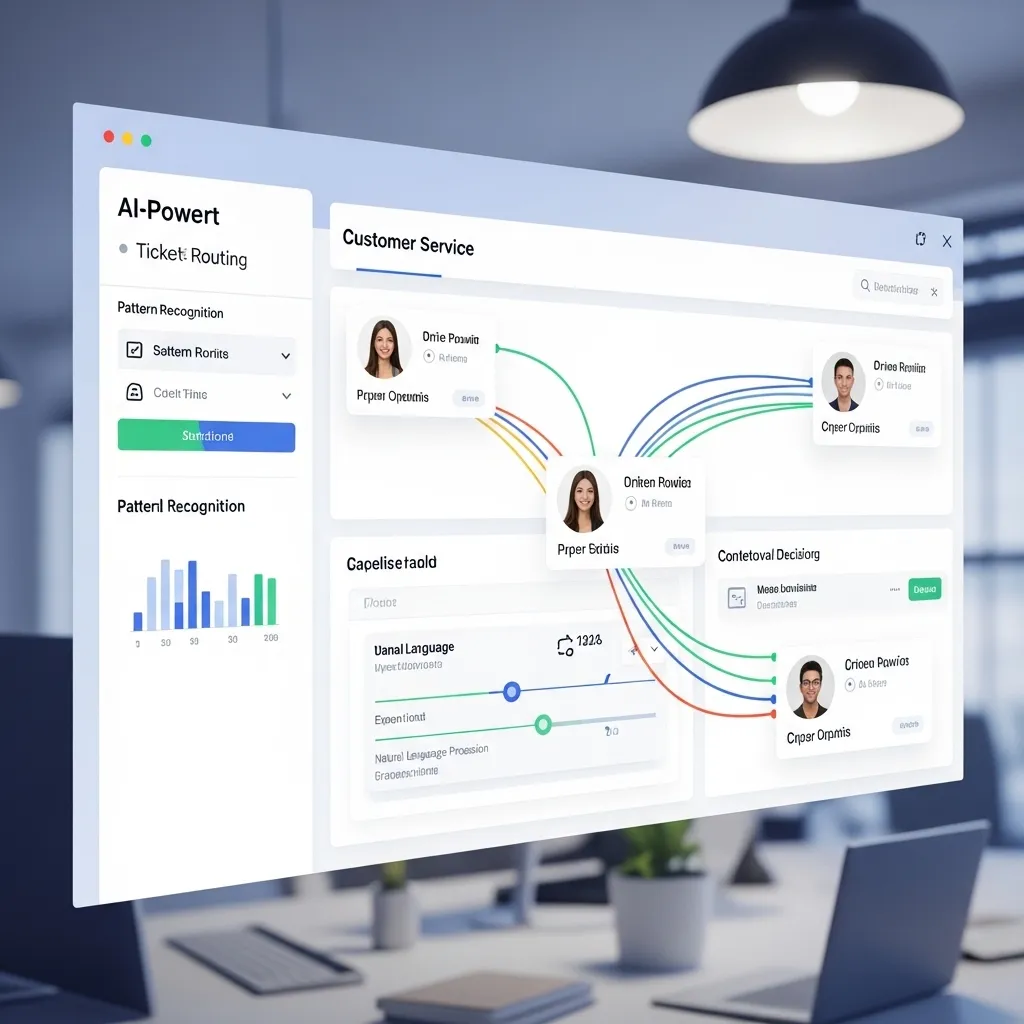
Intelligent Ticket Routing and Response
A software company I worked with receives 200-300 support tickets daily across email, chat, and a help desk portal. Their old system: tickets arrived in chronological order, support agents grabbed whatever was next, response times were inconsistent, and expertise matching was random.
Their current AI workflow:
- Ticket arrives from any channel (email, chat, portal form)
- AI analysis (using Zendesk’s native AI plus custom enhancements) evaluates:
- Technical complexity based on language and issue description
- Customer sentiment and urgency
- Customer tier and contract type
- Historical context with this customer
- Which product/feature is involved
- Smart routing assigns tickets to agents based on:
- Technical expertise match
- Current workload
- Historical success with similar issues
- Customer relationship (returning to same agent when possible)
- Response drafting: For straightforward issues, AI drafts complete responses using the knowledge base, previous successful resolutions, and company tone guidelines
- Suggested solutions: For complex issues, AI surfaces relevant knowledge base articles, similar past tickets, and recommended troubleshooting steps
- Escalation triggers: If sentiment analysis detects frustration or if resolution time exceeds thresholds, automatic escalation to senior support or account management
- Follow-up automation: After resolution, AI-generated satisfaction surveys; if responses indicate issues, automatic re-opening of tickets
- Knowledge base updates: When agents create novel solutions, AI suggests knowledge base article creation and drafts initial content
The results were impressive: Average response time dropped from 4.2 hours to 47 minutes. Customer satisfaction scores increased from 3.8 to 4.4 out of 5. The same support team now handles 2.3x the ticket volume.
But here’s what they got wrong initially: The AI was too aggressive about auto-responding. In the first month, about 15% of auto-responses were incorrect or incomplete, creating frustration. They adjusted to have AI draft responses but require human approval for anything beyond simple FAQs. That solved the quality problem while maintaining most of the efficiency gain.
Proactive Customer Success Outreach
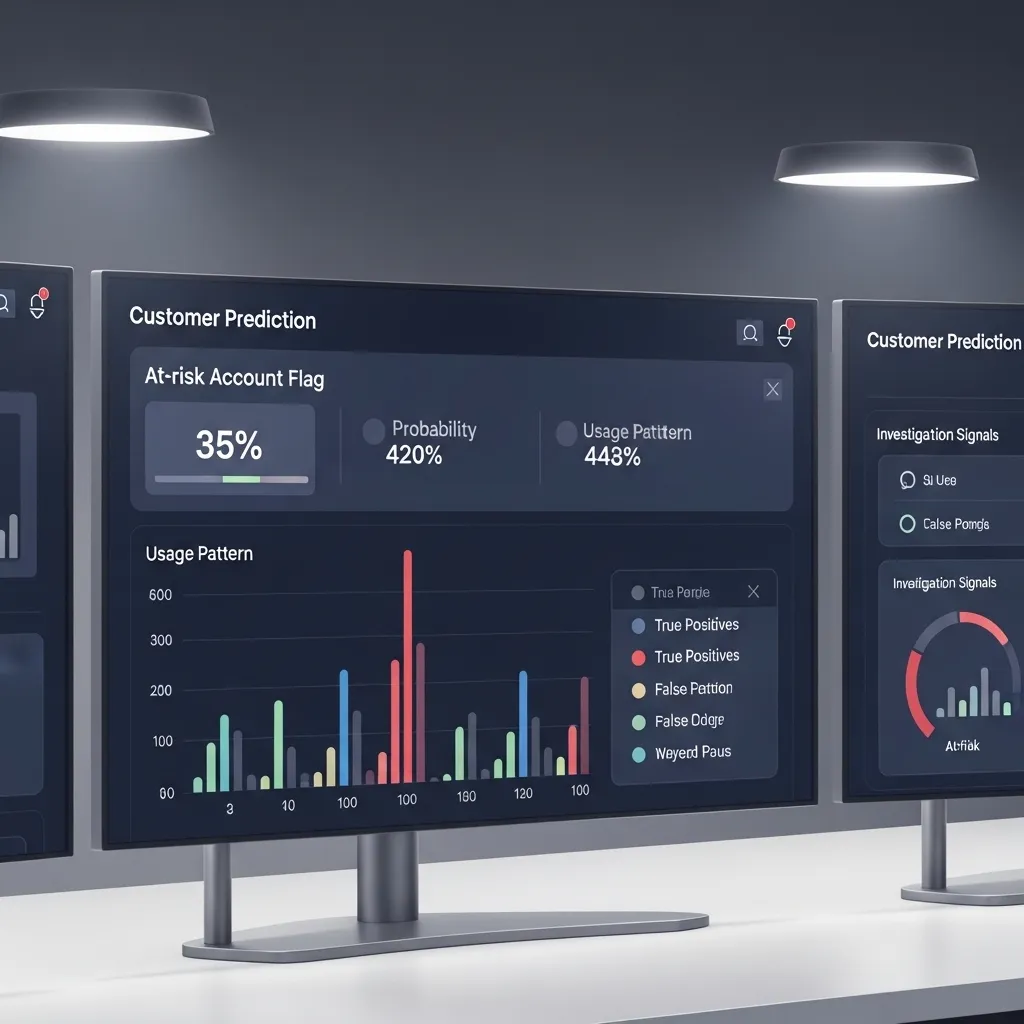
A SaaS company I advised wanted to reduce churn by identifying at-risk customers before they canceled. Their AI workflow:
- Data aggregation: System pulls daily data from product analytics (usage patterns), support system (ticket volume and satisfaction), billing (payment issues), and CRM (communication frequency)
- Health scoring: AI model (custom-built using their historical churn data) calculates customer health scores based on dozens of signals—login frequency, feature adoption, support interactions, engagement with emails, etc.
- Risk identification: When health scores drop below thresholds or show sudden declines, AI flags the account
- Context analysis: AI analyzes what specifically is driving the risk—decreased usage of a core feature, recent support frustrations, competitor mentions in communications, billing issues, etc.
- Personalized outreach: Based on risk factors, AI generates personalized email drafts or suggests specific interventions (training session, feature walkthrough, executive check-in, pricing discussion)
- Assignment: Accounts automatically assigned to customer success managers with notification including AI summary of situation and suggested approach
- Follow-up tracking: System monitors whether outreach happened, customer responded, and if health scores improved
This workflow helped them reduce churn by 6.2 percentage points in the first year. For a company with $12M ARR, that’s over $700K in retained revenue.
The challenge: False positives. About 30% of flagged “at-risk” accounts weren’t actually at risk—maybe a key user was on vacation, or they were between project cycles, or they’d actually increased usage but in different ways than the AI expected. Customer success managers learned to use the AI flags as signals to investigate rather than definitive assessments.
Sales and Lead Management Workflows
Sales workflows often involve repetitive administrative work that’s perfect for AI automation.
Lead Qualification and Nurturing
A B2B company I worked with was drowning in inbound leads—about 400 monthly—but only 5-10% were actually qualified prospects. Their small sales team wasted enormous time on initial outreach to unqualified leads.
Their AI workflow solution:
- Lead capture: Forms, chat, content downloads, demo requests all flow into HubSpot
- Automatic enrichment: AI tools (Clearbit, ZoomInfo APIs) automatically append firmographic data—company size, industry, tech stack, funding, decision-maker contacts
- Qualification scoring: Custom AI model scores leads based on:
- Company fit (size, industry, location matching ideal customer profile)
- Engagement signals (which content they viewed, time on site, pages visited)
- Intent data (researching competitors, pricing pages, case studies)
- Enriched firmographic data
- Form responses and questions asked
- Segmentation: Leads automatically categorized:
- High-fit, high-intent → immediate sales outreach
- High-fit, low-intent → nurture sequence
- Low-fit → educational content only or disqualification
- Personalized outreach: For qualified leads, AI drafts initial outreach emails referencing:
- Specific content they engaged with
- Their industry and relevant use cases
- Their company size and relevant customer stories
- Their apparent pain points based on behavior
- Meeting scheduling: Qualified leads get personalized calendar links for appropriate sales reps based on territory, product expertise, and availability
- CRM updates: All activity, scoring changes, and segment shifts automatically logged
- Nurture sequences: Lower-priority leads enter AI-optimized email sequences with content relevant to their industry and role, with engagement triggering re-scoring
The impact: Sales reps now spend time only on leads with 60%+ qualification scores. Their demo-to-close rate improved from 12% to 23% because they’re talking to better-fit prospects. Marketing-to-sales lead complaints essentially disappeared.
The downside: They initially over-optimized for company size and missed some high-intent leads from smaller companies who turned out to be great customers. They had to adjust their scoring model to weight intent signals more heavily than firmographic fit.
Proposal and Contract Generation
A consulting firm I know hated their proposal process. Each proposal required 3-5 hours of gathering information, customizing templates, pricing calculations, and formatting. They built this workflow:
- Sales opportunity reaches proposal stage in CRM
- AI information gathering: System analyzes:
- All communications with prospect (emails, meeting notes, transcripts)
- Identified pain points and requirements
- Discussed scope and deliverables
- Budget parameters
- Decision timeline
- Competitive situation
- Template selection: Based on project type, AI selects appropriate proposal template
- Content generation: AI populates template with:
- Personalized executive summary addressing specific client challenges
- Relevant case studies from similar industries/situations
- Scope of work matching discussed requirements
- Pricing calculated based on scope and rate cards
- Team bios for assigned consultants
- Timeline with realistic milestones
- Compliance check: AI verifies proposal includes required legal language, NDA references, payment terms
- Human review: Sales rep receives draft proposal for review and customization
- Delivery: Once approved, automatic PDF generation, e-signature integration via DocuSign, and email delivery with tracking
- Follow-up: If not opened within 48 hours, automatic gentle reminder; if opened but not responded to, AI suggests appropriate follow-up timing and drafts message
Proposal creation time dropped from 4 hours to about 45 minutes. Win rates actually increased slightly (hard to attribute causally, but faster turnaround and more consistent quality likely helped).
The problem they encountered: AI-generated proposals sometimes included irrelevant case studies or made scope assumptions that didn’t match verbal discussions. They learned that garbage in, garbage out—if meeting notes were poor or incomplete, proposals were wrong. They now use AI meeting transcription to ensure better input data.
Marketing Campaign Workflows
Marketing involves lots of repetitive tasks across multiple channels—perfect for AI automation.
Email Campaign Creation and Optimization
A marketing director I know runs ongoing email campaigns for an e-commerce brand. Her old process: manually segment lists, write emails, create variations for A/B testing, schedule sends, manually analyze results. Time consuming and inconsistent.
Her current AI workflow:
- Campaign goal and parameters entered (product launch, re-engagement, seasonal promotion, etc.)
- Audience segmentation: AI analyzes customer data to create segments based on:
- Purchase history and preferences
- Engagement patterns (email, website, social)
- Customer lifecycle stage
- Predicted lifetime value
- Churn risk
- Content generation: For each segment, AI creates:
- Subject line variations (5-7 options)
- Preview text
- Email body copy in brand voice
- Call-to-action variations
- Product recommendations based on segment preferences
- Design application: Content automatically flows into branded email templates with appropriate product images
- Send time optimization: AI determines optimal send time for each individual subscriber based on their historical engagement patterns
- A/B test configuration: System automatically sets up tests for subject lines, CTAs, and content variations with statistically valid sample sizes
- Automated sending: Emails deploy at optimized times
- Performance monitoring: Real-time tracking of opens, clicks, conversions with alerting if performance is significantly below predicted
- Dynamic optimization: If certain subject lines or content variations are performing better, AI automatically shifts more sends to winning variations
- Learning and reporting: Performance data feeds back into the system to improve future campaigns
Her email marketing productivity increased roughly 3x—she can run three sophisticated campaigns in the time one used to take. Engagement rates improved 18% from send time optimization alone, and revenue per email increased 31% from better segmentation and personalization.
The limitation: AI-generated email copy sometimes lacks the creative spark of human-written campaigns. She now uses AI for routine promotional emails and newsletters but still writes major campaign launches herself with AI assistance.
Social Media Content Calendar
A small business owner I advised was struggling to maintain consistent social media presence across LinkedIn, Instagram, and Facebook while running his business.
His AI workflow:
- Content source identification: AI monitors:
- His blog posts and articles
- Company news and updates
- Industry news from RSS feeds he’s configured
- User-generated content mentioning his brand
- Trending topics in his industry
- Content ideation: Based on sources, AI generates social post ideas with platform-specific variations
- Copy creation: AI drafts posts in his brand voice (learned from his previous posts) with appropriate:
- Hashtags for each platform
- Mentions and tags
- Call-to-action appropriate to post type
- Character optimization for platform limits
- Image selection/creation: AI either selects relevant images from his library or generates image descriptions for Midjourney to create custom graphics
- Posting schedule: AI determines optimal posting times based on his audience engagement patterns
- Approval queue: All content goes to him for review via mobile-friendly dashboard
- Publishing: Approved posts automatically publish via Buffer
- Engagement monitoring: AI flags comments and messages requiring response and drafts suggested replies
- Performance analysis: Weekly reports on what content performed best with recommendations for future content
He went from posting sporadically (maybe 2-3 times weekly with lots of guilt about inconsistency) to consistent daily posting across platforms with about 30 minutes of effort weekly reviewing and approving content.
The catch: AI-generated social content can feel generic. He learned to add personal touches—a quick personal anecdote, a specific opinion, a joke—to the AI drafts to maintain authentic voice.

Financial and Administrative Workflows
These workflows might not be glamorous, but they save enormous time on necessary business operations.
Expense and Receipt Management
I used to spend probably 2 hours monthly managing expense receipts—photographing, categorizing, matching to credit card statements, entering into accounting software. Multiply that across a team, and it’s significant time.
Our current AI workflow:
- Receipt capture: Team members photograph receipts via mobile app (we use Expensify, though Brex and Ramp have similar features)
- AI extraction: Computer vision reads receipt extracting:
- Vendor name
- Date and time
- Amount
- Tax
- Line items
- Payment method
- Automatic categorization: AI categorizes expense based on vendor, amount, team member role, and historical patterns
- Credit card matching: System automatically matches to corporate card transactions
- Policy compliance: AI flags potential policy violations:
- Expenses over category limits
- Missing required documentation
- Unusual spending patterns
- Personal expenses on business cards
- Approval routing: Expenses automatically route to appropriate managers based on amount and department
- Accounting integration: Approved expenses flow directly into QuickBooks with proper categorization and project codes
- Reimbursement processing: Personal expenses automatically added to next payroll reimbursement
- Reporting: Real-time dashboards showing spending by category, team member, project, and department
This workflow reduced our expense processing time by probably 85%. More importantly, our expense data is now actually reliable—we can see spending patterns, budget adherence, and project costs in real-time instead of weeks after the fact when accountants closed the books.
The problem: AI categorization is about 90% accurate but makes interesting mistakes—apparently it can’t reliably distinguish “office supplies” from “office furniture” based on receipt data alone, and it once categorized a $47 Uber ride as “meals and entertainment.” Spot-checking is still necessary.
Invoice Processing and Payment
A small manufacturing company I worked with processes 150-200 vendor invoices monthly. The old process: invoices arrived by email and mail, someone manually entered data into accounting system, matched to purchase orders, routed for approval, scheduled payment. Slow, error-prone, and occasionally resulted in late payments or missed early-payment discounts.
Their AI workflow:
- Invoice receipt: Invoices arrive via email or scanned mail
- AI extraction: Computer vision reads invoices (regardless of format) extracting:
- Vendor details
- Invoice number and date
- Line items and quantities
- Amounts and tax
- Payment terms and due dates
- PO matching: AI automatically matches invoice line items to purchase orders
- Discrepancy detection: System flags:
- Price differences between PO and invoice
- Quantity mismatches
- Invoices without matching POs
- Duplicate invoices
- Unusual terms or amounts
- Three-way matching: Compares invoice to PO and receiving documentation automatically
- Approval routing: Clean invoices auto-approve; discrepancies route to appropriate person based on vendor, amount, and discrepancy type
- Payment scheduling: Approved invoices automatically scheduled for payment optimizing for:
- Early payment discounts
- Cash flow
- Payment terms
- Vendor relationships
- Payment execution: Integration with banking platform for ACH/wire payments on scheduled dates
- Accounting integration: All activity automatically recorded in QuickBooks with proper coding
- Vendor communication: Automated payment confirmations and remittance advice
Processing time per invoice dropped from 15 minutes to under 2 minutes. They captured $18K in early-payment discounts in the first year they’d been missing previously. Late payment penalties essentially disappeared.
The challenge: The AI struggles with non-standard invoice formats from small vendors. About 10% of invoices still require manual review and data entry, typically handwritten invoices or poorly formatted PDFs.
Project Management and Team Coordination
I’ve built several AI workflows to reduce the coordination overhead that plagues project-based work.
Automated Project Kickoff
When we close a new client project, there are about 25 administrative tasks that need to happen—creating project folders, setting up communication channels, generating contract documents, onboarding the client, etc. We automated the entire sequence:
- Deal marked “closed-won” in CRM
- Workflow triggers and AI orchestrates:
- Creates project folder structure in Google Drive with appropriate permissions
- Generates project in Asana with template tasks, assignments, and deadlines based on project type and timeline
- Creates Slack channel and invites project team
- Generates contract documents from templates with client-specific terms
- Sends DocuSign for signatures
- Creates recurring calendar invites for client check-ins
- Generates client onboarding email with project overview, team introductions, and next steps
- Sets up tracking in time tracking software
- Creates project budget in financial system
- Generates first invoice if deposit required
- Updates capacity planning spreadsheet
- Adds client to email list for appropriate communication
- Human verification: Project manager gets notification with checklist to verify everything configured correctly
- Client communication: Automated welcome email and calendar invites
- Milestone tracking: System monitors key dates and sends reminders
This workflow turns 90 minutes of administrative work into about 10 minutes of verification. Projects start faster, with fewer missed setup steps, and more consistent client experience.
The limitation: Every project has unique aspects that don’t fit the template. The automation handles the 80% that’s standard; humans still need to customize the 20% that’s unique.
Meeting Notes and Action Item Tracking
We were terrible at follow-through on meeting action items. Someone would say “I’ll send you that by Friday,” everyone nods, then Friday passes and nobody remembers who committed to what.
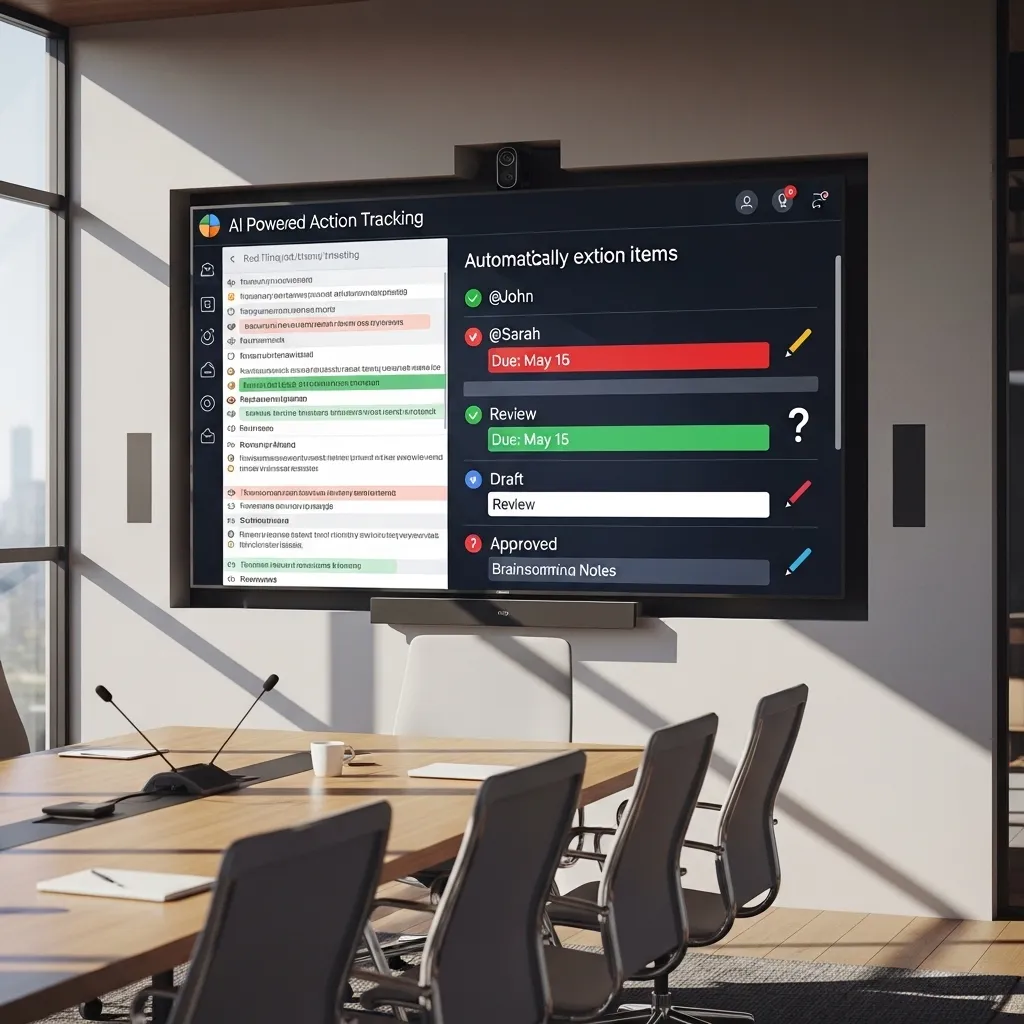
Our current AI workflow:
- Meeting recorded via Zoom or Google Meet
- Fireflies.ai joins automatically and transcribes
- AI analysis extracts:
- Key decisions made
- Action items with assigned people and due dates
- Important questions raised
- Next steps and follow-up meetings
- Task creation: Action items automatically create tasks in Asana assigned to appropriate people with due dates
- Meeting summary: AI generates concise summary with key points and decisions
- Distribution: Summary and action items automatically posted to project Slack channel and emailed to participants
- Follow-up reminders: Automated reminders before action item due dates
- Status tracking: If tasks aren’t completed by deadline, escalation notifications to project manager
Our action item completion rate went from roughly 60% to over 90%. The difference is accountability—when action items are explicitly documented, assigned, and tracked, they get done.
The catch: AI isn’t perfect at identifying commitments. Sometimes “we should probably think about X” gets flagged as an action item when it was really just brainstorming. We now review AI-extracted action items before automatic task creation—takes 2 minutes but prevents confusion.
HR and Onboarding Workflows
Human resources involves numerous repetitive processes that AI can handle while HR professionals focus on the human elements.
New Hire Onboarding Automation
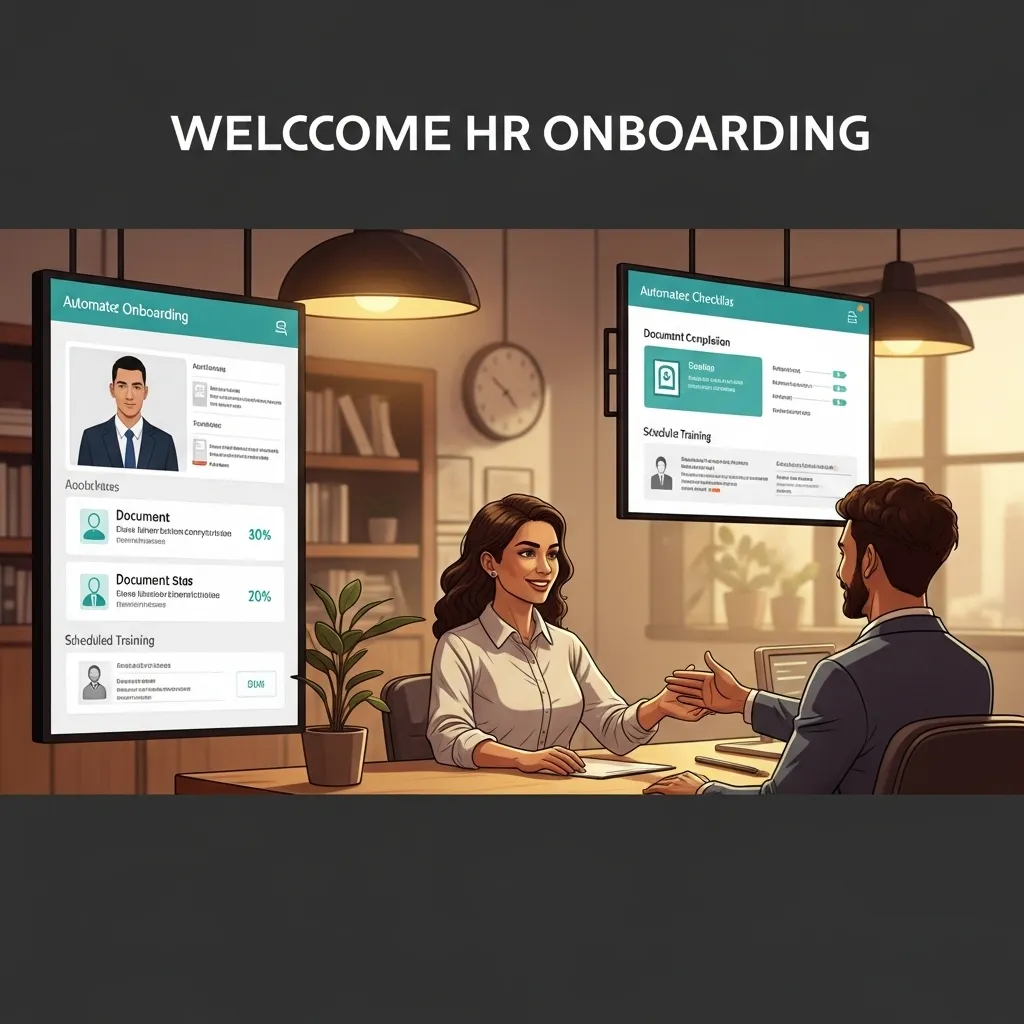
A growing startup I consulted with was onboarding 3-5 people monthly. Each onboarding involved coordination across HR, IT, facilities, and department managers with about 40 distinct tasks. Things frequently fell through the cracks.
Their AI workflow:
- New hire record created in BambooHR
- AI workflow orchestrates:
- Background check initiation with appropriate service
- Document collection (I-9, tax forms, direct deposit) via secure portal
- IT equipment ordering based on role
- Email account and system access provisioning
- Badge and access card creation
- Workspace assignment
- Benefits enrollment scheduling
- Training module assignment based on role and department
- Manager notification with onboarding checklist and timeline
- Buddy assignment from department with introduction email
- First-day calendar creation (orientation, meetings, lunch)
- Welcome package ordering (company swag)
- Addition to company directory and org chart
- Slack workspace invitation
- Tool provisioning (software licenses, project management, etc.)
- Personalized communication: AI-generated welcome emails with role-specific information and next steps
- Timeline management: System tracks progress and sends reminders for overdue items
- Milestone check-ins: Automated surveys at 1 week, 1 month, 3 months gathering feedback on onboarding experience
- Manager reminders: Automatic prompts for manager 1:1s and check-ins at key intervals
New hire experience improved dramatically—everyone gets consistent, complete onboarding with nothing forgotten. HR time per new hire dropped from 8 hours to about 2 hours of exception handling and personal touches.
The limitation: Automation handles logistics beautifully but can’t replace the human welcome and relationship building that makes new hires feel valued. They learned to use automation for administrative elements while ensuring HR and managers focus on personal connection.
Common Patterns in Successful Workflow Automation
After building dozens of these workflows, I’ve noticed patterns in what works and what doesn’t.
Successful workflows typically:
- Automate high-volume, repetitive tasks rather than unique situations
- Keep humans in the loop for review and exceptions
- Build in validation and error handling
- Integrate tightly with existing systems
- Solve specific pain points rather than general “efficiency”
- Have clear success metrics
- Include feedback loops for continuous improvement
Failed workflows usually:
- Try to automate too much complexity
- Remove human judgment from situations requiring it
- Rely on fragile integrations that break frequently
- Create more work through review overhead than they save through automation
- Solve problems nobody actually cared about
- Launch without adequate testing and training
Building Your Own AI Workflows: Practical Guidance
If you’re thinking “I should automate some of this,” here’s what I’ve learned about actually building workflows that work.
Start with Pain Point Mapping
Don’t automate randomly. Map your actual workflow pain points:
- What repetitive tasks drain time without adding value?
- Where do errors frequently occur?
- What creates bottlenecks?
- Where does information get lost or require re-entry?
- What causes team frustration?
I literally have team members track their time for a week, noting repetitive tasks. Those notes become automation candidates.
Choose the Right Automation Platform
Different tools for different needs:
No-code workflow builders (Zapier, Make.com, Power Automate): Great for connecting cloud apps without programming. I use Make.com for most workflows because it’s more powerful than Zapier but still visual and approachable.
CRM/Platform-native automation (HubSpot workflows, Salesforce Flow): Best when automating within a single platform ecosystem. More reliable than stitching things together externally.
API-based custom development: Sometimes necessary for complex logic or proprietary systems. More flexible but requires developer skills and maintenance.
AI-specific platforms (Relay.app, Bardeen): Emerging tools specifically designed for AI-enhanced workflows. Interesting but still maturing.
I typically start with no-code tools and only resort to custom development when limitations become blockers.
Design for Failure
Automation breaks. APIs change. Services go down. Edge cases emerge. Design workflows that fail gracefully:
- Build in error notifications so you know when things break
- Create fallback mechanisms for critical processes
- Log all automated activities for troubleshooting
- Include manual override options
- Test extensively with real data before going live
I learned this the hard way when an automated client onboarding workflow failed silently for two weeks before anyone noticed. Now everything has monitoring and alerts.
Implement Incrementally
I used to build entire complex workflows then launch them all at once. Chaos. Now I:
- Build one small piece of the workflow
- Test it thoroughly
- Run it manually for a week
- Automate the trigger
- Monitor closely for a week
- Add the next piece
This takes longer but results in stable, reliable automation instead of spectacular failures.
Document Everything
Future you (and your team) needs to understand what automation does and how it works. I maintain a simple spreadsheet:
- What the workflow does
- What triggers it
- What systems it touches
- Who owns it
- When it was last updated
- Known limitations
When something breaks at midnight, this documentation is invaluable.
Maintain Actively
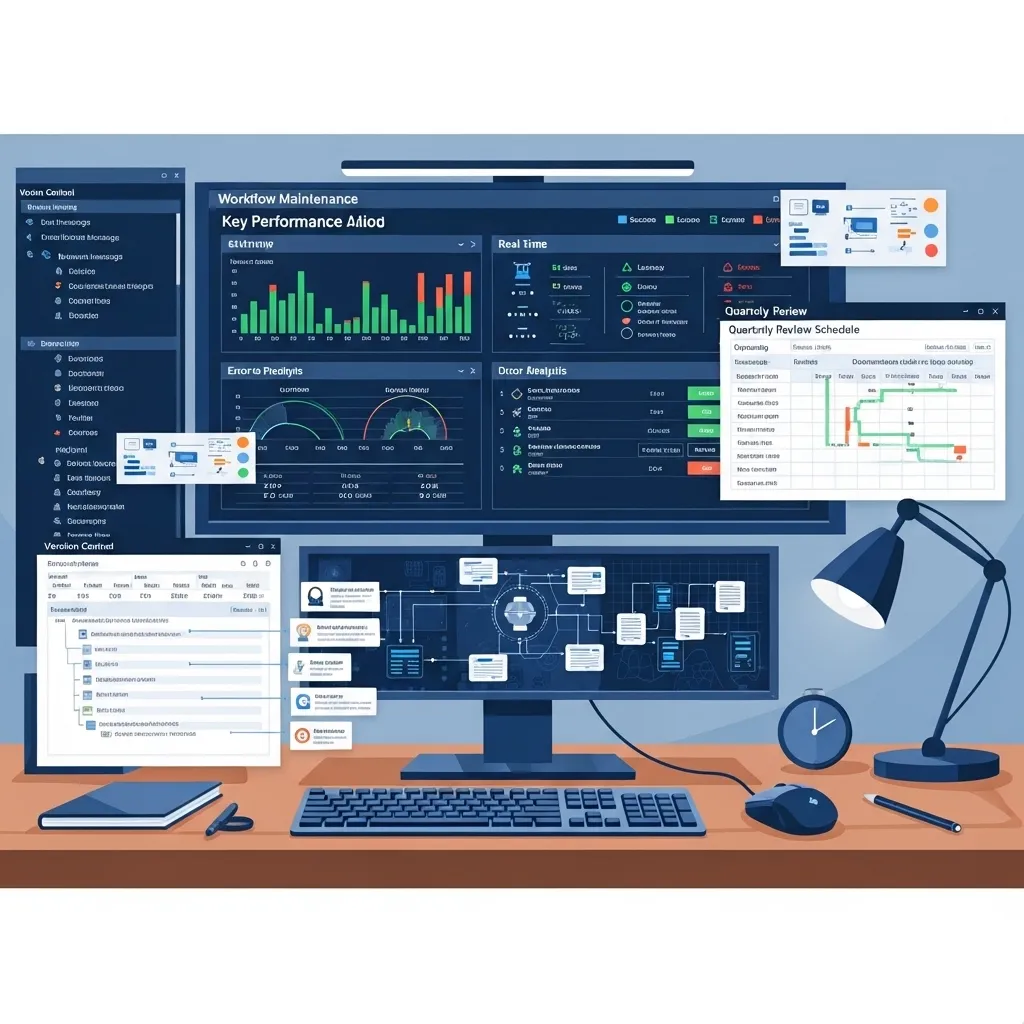
Automation isn’t “set and forget.” I schedule quarterly reviews of all workflows to:
- Verify they’re still working correctly
- Check if business processes have changed
- Update for new features or capabilities
- Deprecate workflows no longer needed
- Optimize based on usage patterns
Workflows that aren’t maintained gradually degrade until they’re causing more problems than they solve.
The Limitations and Risks Nobody Mentions
I’ve made expensive mistakes with AI workflow automation. Let me save you some pain.
Over-Automation Can Break Flexibility
I once automated our content approval process so thoroughly that when we needed to rush-publish time-sensitive content, the workflow prevented it. We’d designed out all the flexibility we occasionally needed.
Some processes should stay manual because human judgment and adaptability matter more than efficiency.
Automation Hides Problems
If a business process is fundamentally broken, automating it just makes you fail faster and at greater scale. I worked with a company that automated a terrible lead qualification process—they efficiently delivered bad leads to sales at scale.
Fix the process before automating it.
Integration Fragility
The more systems your workflow connects, the more likely something breaks. I’ve built workflows connecting 6-7 different services that theoretically worked perfectly but practically broke constantly because any service update could break the chain.
Simpler workflows with fewer integration points are more reliable.
AI Errors Can Be Confidently Wrong
AI doesn’t say “I’m not sure.” It confidently provides wrong answers sometimes. I’ve seen AI-generated customer emails with incorrect pricing, AI-categorized expenses in wrong accounts, and AI-routed support tickets to completely wrong teams.
Always validate AI outputs in high-stakes situations.
Privacy and Security Risks
Workflow automation often requires giving third-party tools access to sensitive business data. I’m cautious about:
- Customer information flowing through automation platforms
- Financial data accessible to AI tools
- Confidential communications processed by external services
Use tools with appropriate security certifications and data handling policies for sensitive workflows.
The Future of AI Workflow Automation
Based on what I’m seeing in beta programs and vendor roadmaps, here’s where this is heading.
Autonomous AI Agents
Current workflows require humans to design the steps. Next-generation tools will let you describe the outcome you want and AI will figure out the workflow.
Instead of “when a deal closes, do steps 1-15,” you’ll say “when a deal closes, get the client started” and AI will determine and execute the necessary steps.
I’m testing early versions of this through tools like Lindy.ai and Relay.app’s AI features. When it works, it’s remarkable. When it fails, it’s spectacularly confusing because you don’t know what the AI tried to do.
Cross-Platform Intelligence
Current automation mostly moves data between systems. Emerging AI can synthesize information across platforms to make intelligent decisions.
For example, instead of “if deal size > $10K, assign to senior rep,” the AI might analyze deal size, customer industry, competitive situation, team capacity, and relationship history to determine optimal assignment.
This contextual intelligence will make automation much more sophisticated.
Natural Language Workflow Building
I currently build workflows using visual builders or code. The next generation: describe what you want in plain English and AI builds the workflow.
“When a customer support ticket mentions billing issues, pull their payment history, check for recent failures, draft a response with relevant information, and if the amount is over $500, notify the account manager.”
The AI interprets that request and creates the entire workflow. Tools like Zapier are already experimenting with this.
Predictive Workflow Optimization
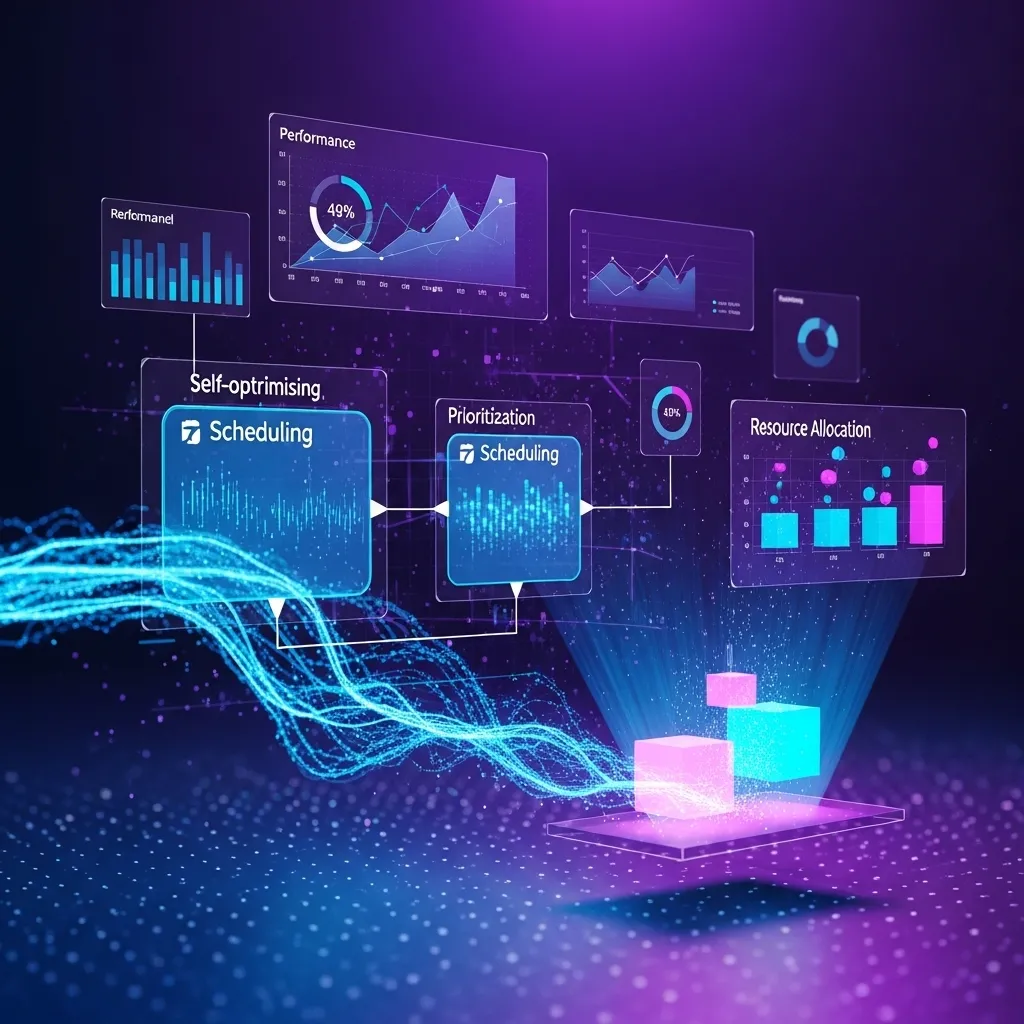
Current automation runs the same way every time. Emerging tools will continuously optimize based on results.
If the AI notices that emails sent Tuesday mornings to a certain segment convert better than the scheduled Thursday sends, it automatically adjusts. If certain content generates better engagement, it shifts priorities.
The workflow becomes self-optimizing based on outcome data.
Final Thoughts from the Trenches
I’ve spent hundreds of hours over the past two years building AI workflow automation. Here’s my honest assessment:
The productivity gains are real. I’m handling roughly 2x the business volume I could have managed manually. My team is less stressed because we’re not drowning in administrative work. Our quality and consistency have improved because automation doesn’t forget steps or make transcription errors.
But automation isn’t magic. It requires significant upfront investment in design, implementation, and testing. It needs ongoing maintenance. It creates new points of failure. And it can’t replace human judgment, creativity, and relationship building.
The companies and individuals succeeding with AI workflow automation share common approaches: They start with clear problems, implement incrementally, maintain actively, keep humans in the loop, and stay realistic about what automation can and can’t do.
Start small. Pick one workflow that’s causing pain. Build it carefully. Learn from what works and what doesn’t. Then expand gradually.
That’s the path to automation that actually delivers value rather than just creating complicated systems nobody understands or maintains.
Frequently Asked Questions
1. What’s the realistic time investment to build an AI workflow automation, and when do I break even on that investment?
This varies wildly based on complexity, but I can give you realistic ranges from my experience. Simple workflows—connecting two apps with basic logic like “when form submitted, create task in project management tool”—take 1-3 hours to build and test. You’ll break even if they save you 5+ minutes weekly. Medium complexity workflows—like the content production pipeline I described—take 15-40 hours to build properly, including testing and refinement. These typically save 5-10 hours weekly, so you break even in 2-8 weeks. Complex enterprise workflows connecting multiple systems with sophisticated logic can take 80-200 hours of implementation (often requiring consultants or developers). These might save 20-50 hours weekly across multiple people, breaking even in 2-6 months. My rule of thumb: if a workflow won’t save at least 10x the implementation time within a year, it’s probably not worth building. And remember, ongoing maintenance requires about 5-10% of the initial build time annually, so factor that into break-even calculations. I’ve made the mistake of building impressive workflows that saved 2 hours monthly but took 40 hours to build—terrible ROI.
2. Can small businesses with limited budgets actually benefit from AI workflow automation, or is this mainly for larger companies?
Small businesses might actually benefit more than enterprises because they’re wearing multiple hats and feeling time pressure more acutely. I’ve worked with solo entrepreneurs and 3-person teams who’ve achieved massive leverage through automation. The key is starting with free or low-cost tools and focusing on high-impact workflows. Many powerful platforms have free tiers: Zapier (5 workflows free), Make.com (1,000 operations free monthly), HubSpot (free CRM with basic automation), Airtable (free tier with automation). You can build sophisticated workflows for under $50 monthly in tool costs. A real example: a freelance consultant I know automated client onboarding, invoice generation, and content distribution for about $30 monthly in tools, saving roughly 8 hours weekly. That’s worth far more than $30 to a small business. Where small businesses struggle is implementation time—you’re already stretched thin, and building automation requires focused time. My advice: block one afternoon monthly for automation development. Build one small workflow per month. In six months, you’ll have meaningful automation without overwhelming yourself. Don’t try to match enterprise automation; focus on your specific bottlenecks.
3. How do I convince my team to actually use automated workflows instead of continuing with their manual processes?
This is honestly harder than the technical implementation. I’ve watched teams sabotage perfectly good automation because they preferred familiar manual processes. What’s worked for me: First, involve the team in identifying pain points and designing solutions—people support what they help create. Don’t impose automation from above. Second, make the automated workflow easier than the manual one, not just faster. If automation requires five clicks versus three manual steps, people won’t switch even if it’s technically better. Third, show quick wins with low-risk workflows before tackling critical processes. When people see automation working well in one area, they trust it elsewhere. Fourth, grandfather in existing projects—don’t force people to switch mid-stream; apply automation to new work. Fifth, provide clear training and documentation. Sixth, celebrate automation successes publicly—when someone saves hours through automation, make that visible. And honestly, sometimes you need to just sunset the manual option. We deprecated our old manual expense process and made the automated version the only option. After initial grumbling, everyone adapted within two weeks and now they love it. But we only forced that after building trust with successful voluntary automation elsewhere.
4. What happens when an automated workflow breaks, and how do I prevent critical business processes from failing?
Workflows break. I’ve had automation failures cause missed client deadlines, lost leads, and embarrassing communication errors. Here’s what I’ve learned: First, never automate critical processes without fallback mechanisms. For important workflows, I build dual paths—automated and manual—and include monitoring to alert me if automation fails so I can execute manually. Second, implement comprehensive error notifications. Every workflow should email/Slack me if something fails. I use a separate notification channel for workflow errors so they don’t get buried in noise. Third, log everything. I have workflows write to a Google Sheet or Airtable every time they run, so I can verify they’re working and troubleshoot when they’re not. Fourth, test in safe environments first. I run new workflows manually for a week before automating the trigger. Fifth, build gradually—a workflow with 3 steps is more reliable than one with 15 steps because there are fewer failure points. Sixth, maintain relationships with vendors—when a critical integration breaks, having a contact who’ll prioritize your support ticket matters. And finally, accept imperfection. I aim for 95% automation reliability with plans for the 5% failures, rather than trying to build 100% perfect systems that never ship. The worst workflow failure I had was an automated invoice system that silently broke for two weeks. Now I have weekly automated reports showing “invoices sent this week” so I notice immediately if that number is unexpectedly zero.
5. Should I hire someone to build AI workflow automation for me, or can I realistically do it myself with no technical background?
The honest answer is: it depends on your comfort with technology and the complexity you’re pursuing. I have a marketing background, not software development, and I’ve built most of my workflows myself using no-code tools. If you’re comfortable with Excel, can follow tutorials, and aren’t intimidated by technology, you can absolutely build basic to intermediate workflows yourself. Platforms like Zapier, Make.com, and Airtable are designed for non-technical users. I’d recommend: Start by taking a 2-3 hour course on your chosen platform (YouTube has plenty free, or Udemy courses for $20-50). Build one simple workflow following a tutorial. Then tackle one of your own workflows, starting small. Join communities (Reddit r/automation, tool-specific Facebook groups, Make.com community) where you can ask questions. Budget maybe 20 hours of learning before you’re comfortable building independently. When to hire help: Complex workflows connecting 5+ systems, workflows requiring custom code or API integrations, mission-critical processes where errors would be costly, or situations where your time is better spent elsewhere. Expect to pay $75-150/hour for automation consultants, or $2,000-10,000 for complete workflow implementations depending on complexity. A middle path: hire someone for initial setup and training, then maintain it yourself. I did this for a couple complex workflows—paid a consultant $1,500 to build and teach me how they work, now I manage them myself. The best investment is education; once you understand workflow logic, you can build increasingly sophisticated automation yourself.






