
AI Business Automation Tools: What’s Actually Working in 2026
AI Business Automation Tools: What’s Actually Working in 2026
The first business automation project I worked on—back in early 2024—was a disaster. We spent $40,000 on a “cutting-edge AI platform” that promised to revolutionize our client onboarding process. Six months later, we’d automated exactly one workflow (intake forms), the integration broke constantly, and our team hated using it.
That expensive failure taught me more about AI business automation than any success could have. I learned that shiny demos don’t equal real-world functionality. That vendor promises often outpace actual capabilities. And that the best automation tool is the one your team will actually use, not the one with the most impressive feature list.
Fast forward to 2026, and I’ve now implemented AI automation across a dozen business functions for multiple companies. Some initiatives saved hundreds of hours monthly. Others looked great on paper but failed in practice. The difference between success and failure usually isn’t the technology—it’s how thoughtfully you choose and implement it.
Let me share what I’ve learned actually works, what doesn’t, and how to avoid the expensive mistakes I made.
The Business Automation Landscape Has Changed
When I first started exploring business automation in 2022, you basically had two options: expensive enterprise software requiring six months of implementation, or cobbled-together solutions using Zapier and hoping everything held together.
The 2026 landscape is different. AI has genuinely democratized automation that was previously only accessible to corporations with massive IT budgets. Small businesses can now deploy sophisticated automation that would’ve cost $200,000 just five years ago for maybe $500 monthly.
But—and this is crucial—more accessible doesn’t mean easier. You still need to understand your business processes, identify what’s worth automating, and implement thoughtfully. The tools have gotten better; the strategic thinking required hasn’t changed.
Customer Relationship Management (CRM) Automation
This is where I’ve seen the most dramatic business impact. CRM systems have always promised to organize customer relationships, but they required so much manual data entry that salespeople often ignored them. AI has changed that equation.
Smart Data Entry and Enrichment
I consulted with a B2B software company that was losing deals because their sales team spent hours updating Salesforce instead of selling. We implemented HubSpot with their AI features (though Salesforce Einstein and Pipedrive’s AI tools are equally capable) to automatically capture and log interactions.
Here’s what changed: Sales emails automatically logged to customer records with AI-extracted key information—pricing discussed, next steps mentioned, competitor references. Meeting recordings transcribed and attached to opportunities with automatic summaries. LinkedIn interactions tracked and added to contact timelines.
The sales team’s data entry time dropped from roughly 8 hours per week per rep to maybe 90 minutes. That’s not trivial—across a 12-person sales team, that’s 78 hours weekly back to actually selling.
The business impact? Their pipeline accuracy improved dramatically because data was actually current, and they closed 23% more deals that quarter. Not all from automation, obviously, but having reps focused on relationships rather than administrative work absolutely contributed.
Predictive Lead Scoring
The same company implemented AI-powered lead scoring that analyzed hundreds of signals—company size, website behavior, engagement patterns, tech stack, funding status, and similar successful customer profiles—to identify which prospects were most likely to convert.
Their reps used to treat all inbound leads roughly equally, which meant spending lots of time on tire-kickers while hot prospects sometimes waited. The AI scoring let them focus energy where it had the highest probability of return.
Within two months, their lead-to-opportunity conversion rate jumped from 12% to 19%. That’s enormous. Same number of leads coming in, 58% more opportunities in the pipeline just from better prioritization.
The limitation I observed: The AI scoring is only as good as your historical data. If your CRM data is garbage—inconsistent, incomplete, outdated—the AI will learn from garbage and give you garbage predictions. They spent six weeks cleaning their data before even implementing AI features. That foundational work mattered more than the AI itself.
Automated Customer Journeys
For post-sale customer success, AI automation has been equally transformative. I worked with a SaaS company using Gainsight’s AI features (Totango and ChurnZero offer similar capabilities) to automate customer health monitoring and intervention.
The system monitors product usage, support ticket patterns, billing issues, and engagement levels to identify customers at churn risk before they cancel. When risk factors appear, it automatically triggers outreach—sometimes automated emails with helpful resources, sometimes alerts for customer success managers to call personally.
Their churn rate dropped 4.2 percentage points in the first year. For a company with $8M ARR, that’s over $300K in retained revenue annually. The AI tool costs them about $18K yearly. That’s ROI you can take to the bank.
Marketing Automation Gets Smarter
I’ve been using marketing automation tools since the Mailchimp early days, but the AI capabilities emerging over the past two years have moved this from “batch and blast” to genuinely personalized communication at scale.
Dynamic Content Personalization
A mid-sized e-commerce company I advised implemented Dynamic Yield (Adobe also has similar capabilities in their Experience Cloud) to personalize their website and email content based on individual customer behavior, preferences, and predicted intent.
Instead of everyone seeing the same homepage, the AI customizes what products, messaging, and offers each visitor sees based on their browsing history, purchase patterns, and similar customer profiles. Someone who’s browsed running shoes three times sees featured running gear. Someone who always buys on sale sees current promotions. First-time visitors see best-sellers and social proof.
The results were honestly better than I expected: 34% increase in email click-through rates, 28% improvement in website conversion rate, 41% higher average order value. The AI identified that certain customer segments responded to scarcity messaging (“only 3 left”) while others were turned off by it and preferred quality messaging. That nuance is impossible to manage manually at scale.
Predictive Send Time Optimization
This sounds like a small thing but makes a real difference. Tools like Braze, Iterable, and Klaviyo now use AI to analyze when individual subscribers are most likely to open emails and automatically send to each person at their optimal time.
A newsletter I helped manage saw open rates increase from 22% to 31% just from switching from “send everyone at 9 AM Tuesday” to “send each person when they’re most likely to engage.” Same content, 40% lift in opens, purely from timing optimization the AI identified.
AI-Generated Campaign Variations
This is where I’m more cautious. Tools like Jasper, Copy.ai, and native AI features in platforms like HubSpot can generate marketing copy, email subject lines, ad variations, and social media content.
I’ve tested these extensively. For certain use cases—generating 20 subject line variations to A/B test, creating multiple ad copy versions, drafting routine email sequences—they’re genuinely useful and save hours of work.
But for brand-critical messaging, strategic campaign concepts, or anything requiring deep product knowledge or brand voice nuance? The AI-generated content ranges from generic to occasionally off-brand in ways that could damage trust.
My approach: Use AI to generate first drafts and variations for routine marketing tasks, but always have experienced marketers review and edit. The junior marketer who blindly publishes AI-generated content without oversight is going to have some embarrassing moments.

Financial Process Automation
I’ll admit I was skeptical about AI in financial processes because accuracy is non-negotiable. But the tools that have emerged are impressive, with built-in validation that makes them more reliable than I initially expected.
Invoice Processing and Accounts Payable
A manufacturing company I worked with was drowning in paper invoices—literally hundreds monthly from various suppliers. They had two full-time employees just processing payables: data entry, matching to purchase orders, routing for approval, scheduling payments.
We implemented Stampli (though Bill.com, AvidXchange, and others offer similar AI capabilities) that uses computer vision and natural language processing to read invoices regardless of format, extract relevant data, match to POs, flag discrepancies, route for approval based on amount and department, and schedule payment.
The accuracy is honestly better than the humans were—the AI catches duplicate invoices, pricing discrepancies, and tax calculation errors that people missed. Processing time per invoice dropped from about 15 minutes to under 2 minutes for standard invoices.
The two AP clerks weren’t laid off—they were reassigned to more strategic finance work like vendor relationship management and payment terms negotiation. The company saved zero on headcount but gained enormous efficiency and accuracy.
Expense Management
I use Brex for business expenses (Ramp and Divvy have similar AI features), and the automation is remarkable. The system automatically categorizes transactions with surprising accuracy—it understands that “$47 at Whole Foods on Sunday” is probably personal but “$157 at Whole Foods on Wednesday at 2 PM” is probably a client lunch.
It extracts receipt data from photos, matches expenses to corporate cards, enforces policy rules, and flags potential compliance issues. Our monthly expense close time dropped from about 6 hours of finance team work to maybe 90 minutes of spot-checking and exception handling.
Financial Forecasting and Analysis
This is where AI moves from administrative efficiency to strategic value. Tools like Planful, Anaplan, and Pigment use AI to generate cash flow forecasts, revenue projections, and scenario modeling based on historical patterns, pipeline data, and market indicators.
A subscription business I consulted with uses these tools to predict monthly recurring revenue with about 94% accuracy three months out. That forecast accuracy lets them make confident hiring and investment decisions instead of conservative worst-case planning.
The CFO told me the forecasting AI has probably influenced $2M in better capital allocation decisions over the past 18 months. That’s hard to quantify precisely, but having accurate forward visibility absolutely enables better strategic choices.
Human Resources and Talent Management
This is probably the most ethically complex area for AI business automation. The potential for bias, privacy issues, and dehumanizing people is real and requires careful implementation.
Recruitment and Candidate Screening
I’ve worked with companies using tools like HireVue, Pymetrics, and AI features in Greenhouse and Lever for recruiting automation. These systems can screen resumes, rank candidates, conduct initial video interviews with AI analysis, and even assess candidate fit based on various signals.
The efficiency gains are undeniable—I watched one company reduce their time-to-first-interview from 12 days to 3 days by automating initial screening. For high-volume hiring (customer service, sales development), that speed matters enormously.
But I’ve also seen concerning implementations. One tool confidently recommended candidates based on patterns from “successful hires” but turned out to be essentially perpetuating existing diversity gaps—it recommended people who looked like current employees. Another system dinged candidates for video interview factors like “enthusiasm” in ways that seemed to penalize neurodivergent candidates.
My strong recommendation: Use AI for efficiency in the funnel (resume screening, scheduling, initial qualification) but keep humans in the loop for actual assessment. And rigorously test for bias—not just once during implementation, but continuously.
Employee Onboarding
A more straightforward HR automation win: intelligent onboarding systems. Companies using platforms like BambooHR, Rippling, or Deel with AI features can automate the entire new hire process—document collection, equipment ordering, system access provisioning, training assignment, and manager check-in scheduling.
A 150-person company I worked with used to have their HR manager spend about 8 hours per new hire on administrative logistics. With automation, that’s down to maybe 2 hours, mostly relationship-building and exception handling.
New hires also report better experiences—they get consistent, timely communication and all the information they need without things falling through the cracks like happened with manual processes.
Performance Management and Engagement
Tools like Lattice, Culture Amp, and 15Five now use AI to analyze employee feedback, identify engagement risks, detect team dynamics issues, and suggest interventions.
One implementation I observed: the AI analyzed voluntary feedback and communication patterns to identify that a particular team had declining engagement. The system flagged it for leadership before it became visible in traditional metrics. Turned out the manager was overwhelmed and inadvertently neglecting the team. Early intervention prevented what likely would’ve become turnover.
The creepy factor here is real, though. Analyzing employee communications and feedback with AI can feel invasive and Big Brother-ish if not handled transparently. The companies doing this well are very clear about what data is analyzed, how it’s used, and what privacy protections exist.

Operations and Supply Chain
This is where AI business automation can drive massive value for companies with complex operations, though it’s also among the most challenging to implement well.
Inventory Management and Demand Forecasting
A retail company I consulted with implemented Blue Yonder’s AI platform (there are others like o9 Solutions and Kinaxis with similar capabilities) to forecast demand and optimize inventory across 40 locations.
The AI analyzes point-of-sale data, seasonal patterns, local events, weather forecasts, promotional calendars, and economic indicators to predict what products will sell where and when. It automatically generates purchase orders and optimizes distribution.
Their inventory carrying costs dropped 18% while stockouts decreased by 31%. That’s the magic combination—less money tied up in inventory but better product availability. The manual approach was always a tradeoff; the AI found a better equilibrium.
Predictive Maintenance
A facilities management company I know uses AI tools integrated with IoT sensors to predict equipment failures before they happen. The system monitors HVAC systems, elevators, and building equipment for patterns that indicate impending failure.
Instead of reactive maintenance (fixing things when they break) or scheduled maintenance (servicing on fixed intervals whether needed or not), they do predictive maintenance (servicing when the AI indicates actual need).
This cut their emergency repair costs by 40% and extended equipment life by an estimated 15-20%. The AI identifies subtle patterns—vibration changes, temperature fluctuations, energy consumption variations—that humans wouldn’t notice until something actually failed.
Route Optimization and Logistics
For companies with delivery or field service operations, AI-powered route optimization tools like Route4Me, OptimoRoute, and features in platforms like ServiceTitan make a tangible difference.
A field service company I worked with had dispatchers manually building technician routes each morning—a puzzle of customer locations, appointment windows, technician skills, and travel time. It took about 90 minutes daily and was never optimal.
AI route optimization takes seconds and finds solutions human dispatchers couldn’t. Their technicians now complete an average of 6.4 jobs daily vs. 5.1 before, purely from better routing. That’s a 25% productivity increase from the same workforce, same hours.
IT and Cybersecurity Automation
This is somewhat outside my core expertise, but I’ve worked with IT teams implementing these tools and seen the impact firsthand.
Automated Security Monitoring
Traditional security monitoring meant IT staff watching dashboards for anomalies. Modern AI tools like Darktrace, CrowdStrike, and Microsoft Sentinel automatically detect unusual patterns that indicate potential security threats.
The AI learns normal network behavior, then flags deviations—a user account suddenly accessing unusual files, data transfers to unexpected locations, login attempts from strange locations. It can automatically respond to certain threat types, isolating compromised systems before an analyst even sees the alert.
An IT director told me their AI security tools identify and contain threats in an average of 8 minutes vs. the industry average of several hours for manual detection. In cybersecurity, that time difference can be the difference between a contained incident and a catastrophic breach.
IT Service Desk Automation
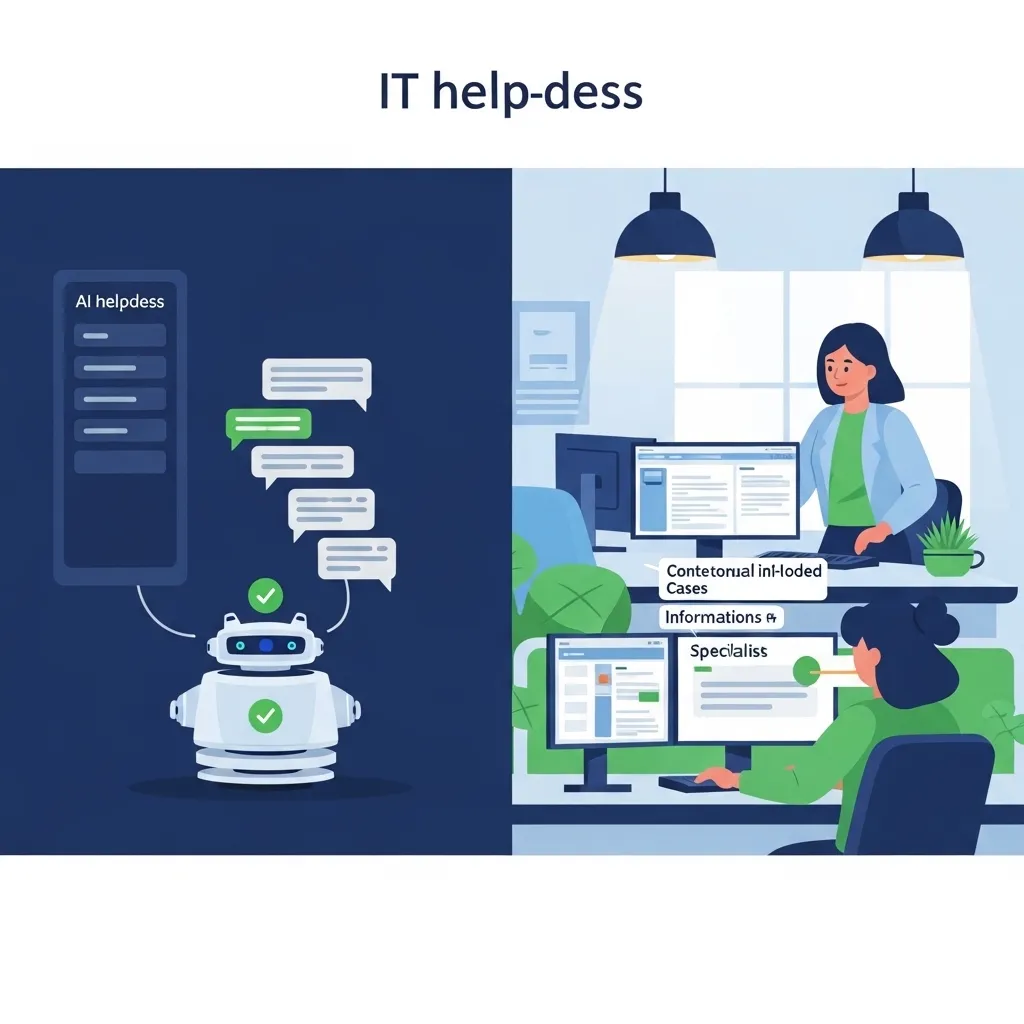
Companies using tools like ServiceNow with AI features or specialized platforms like Moveworks are automating significant portions of IT support.
The AI handles routine requests—password resets, software access, basic troubleshooting—without human intervention. More complex issues get automatically routed to appropriate specialists with context and suggested solutions pre-populated.
One company I worked with saw their IT service desk ticket volume drop 40% after implementing AI automation—not because people had fewer issues, but because 40% of issues were resolved automatically. Their three-person helpdesk could suddenly support a company twice their previous capacity.
Document Processing and Workflow Automation
This might seem mundane, but document-heavy businesses can achieve enormous efficiency gains here.
Intelligent Document Processing
I worked with a legal firm processing hundreds of contracts monthly. Extracting key terms—payment clauses, termination conditions, liability limits—was tedious manual work for paralegals.
They implemented a solution using tools like Docsumo and Rossum (several vendors in this space with similar capabilities) that uses AI to read contracts regardless of format, extract specific clauses, populate databases, and flag unusual terms for attorney review.
Contract review time dropped from an average of 45 minutes to about 12 minutes, with comparable accuracy to manual review. That’s not replacing attorneys—it’s freeing them from data extraction to focus on actual legal analysis.
Workflow Automation Platforms
This is where I’ve personally spent the most time. Platforms like Make.com, Zapier (with AI enhancements), and Microsoft Power Automate let you build sophisticated automation connecting different business systems.
For a consulting firm I worked with, we built workflows that:
- Automatically create project folders in Google Drive when deals close in CRM
- Extract data from client intake forms and populate project management tools
- Send customized onboarding emails based on project type
- Create invoicing milestones in accounting software
- Update capacity planning spreadsheets
Each workflow saves maybe 15-30 minutes of manual work. Across dozens of projects monthly, that’s significant time returned to billable work.
The challenge: These automations are powerful but can be fragile. When one system in the chain updates their API or changes functionality, workflows break. You need someone responsible for monitoring and maintaining them, or you’ll end up with broken processes nobody notices until something important fails.
Choosing the Right Tools for Your Business
After implementing automation across different companies and functions, I’ve developed a framework for evaluating tools that’s helped avoid expensive mistakes.
Start with Process, Not Technology
The biggest mistake I see is choosing a tool first, then trying to fit your business around it. I’ve done this myself—bought a impressive platform then struggled to find uses for it.
The right approach: Document your current process in detail. Identify pain points—bottlenecks, errors, time sinks, inconsistencies. Then find tools specifically designed to solve those problems.
I worked with a company that was convinced they needed a enterprise AI platform. After mapping their processes, we realized their main issue was simply getting data out of PDFs into their database. A focused intelligent document processing tool for $200/month solved their problem better than a $50K enterprise platform would have.
Consider Integration Complexity
A tool might be perfect in isolation but useless if it doesn’t connect with your existing systems. I’ve seen companies buy automation tools that couldn’t integrate with their core business systems, creating manual data transfer work that negated the automation benefits.
Before committing to any tool, verify it integrates with your critical systems—CRM, accounting software, project management, whatever runs your business. API documentation and integration directories are your friends here.
Evaluate Vendor Stability
The AI business automation space is crowded with startups. Some will become major players. Others will be acquired, pivot, or shut down. Betting your critical business processes on a tool that disappears is painful.
I generally favor established vendors for core business functions and am more willing to experiment with newer tools for non-critical processes. A CRM with AI features from Salesforce or HubSpot has more longevity certainty than a startup with impressive demos but no revenue.
That said, innovative features often emerge from startups first. It’s a balance of risk and reward.
Calculate Real ROI, Not Theoretical
Vendors love showing impressive ROI projections. “This will save you 20 hours per week!” Reality is usually more modest.
My approach: Identify specific, measurable metrics you’ll track. Time spent on a process. Error rates. Conversion rates. Customer satisfaction. Whatever matters for the specific automation.
Then pilot the tool for 60-90 days, actually measuring those metrics. Sometimes the results exceed expectations. Often they’re more modest. Occasionally the tool makes things worse. But actual data beats vendor promises every time.
For the legal firm I mentioned earlier, we tracked contract review time, extraction accuracy, and attorney satisfaction for three months before making a full commitment. The data showed clear value, which made the purchasing decision easy and set realistic expectations.
Implementation Challenges Nobody Warns You About
Even with great tools, implementation often surfaces challenges that don’t appear in sales demos.
Change Management is the Real Hurdle
I’ve watched technically successful automation projects fail because the team refused to use them. People resist change, especially when it affects how they work daily.
One sales team actively sabotaged a CRM automation implementation because they felt the AI was “monitoring” them. They’d enter minimal data, ignore AI suggestions, and complain the system didn’t work. Technically, the system was fine. The human acceptance problem wasn’t.
What worked: Involving the team early in tool selection, clearly explaining what the automation would and wouldn’t do, emphasizing how it helped them (less data entry, better leads) rather than helped management (better visibility), and having champions among the team who evangelized the value.
Automation implementation is 20% technology, 80% change management. Budget accordingly.
Data Quality Determines Success
I mentioned this with CRM lead scoring, but it applies everywhere: AI automation is only as good as the data it works with.
A marketing automation project I worked on initially failed because their customer data was a mess—duplicate records, inconsistent tagging, incomplete information, outdated segments. The AI personalization made random, sometimes ridiculous recommendations because it was learning from garbage data.
We spent six weeks on data cleanup before re-implementing automation. The second attempt worked beautifully. That foundational data work was unglamorous and time-consuming but absolutely essential.
Hidden Costs Add Up
That $500/month automation tool has associated costs that don’t appear on the invoice: Implementation time (yours or consultant fees), training for the team, ongoing maintenance, integration development, potential additional tools needed to make it work, and inevitably some professional services from the vendor.
A tool with a $6,000 annual subscription can easily have a total first-year cost of $15,000-20,000 when you include everything. Not necessarily a bad investment, but budget realistically or you’ll run out of resources mid-implementation.
The “Last Mile” Problem
Many automation tools get you 80% of the way to your desired workflow, but that final 20% requires custom development, manual workarounds, or accepting suboptimal processes.
I’ve spent embarrassing amounts of time trying to fully automate workflows that turned out to require some human touchpoint for edge cases. Sometimes accepting “mostly automated with occasional human intervention” is better than pursuing perfect automation that never quite works.
The Ethics of Business Automation
As someone implementing these tools, I’ve grappled with ethical questions that don’t have easy answers.
Job Displacement
The reality is that effective automation reduces need for certain types of human labor. The AP clerks I mentioned were reassigned, but at scale across many companies, some people do lose jobs to automation.
I don’t have a perfect answer here, but I think businesses have a responsibility to consider the human impact. Can you retrain and redeploy people rather than eliminate positions? Can you use automation to grow the business and create different jobs rather than simply cut costs?
I’ve consulted with companies taking both approaches. The ones investing in their people tend to have better cultures and, honestly, better business outcomes long-term.
Bias and Fairness
AI systems learn from historical data, which often contains embedded biases. Automating decisions based on biased data perpetuates and scales those biases.
For HR processes especially, rigorous bias testing is essential. But it applies elsewhere too—credit decisions, customer service prioritization, pricing optimization. Just because AI made a decision doesn’t make it fair or ethical.
The responsible companies I work with regularly audit their AI systems for disparate impact and have human oversight for consequential decisions.
Privacy and Surveillance
Many powerful automation tools require extensive data access. Monitoring employee communications, tracking customer behavior, analyzing performance metrics—there’s a fine line between useful business intelligence and invasive surveillance.
I encourage transparency: If you’re using AI to analyze employee communications or customer data, people should know what’s being analyzed and how it’s used. Secret surveillance, even if technically legal, damages trust.
Over-Optimization
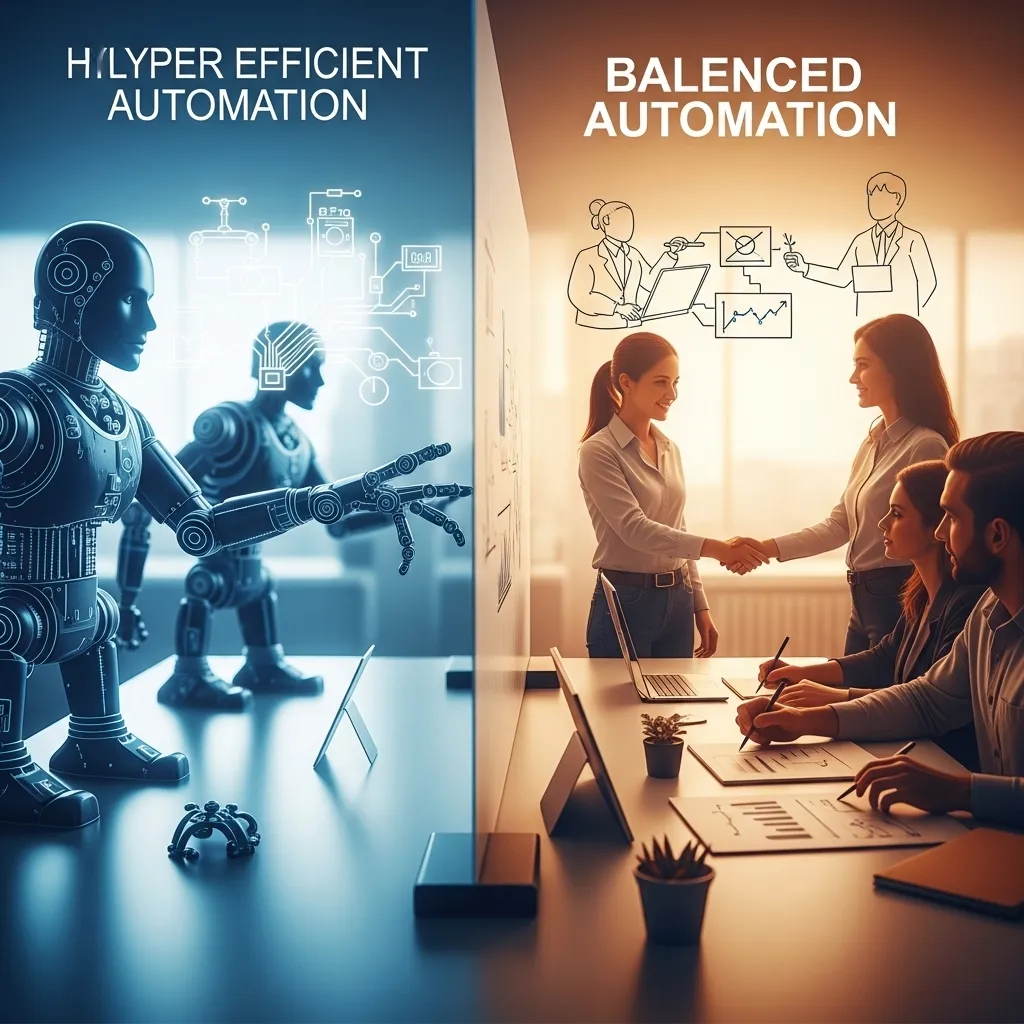
There’s something troubling about optimizing every business process for maximum efficiency. The slack in systems—human judgment, relationship building, creative exploration—often drives innovation and adaptation.
I’ve seen companies automate themselves into brittleness, where everything runs efficiently until something unexpected happens and the system can’t adapt.
Some inefficiency is healthy. Not everything should be automated, even if it technically could be.
Looking Ahead: Where Business Automation is Going
Based on what I’m seeing in demos, beta programs, and strategic vendor roadmaps, here’s where business AI automation is heading.
Autonomous AI Agents
Current automation still requires humans to design workflows and set parameters. The next wave involves AI agents that can independently plan and execute multi-step business processes.
Instead of “when X happens, do Y,” you’ll tell the system “I want to achieve Z outcome” and it will figure out the necessary steps, coordinating across multiple systems with minimal human intervention.
This is incredibly powerful and somewhat terrifying. I’m testing early versions for specific workflows, and when it works, it’s remarkable. When it doesn’t, the failures can be spectacular because the AI went off-script in unpredictable ways.
Vertical-Specific Solutions
The current generation of tools tends to be horizontal—marketing automation, CRM, workflow automation that works across industries. The next wave is deeply vertical solutions built for specific industries with embedded best practices and compliance requirements.
I’m seeing impressive healthcare-specific, legal-specific, manufacturing-specific automation platforms that understand industry nuances in ways horizontal tools don’t.
Natural Language Interfaces
Most current automation requires learning specific tools and interfaces. Emerging systems let you describe what you want in plain language and the AI configures the automation.
“Every time a high-value customer submits a support ticket, notify the account manager and escalate to senior support if not responded to within an hour” shouldn’t require building a multi-step workflow with triggers and conditions. You should just be able to say that and have it happen.
The natural language automation tools I’m testing aren’t quite there yet, but they’re close. This will dramatically lower the technical barrier to sophisticated automation.
Practical Getting-Started Advice
If you’re a business leader thinking “We should probably be doing more with AI automation,” here’s my practical roadmap based on what’s worked for companies I’ve advised.
Start Small and Specific
Don’t try to automate your entire business at once. Pick one specific pain point—maybe invoice processing is drowning your finance team, or your sales team hates CRM data entry, or customer onboarding is inconsistent.
Solve that one problem well, learn from the implementation, then move to the next opportunity.
Build an Automation Inventory
Many companies already have automation capabilities they’re not using. Your CRM probably has AI features you’re not leveraging. Your email marketing platform likely has automation you haven’t configured. Your accounting software probably has smart features turned off.
Before buying new tools, audit what you already have and aren’t using. I’ve helped companies unlock significant value from tools they were already paying for but underutilizing.
Involve the People Doing the Work
The people closest to a process usually have the best ideas about what’s broken and what would help. Don’t have executives dictate automation from the top down.
When I facilitate automation planning, I spend most of my time interviewing frontline people about their workflows, frustrations, and ideas. The best automation opportunities usually come from those conversations.
Insist on Measurable Pilots
Don’t sign long-term contracts based on demos and promises. Negotiate 60-90 day pilots with clear success metrics. Actually measure whether the tool delivers value before committing.
Vendors will resist this because pilots require work without guaranteed revenue, but the good ones will agree if you’re a serious prospect. The ones who won’t agree to reasonable pilot terms might not have confidence their product delivers value.
Budget for Implementation, Not Just Subscription
As I mentioned earlier, the tool cost is often a fraction of total implementation cost. Make sure you have budget for training, integration work, change management, and ongoing optimization.
A $10,000 annual tool subscription might require $20,000 in implementation investment to actually deliver value. Plan for the real cost, not just the SaaS fee.
Build Internal Expertise
Don’t outsource all automation knowledge to consultants or vendors. Develop internal team members who understand the tools and can maintain and optimize them.
These don’t need to be full-time automation roles (except in large companies), but someone needs to own this work, or your automation will slowly degrade as business needs evolve and tools change.

Final Thoughts
I’ve spent thousands of hours over the past few years implementing AI business automation across different companies and functions. The honest truth: It’s neither the revolutionary transformation some vendors promise nor overhyped nonsense that skeptics dismiss.
It’s a powerful set of capabilities that, implemented thoughtfully with realistic expectations, can drive significant business value. I’ve watched automation save companies hundreds of hours monthly, reduce errors, improve customer experiences, and free people to do higher-value work.
I’ve also watched failed implementations waste money and frustrate teams, usually because of poor tool selection, inadequate change management, or unrealistic expectations.
The companies succeeding with AI automation share common patterns: They start with clear business problems, choose appropriate tools, involve their teams, invest in proper implementation, maintain realistic expectations, and continuously optimize based on results.
It’s not magic. It’s systematic application of increasingly capable technology to real business challenges. The tools available in 2026 are genuinely impressive, but they still require human judgment, strategic thinking, and disciplined execution.
Start small, measure carefully, learn continuously, and remain focused on real business outcomes rather than technological novelty. That’s the path to automation that actually delivers value rather than just creating shiny new toys nobody uses.
Frequently Asked Questions
1. How do I convince leadership to invest in AI business automation when budgets are tight?
This is a challenge I’ve faced with multiple clients. The most effective approach is building a business case around a specific, measurable problem rather than general “we should use AI” proposals. Identify one pain point that’s costly or risky—maybe manual invoice processing creates payment errors, or inconsistent customer onboarding drives churn, or sales admin work limits revenue capacity. Quantify the current cost (time, errors, lost revenue, whatever matters) and research specific tools that address that problem with realistic ROI projections. Propose a small pilot with clear success metrics—”invest $5K for 90 days, if we achieve X result we’ll expand, if not we walk away.” Leaders resist vague transformation initiatives but usually support focused pilots with measurable outcomes. I’ve also found it helpful to show competitive context—if your industry peers are automating and gaining efficiency while you’re not, that competitive pressure often moves the conversation forward.
2. What’s the typical timeline from deciding to implement AI automation to actually seeing results?
This varies wildly depending on scope, but based on my experience: simple single-function tools (like email AI, expense management, or meeting transcription) can show results within 2-4 weeks—the tools themselves work quickly, but you need time for team adoption and workflow adjustment. Mid-complexity implementations (CRM automation, marketing personalization, document processing) typically take 2-4 months from selection to meaningful results—figure 3-4 weeks for tool evaluation and selection, 4-6 weeks for implementation and integration, then 3-4 weeks of optimization as you learn what works. Complex enterprise-wide automation (ERP integration, supply chain optimization, comprehensive customer data platforms) can take 6-12 months or more. My advice: start with quick-win projects that can show value in weeks, build credibility and learning, then tackle more complex initiatives. I’ve seen too many companies start with ambitious enterprise-wide projects that take so long people lose faith before seeing results.
3. Should we build custom AI automation or buy existing tools?
I get asked this constantly, and my answer frustrates people because it’s “it depends,” but let me make it practical. For probably 80% of business automation needs, buying existing tools makes way more sense—the build vs. buy math has shifted dramatically because modern AI automation tools are so capable and reasonably priced. Building custom AI requires specialized talent (expensive and hard to recruit), ongoing maintenance (costly), and time to market (slow). Unless you have truly unique processes that create competitive differentiation, or you’re in a niche industry with no adequate tools, buy don’t build. Where custom development makes sense: integrating tools together for your specific workflow, building on top of platforms (like custom AI models in Salesforce or custom automations in Make.com), or creating customer-facing applications where the AI itself is your product. I’ve watched companies waste $200K building custom automation that a $5K/year tool could’ve handled better. Build for differentiation and unique competitive advantage, buy for standard business processes.
4. How do we handle employee concerns that AI automation will eliminate their jobs?
This is emotionally charged and requires careful, honest handling. What I’ve seen work: First, be truthful—don’t promise automation won’t change roles, because it will. But position automation as eliminating tedious tasks while elevating human work to more strategic, creative, and relationship-focused activities that are generally more satisfying anyway. When I worked with the company automating AP processing, we involved those employees from the beginning, got their input on pain points, showed them how automation would eliminate boring data entry, and had clear plans for how their roles would evolve to vendor relationship management and strategic finance work. They became automation champions because they saw personal benefit. Second, invest in training and development so people can transition to higher-value work—automation creates opportunities for those who grow their skills. Third, whenever possible, use automation to grow the business rather than cut headcount; redeploy people to customer service, sales, product development. Companies that transparently communicate, genuinely invest in people, and lead with growth rather than cost-cutting tend to get employee buy-in. Those that secretly implement automation then announce layoffs destroy trust and culture.
5. What are the biggest red flags when evaluating AI automation vendors?
After evaluating probably 50+ vendors over the past few years, I’ve learned to watch for specific warning signs. Biggest red flag: Vendors who won’t provide references from similar companies or let you talk to actual users without sales present—if their current customers won’t enthusiastically recommend them, there’s usually a reason. Second: Vague explanations of how the AI actually works—good vendors can explain their technology clearly without jargon; if they hide behind buzzwords they either don’t understand their own product or it’s not actually very sophisticated. Third: Reluctance to offer pilots or trial periods—confident vendors know their product delivers value and will let you test it; those pushing long-term contracts without trials often know their product doesn’t live up to promises. Fourth: Implementation timelines that seem unrealistically fast—”fully deployed in two weeks” for complex automation usually means they’re not accounting for integration, data preparation, or change management, and you’ll be frustrated. Fifth: Pricing that’s not transparent or requires lengthy negotiation—enterprise sales culture where “pricing depends on your budget” creates adversarial relationships. Look for vendors with clear pricing, enthusiastic referenceable customers, realistic implementation timelines, and specific explanations of capabilities and limitations. And personally talk to at least three current customers about their real experience, not just read case studies.






