How to Use Claude AI for Coding: A Practical Guide from the Trenches
I’ve been using Claude for coding since early 2024, initially with skepticism. Like many developers, I had a reflexive wariness of AI-generated code—memories of Stack Overflow copy-paste disasters and the general principle that you shouldn’t use code you don’t understand. But after nearly two years of integrating Claude into my development workflow, I can say it’s genuinely changed how I work. Not replaced my skills, but amplified them in ways that make me more productive and, frankly, a better developer.
This isn’t a cheerleading piece. Claude gets things wrong, sometimes in subtle ways that are worse than obvious errors. But when used thoughtfully, it’s become as essential to my workflow as Git or my IDE. This guide shares what actually works based on real projects, real bugs, and real deadlines.
Why Claude for Coding in 2026
The AI coding assistant landscape is crowded. GitHub Copilot pioneered the space and remains excellent for inline suggestions. Cursor has built a compelling IDE experience. ChatGPT Code Interpreter brought interactive execution. So why Claude specifically?
After extensive time with all of these, I find myself returning to Claude for several reasons:
Better reasoning about architecture and design patterns. When I’m thinking through how to structure a feature or solve a complex problem, Claude excels at holding the broader context and reasoning through trade-offs. It’s less about autocompleting the next line and more about having a conversation about approach.
More nuanced explanations. When Claude explains code or concepts, the explanations tend to be clearer and more thorough without being condescending. This matters enormously when you’re learning a new framework or debugging unfamiliar code.
Better at admitting uncertainty. Claude is more likely to say “I’m not certain, but here’s my reasoning” rather than confidently presenting wrong information. For code, where subtle bugs can be catastrophic, this matters.
Handles multiple files and larger contexts well. The Projects feature (which rolled out in late 2024) allows you to upload your entire codebase or relevant portions, and Claude maintains that context across conversations. This is invaluable for real-world development work.
I still use Copilot for in-editor completions and occasionally ChatGPT for quick scripts, but for substantive coding work—building features, debugging complex issues, learning new technologies—Claude has become my primary tool.
Getting Set Up for Development Work
The basic setup is straightforward: create an account at claude.ai and you’re off. But there are some setup choices that significantly impact coding effectiveness.
Free vs Pro: The free tier is workable for occasional coding questions, but you’ll hit limits quickly if you’re using Claude seriously for development. I lasted about two weeks on the free tier before upgrading. Claude Pro ($20/month as of 2026) gives you substantially higher limits and access to Opus for complex problems. For professional development work, it’s worth it.
Projects for Codebase Context: This is the killer feature for coding. Create a project, upload relevant files from your codebase (configuration files, important modules, API schemas, documentation), and add custom instructions about your coding standards, preferred patterns, or architectural decisions.
Here’s how I set up a project for a recent Python web application:
Uploaded the main models file, API route definitions, and database schema
Added requirements.txt and key configuration files
Included our team’s style guide and architectural decision records
Added custom instructions: “This is a Flask application using SQLAlchemy. We prefer explicit over implicit, favor composition over inheritance, and write type hints for all functions. Our tests use pytest with factory_boy for fixtures.”
Now every conversation in that project automatically has this context. I don’t need to re-explain our tech stack or preferences each time.
Using the API: For developers comfortable with API integration, Claude’s API can be integrated directly into your development environment through various tools and extensions. I’ve experimented with this, but honestly, for most coding tasks I prefer the web interface where I can easily reference previous conversations and iteratively refine solutions.
Effective Prompting for Code
Code prompting is different from general prompting. Here’s what I’ve learned works well.
Be Specific About Context
Vague prompts get vague code. Compare these:
Weak: “Write a function to validate email addresses”
Strong: “Write a Python function that validates email addresses according to RFC 5322 basic requirements. The function should return True for valid emails and False for invalid. Include handling for common edge cases like emails with subdomains, plus signs, and dots. Use regex, and add docstring with examples.”
The second tells Claude:
Language (Python)
Validation standard (RFC 5322)
Expected behavior (True/False return)
Edge cases to consider
Implementation approach (regex)
Documentation requirements
Specify Your Tech Stack and Constraints
Claude needs to know what you’re working with:
“I’m building a React component using TypeScript and Material-UI v5. Create a reusable DataTable component that accepts an array of objects and column definitions. It should support sorting, basic filtering, and pagination. Use Material-UI’s Table components and follow React best practices for 2026—functional components with hooks, not class components. Include proper TypeScript types for all props.”
This tells Claude your framework, version, UI library, requirements, and coding style expectations.
Show, Don’t Just Tell
If you have existing code with a pattern or style you want to maintain, include it:
“Here’s an example of how we structure our API endpoints in this project:
Python
@api.route('/users/<int:user_id>', methods=['GET'])@login_requireddef get_user(user_id): user = User.query.get_or_404(user_id) return jsonify(user.to_dict()), 200
Following this same pattern, create an endpoint for updating user profile information. It should accept PUT requests, validate the incoming data, update only provided fields, and return the updated user object.”
This contextual example ensures Claude matches your existing code style.
Real-World Coding Use Cases
Let me walk through actual scenarios where Claude has proven valuable in my work.
Building Features from Scratch
Last month I needed to add a webhook notification system to an application. My initial prompt:
“I need to implement a webhook system for a Flask application. When certain events occur (new user registration, order completion, data sync), we should send HTTP POST requests to user-defined webhook URLs. Requirements:
Users can register multiple webhook URLs with event type subscriptions
Webhooks should be sent asynchronously (don’t block the main request)
Include retry logic with exponential backoff for failed deliveries
Store webhook delivery attempts for debugging
Include signature verification so recipients can verify authenticity
Walk me through the architecture first, then we’ll implement each component.”
Claude provided a thoughtful architectural overview: database schema for storing webhooks, a background task system using Celery, event dispatching pattern, and signature generation approach. We then iteratively built each component.
The key insight: I started with architecture discussion, not code. This prevents diving into implementation before thinking through design. Once we aligned on approach, generating the actual code was straightforward.
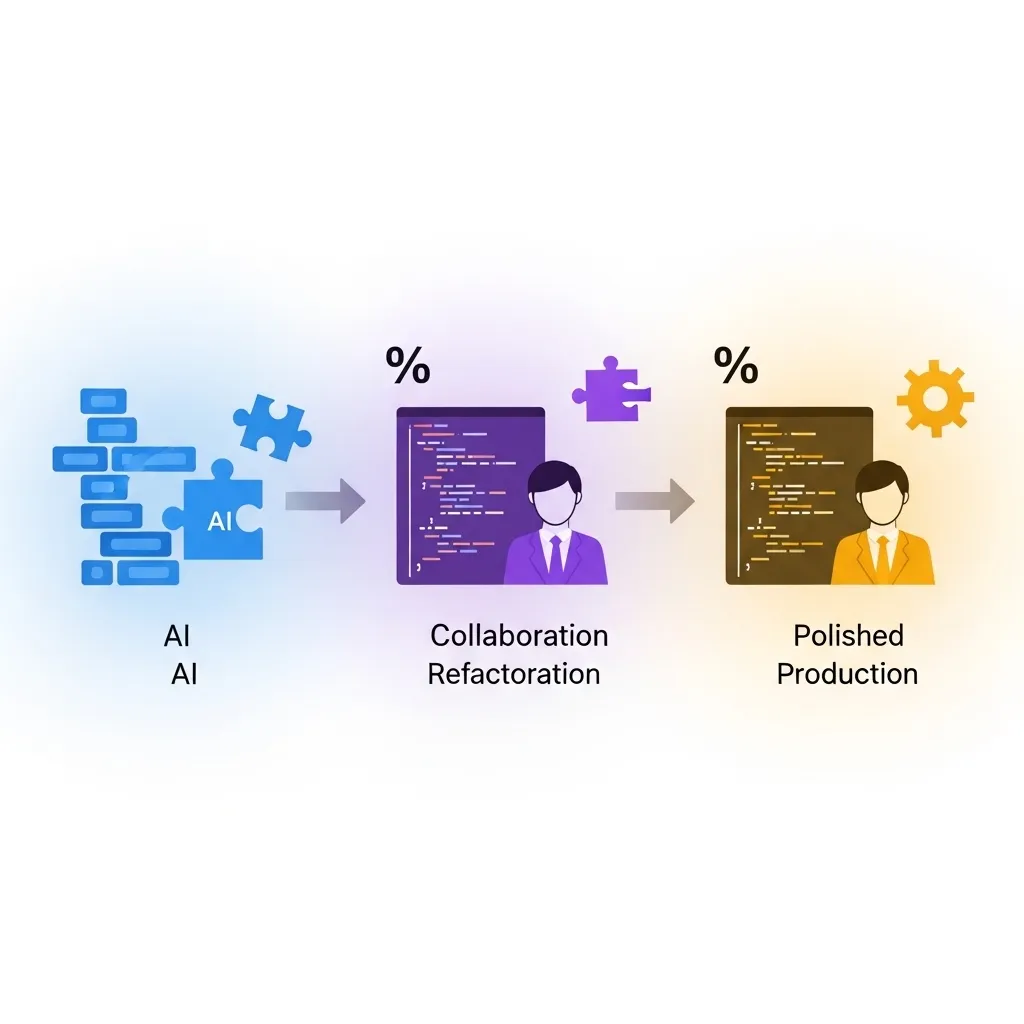
Did I use Claude’s code exactly as written? No. I refactored some parts, adjusted error handling for our specific logging setup, and added additional validation. But it gave me a solid foundation and caught several edge cases I hadn’t initially considered (like webhook timeout handling and circular retry scenarios).
Debugging Complex Issues
I had a production bug where database connections were occasionally hanging under high load. My debugging prompt:
“I’m seeing intermittent database connection hangs in a Python application using SQLAlchemy with PostgreSQL. The symptoms:
Occurs only under high concurrent load (100+ requests/minute)
Connection pool shows connections in ‘idle in transaction’ state
Happens sporadically, about once every few hours
Application uses Flask with Celery for background tasks
Here’s our database configuration:
Python
[paste configuration]
And here’s how we’re handling database sessions:
Python
[paste session management code]
What could cause this, and how should I debug it?”
Claude identified several potential causes: connection not being properly returned to the pool, long-running transactions not being committed, interaction between Flask’s request context and Celery tasks. It suggested specific debugging steps—checking for transactions without commits, reviewing session teardown in request lifecycle, examining Celery task session handling.
The issue turned out to be exactly what Claude suggested: Celery tasks were creating database sessions but not explicitly closing them, leading to connection pool exhaustion under load. The fix was straightforward once the cause was identified.
Learning New Frameworks
I recently needed to build a GraphQL API, something I’d never done before. Rather than spending hours reading documentation, I had an interactive learning session with Claude:
“I need to build a GraphQL API for an existing REST API I have in Node.js/Express. I understand REST well but haven’t worked with GraphQL. Let’s start with the basics—explain the core concepts I need to understand, focusing on how they relate to REST concepts I already know.”
From there, we went deeper into schema design, resolvers, queries vs mutations, handling relationships, and error handling. When I didn’t understand something, I asked follow-up questions. When I wanted to see how something worked in practice, I asked for code examples.
This conversational learning is far more effective than reading documentation linearly. I could focus on the parts relevant to my task, skip what I didn’t need, and immediately see practical applications.
Code Review and Refactoring
I had a gnarly function that had grown organically over time into 200+ lines of nested conditionals and questionable logic. My prompt:
“This function has become unmaintainable. It handles user authentication with various edge cases. Here’s the current code:
Python
[paste horrifying function]
Please:
Identify the main responsibilities and suggest how to separate them
Point out potential bugs or edge cases I’m not handling
Suggest a refactored version that’s more maintainable
Explain the refactoring choices you made”
Claude identified that the function was doing authentication, authorization, session management, and logging—at least four distinct responsibilities. It suggested extracting separate functions for each, pointed out several edge cases I wasn’t handling (like session expiration during request processing), and provided a refactored version with clear separation of concerns.
I didn’t adopt the refactoring wholesale, but it gave me a clear path forward and identified issues I’d missed.
Writing Tests
Testing is where Claude particularly shines. My typical approach:
“Here’s a function that processes payment transactions:
Python
[paste function]
Write comprehensive pytest tests covering:
Happy path with valid payment data
Invalid payment amounts (negative, zero, too large)
Payment provider failures
Database transaction rollback on errors
Idempotency (processing the same payment twice)
Edge cases you identify
Use factory_boy for test data, pytest fixtures for setup, and parametrize tests where appropriate. Follow AAA pattern (Arrange, Act, Assert).”
Claude generates thorough test coverage including edge cases I might not have considered. I review, adjust, and often add additional scenarios, but it’s far faster than writing tests from scratch.
Advanced Techniques
Iterative Development
Don’t expect perfection on the first generation. My typical workflow:
Get initial code from Claude
Review and identify issues or improvements
Ask for specific refinements: “This error handling is too broad—add specific exception types” or “Add type hints to all parameters and returns”
Test the code and report any bugs: “This fails when the input list is empty—fix that edge case”
Continue refining until it meets standards
This iterative approach produces much better results than trying to specify everything perfectly upfront.
Breaking Down Complex Features
For large features, break into smaller pieces:
“I’m building a complete user authentication system. Let’s start with just the user registration endpoint. It should:
Accept email and password
Validate email format and password strength
Hash the password with bcrypt
Create database record
Send verification email
Return appropriate success/error responses
Once we have this working, we’ll move on to login, password reset, etc.”
This incremental approach prevents overwhelming Claude (and yourself) and makes it easier to verify each piece works before moving forward.
Using Claude as a Pair Programming Partner
Sometimes I don’t want Claude to write code—I want to think through a problem:
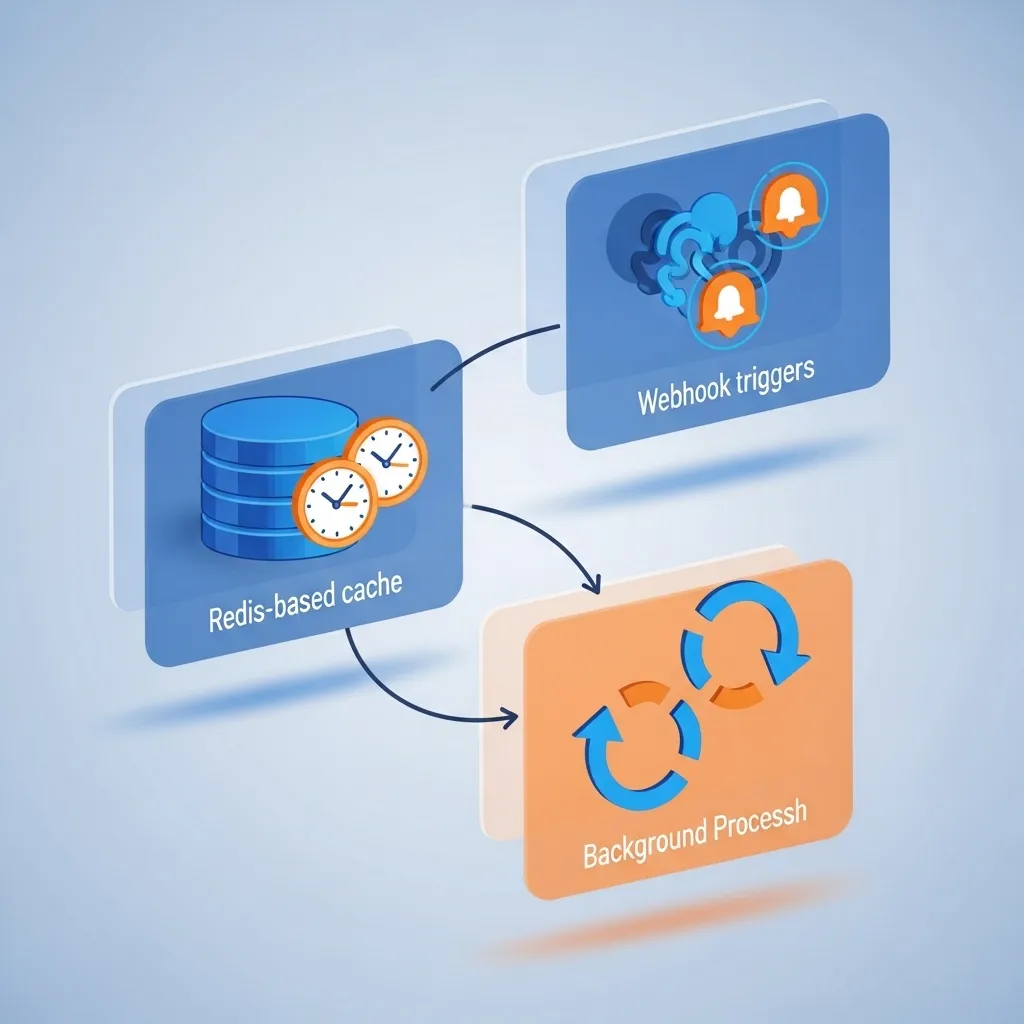
“I’m trying to decide how to structure data caching for an application. The data comes from a slow external API, changes infrequently, but needs to be reasonably fresh. I’m considering:
Simple time-based cache (Redis with TTL)
Cache invalidation based on webhooks from the data source
Background refresh to keep cache warm
What are the trade-offs? What am I not considering? Help me think through this without writing code yet.”
This brainstorming conversation often leads to better solutions than immediately jumping to implementation.
What Works Well (and What Doesn’t)
After two years, I’ve developed clear sense of where Claude excels and where it struggles.
Where Claude Excels
Boilerplate and scaffolding: CRUD operations, API endpoints following established patterns, database models, configuration files—Claude handles this efficiently.
Data transformations: Converting between formats, parsing structured data, ETL operations—Claude is excellent at this.
Unit tests: Creating comprehensive test coverage for functions and classes.
Common algorithms and patterns: Implementing well-established patterns, standard algorithms, typical data structures.
Explaining code: Understanding what unfamiliar code does, identifying potential issues.
Where Claude Struggles
Novel algorithms: If you’re implementing something genuinely new or unusual, Claude’s pattern-matching approach is less helpful.
Complex state management: Code involving intricate state machines or complex async coordination can have subtle bugs.
Performance optimization: Claude can suggest optimizations, but profiling and optimizing for specific performance characteristics requires human expertise.
Security-critical code: Authentication, authorization, cryptography—these require expert review even if Claude writes the initial implementation.
Framework-specific edge cases: Deep framework internals, version-specific quirks, undocumented behaviors—Claude’s training data might be outdated or incomplete.
Debugging truly weird issues: When the problem is deep in the stack, involves timing issues, or requires understanding system-level interactions, Claude’s help is limited.
Language and Framework Specifics
Claude’s effectiveness varies somewhat by language and ecosystem.
Python
Probably Claude’s strongest language. It generates idiomatic Python, understands common frameworks (Django, Flask, FastAPI), and handles data science libraries well. Type hinting usage is generally good, though sometimes needs prompting.
Example prompt for Python:
“Create a FastAPI endpoint that accepts file uploads, validates the file is a CSV, processes it with pandas, and returns summary statistics. Include proper error handling, type hints, and async where appropriate.”
JavaScript/TypeScript
Very strong, particularly with React, Node.js, and Express. TypeScript output is generally well-typed, though complex generic types sometimes need refinement.
Example prompt:
“Create a custom React hook called useDebounce that takes a value and delay, returns the debounced value, and properly cleans up on unmount. TypeScript with full type safety.”
Go
Good, though sometimes generates patterns that are more verbose than necessary or uses deprecated approaches. Worth reviewing against current Go best practices.
Example prompt:
“Create a Go HTTP middleware for rate limiting using a token bucket algorithm. Should work with standard net/http handlers and be configurable for different limits per route.”
Rust
Decent for straightforward Rust, but complex lifetime and borrow checker scenarios often require human refinement. Good for learning Rust concepts.
Example prompt:
“Implement a simple LRU cache in Rust using a HashMap and doubly-linked list. Include get, put, and clear methods with proper lifetime management.”
SQL
Excellent for queries, schema design, and optimization suggestions. Particularly good at explaining complex queries.
Example prompt:
“Write a PostgreSQL query to find users who made purchases in three consecutive months, including the total amount spent. The purchases table has user_id, amount, and purchase_date columns.”
Less Common Languages
Coverage for languages like Elixir, Scala, or Kotlin is decent but more prone to outdated patterns or framework-specific mistakes. Use with extra scrutiny.
Security and Code Quality Considerations
This is critical: Never blindly trust AI-generated code in production.
Security Review is Essential
Claude can introduce security vulnerabilities:
SQL injection if it generates string concatenation instead of parameterized queries
XSS vulnerabilities in web output
Insecure random number generation for security-critical operations
Improper authentication or authorization checks
Hardcoded secrets (if you mentioned them in context)
My rule: Any code touching authentication, authorization, data validation, or handling user input gets careful human security review.
Code Quality Checks
Run AI-generated code through your normal quality gates:
Linters and formatters
Type checkers
Unit tests (which you should ask Claude to also generate)
Code review by teammates
Security scanning tools
Treat Claude’s code like any other code from Stack Overflow or a junior developer—helpful starting point, not gospel.
Avoiding Secrets in Prompts
Don’t paste actual API keys, passwords, database credentials, or other secrets into Claude conversations. Use placeholders:
Python
# Instead of pasting actual credentials:API_KEY = "your-actual-key-here" # DON'T DO THIS# Use placeholders:API_KEY = os.environ.get('API_KEY') # Do this instead
Claude conversations are stored on Anthropic’s servers. While their security is solid, sharing production secrets is unnecessary risk.
Integration with Development Workflow
Claude doesn’t replace your development environment—it complements it.
My Typical Workflow
Problem definition: I think through what I’m trying to build and define requirements clearly in my head or notes.
Claude conversation: I describe the task to Claude, discuss approach, and get initial implementation.
Local development: I copy the code into my IDE, adjust for my specific context, and integrate with existing code.
Testing and refinement: Run tests, check functionality, identify issues.
Iteration: Return to Claude with specific problems: “This fails when X happens” or “How can I make this more efficient?”
Final polish: Human review, security check, code style adjustments, final testing.
The back-and-forth between Claude and local development is fluid. I’m not writing entire features in Claude’s interface—I’m using it as a thinking partner and code generation tool within my normal development process.
Using Projects for Ongoing Work
For long-term projects, the Projects feature maintains continuity. When I return to a project after days or weeks, Claude still has context about architecture decisions, patterns we established, and previous conversations.
This is hugely valuable: “Remember that caching system we implemented last week? I need to extend it to support cache invalidation by tag.”
Keeping Notes
I maintain notes about Claude’s suggestions, my decisions, and why I deviated from its recommendations. This builds institutional knowledge and helps me recognize patterns in what works well versus what needs adjustment.
Real Project Case Study: Building a Data Pipeline
Let me walk through an actual project where Claude played a significant role: building a data ingestion pipeline for processing customer feedback from multiple sources.
The requirement: Pull data from multiple APIs (Zendesk, Intercom, email), normalize it, run sentiment analysis, and store results in our database for analysis.
Phase 1: Architecture discussion
My prompt: “I’m building a data pipeline that needs to:
Fetch data from 3 different APIs hourly
Transform and normalize the data
Run sentiment analysis on text fields
Store in PostgreSQL
Handle API failures gracefully
Support backfilling historical data
Tech stack is Python. What architecture would you recommend? Consider that this will run on AWS and should be maintainable by a small team.”
Claude suggested: separate modules for each data source, a common transformation layer, async processing for API calls, Celery for scheduling, using DAGs to manage dependencies, and specific error handling strategies.
We discussed trade-offs between different approaches before writing any code.
Phase 2: Building components
For each component, I had focused conversations:
“Let’s build the Zendesk integration module. It should:
Use their REST API with pagination
Handle rate limiting (100 requests/minute)
Support incremental fetching (only new data since last run)
Retry failed requests with exponential backoff
Log detailed information for debugging
Here’s our base API client class: [paste base class]
Extend this for Zendesk specifically.”
Claude generated a solid implementation. I reviewed, adjusted timeout values for our specific needs, and added additional logging.
Phase 3: Testing
“Write comprehensive pytest tests for this Zendesk client. Mock the API responses and test:
Successful data fetching
Pagination handling
Rate limiting behavior
API errors
Network timeouts
Incremental fetch logic”
The generated tests were thorough and caught several edge cases in the implementation.
Phase 4: Refinement
As I integrated components, issues emerged: “The sentiment analysis is too slow for large batches. How can we optimize this?” Claude suggested batching, caching models, and using async processing.
Outcome: The project took about two weeks instead of what I estimate would have been 3-4 weeks without Claude. More importantly, the code quality was better because Claude pushed me to think through error handling and edge cases more thoroughly than I might have otherwise.
Did Claude write the whole thing? No. Probably 40% of the final code was Claude-generated with minor modifications, 40% was significantly refactored from Claude’s suggestions, and 20% was entirely my own when Claude’s approaches didn’t fit our specific needs.
Learning to Code with Claude
Claude is genuinely useful for learning, but requires the right approach.
Effective Learning Prompts
Bad: “Teach me Python”
Good: “I’m learning Python and understand variables and basic functions. Explain list comprehensions to me. Show examples comparing them to traditional loops so I understand when to use each.”
Also good: “I wrote this Python code but it’s not working: [paste code]. Don’t just give me the fix—explain what’s wrong and why, so I understand the concept.”
Understanding, Not Just Copying
The temptation is to copy Claude’s code without understanding it. Resist this. Ask:
“Explain this code line by line, particularly [specific part that’s confusing]”
“Why did you use this approach instead of [alternative approach]?”
“What would happen if we changed [specific part]?”
This questioning turns code generation into active learning.
Progressive Complexity
Start simple: “Write a function that reverses a string”
Then build: “Now modify it to handle Unicode characters properly”
Then challenge: “Optimize it for very large strings”
This progressive approach builds understanding incrementally.
Common Mistakes I See (and Made)
Over-Reliance Without Understanding
The biggest mistake is treating Claude like magic that you don’t need to understand. Code you don’t understand is code that will bite you later.
Bad practice: Copy Claude’s code directly into production without reading it.
Good practice: Read every line, understand what it does, verify it’s correct.
Insufficient Context
Asking Claude to write code without explaining your constraints, tech stack, or requirements produces generic solutions that don’t fit your needs.
Ignoring Best Practices
Claude might generate working code that violates your team’s standards, uses outdated patterns, or misses important considerations like accessibility or security.
Always filter through your knowledge of best practices.
Not Testing AI-Generated Code
Claude’s code can look perfect and still have subtle bugs. Test it like any other code—actually more rigorously, since it didn’t come from a human who understands your system.
Using Outdated Patterns
Claude’s training data has a cutoff date. It might suggest approaches that were best practice in 2023 but have better alternatives in 2026. Verify against current documentation.
Prompting Patterns That Consistently Work
Here are templates I return to repeatedly:
For New Implementations
“I need to implement [feature] in [language/framework]. Requirements:
[Requirement 1]
[Requirement 2]
[Requirement 3]
Constraints:
[Constraint 1]
[Constraint 2]
Here’s relevant existing code for context: [paste]
Please [suggest architecture/write implementation/etc] and explain your reasoning.”
What could cause this? Help me debug step by step.”
For Code Review
“Review this code for:
Potential bugs or edge cases I’m missing
Performance issues
Security vulnerabilities
Code clarity and maintainability
Adherence to [language] best practices
[paste code]”
For Refactoring
“This code works but has issues: [describe issues]
[paste code]
Suggest refactoring approaches that address these issues while maintaining the same functionality. Explain trade-offs of different approaches.”
The Broader Picture: AI as Development Tool
After two years with Claude and other AI coding tools, I’ve developed a perspective on where this is heading and how it fits into software development.
What’s changing: The nature of coding work is shifting toward higher-level thinking—architecture, requirements, system design, user experience—while boilerplate and routine implementation become faster.
What’s not changing: Understanding systems, debugging complex issues, making architectural decisions, security considerations, performance optimization, and maintaining code over time still require deep human expertise.
The skill to develop: Getting better at using AI tools is about getting better at clearly articulating problems, thinking through requirements, and critically evaluating solutions. These are fundamentally thinking skills, not technical tricks.
Ethical considerations: There are ongoing questions about code licensing, attribution for AI-generated code, and whether using AI assistance should be disclosed. Standards are still evolving, but transparency and honesty serve you well.
In my work, I mention AI assistance when it’s substantial, verify any licensing concerns for generated code, and always take responsibility for the code I ship—regardless of who or what helped write it.
Looking Forward
As of 2026, AI coding assistance continues evolving rapidly. Some trends I’m watching:
Better IDE integration: The gap between conversational AI and in-editor assistance is narrowing.
Improved debugging: AI tools are getting better at not just writing code but helping diagnose complex runtime issues.
Testing and verification: Automated test generation and verification is improving.
Specialized models: Domain-specific versions tuned for particular languages or frameworks are emerging.
The fundamental approach—using AI as an augmentation tool that requires human judgment and expertise—will likely remain constant even as capabilities improve.
Final Thoughts
Using Claude for coding has made me a more productive developer. It handles boilerplate, helps me learn new technologies faster, suggests approaches I might not have considered, and serves as an always-available pair programming partner.
But it hasn’t made me less valuable as a developer. If anything, it’s reinforced how much of software development is about understanding problems, making good decisions, and thinking through implications—skills that AI assists with but doesn’t replace.
Start with straightforward tasks—generating utility functions, writing tests, explaining unfamiliar code. As you develop intuition for where Claude helps and where it struggles, you’ll naturally expand to more complex uses.
The key is maintaining your role as the decision-maker and quality gatekeeper. Claude is a powerful tool in your toolkit, not a replacement for your expertise, judgment, and accountability.
Use it thoughtfully, verify its output critically, and you’ll find it genuinely valuable. Use it carelessly, and you’ll create problems faster than you solve them.
The choice, as always, is yours. Claude is here to help you code better, not to code for you.
Sahil Tabassum
I am a writer and researcher covering AI tools, digital workflows, consumer tech, and productivity. At Tech & Productivity, I focus on breaking down complex topics into practical, easy-to-follow advice that helps readers work smarter and make better decisions about the tools they use every day. The goal is simple: publish clear, useful, and honest content based on careful research, real-world use cases, and hands-on evaluation whenever possible.