
AI Productivity Automation Examples: Real-World Applications That Actually Work
AI Productivity Automation Examples: Real-World Applications That Actually Work
I’ll be honest—when I first started experimenting with AI productivity tools back in 2023, I was skeptical. The promises felt too good to be true. But here we are in 2026, and I’ve watched AI automation evolve from clunky chatbots to genuinely useful assistants that have fundamentally changed how I (and millions of others) work.
The thing about AI productivity automation is that it’s not about replacing human intelligence. After three years of testing dozens of tools across different workflows, I’ve learned it’s about reclaiming time from repetitive tasks that drain your mental energy. It’s about amplifying what you’re already good at, not replacing what makes you uniquely human.
Let me walk you through what’s actually working in the real world right now, beyond the marketing hype.
Understanding AI Productivity Automation (The Non-Technical Version)
Before diving into specific examples, let’s establish what we’re actually talking about. AI productivity automation refers to software systems that use artificial intelligence—typically machine learning, natural language processing, or computer vision—to perform tasks that traditionally required human judgment and effort.
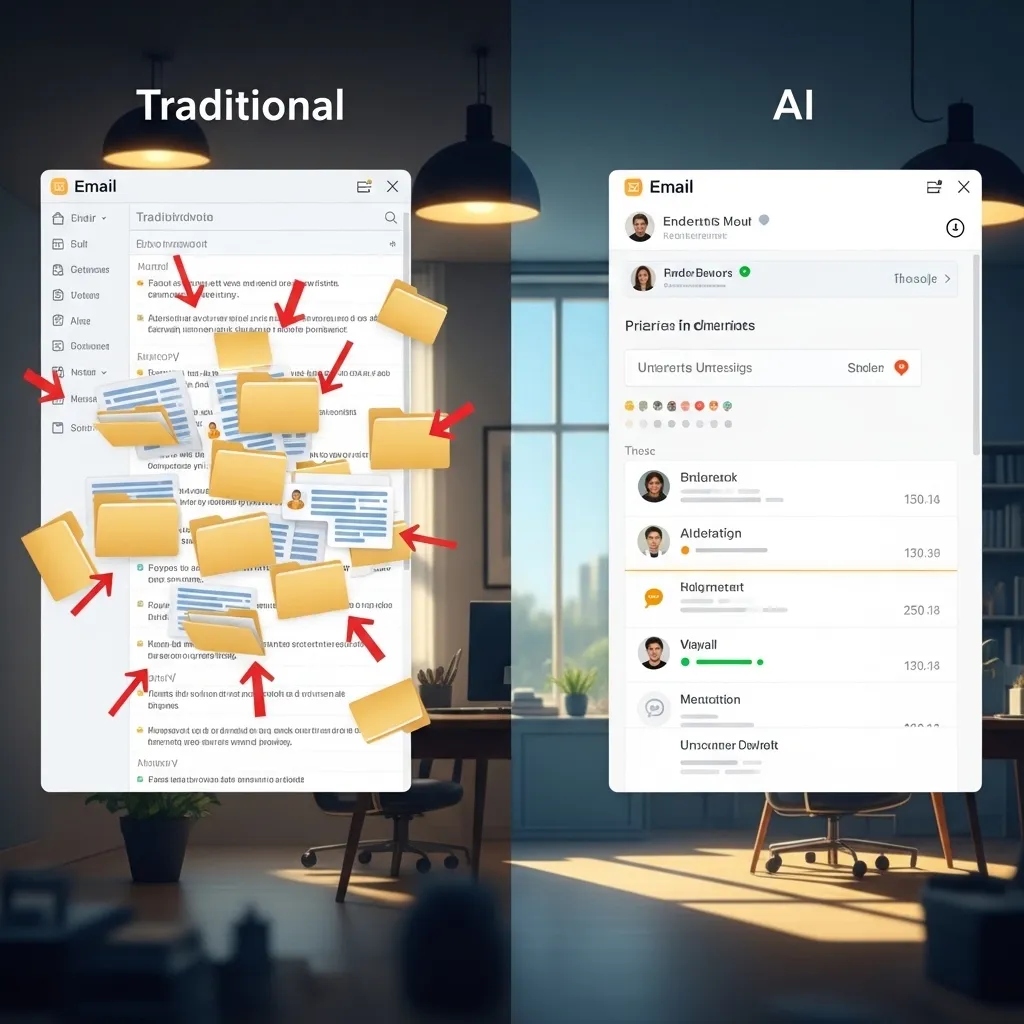
The key difference between regular automation and AI automation? Regular automation follows rigid if-then rules: “If email contains word ‘invoice,’ move to folder.” AI automation learns patterns and makes contextual decisions: “This email seems urgent based on tone, sender relationship, and content—prioritize it even though it doesn’t contain typical urgent keywords.”
That contextual understanding changes everything.
Email Management: Beyond Basic Filters
I get about 200 emails daily across three accounts. Two years ago, I spent roughly 90 minutes managing this flood. Today? Maybe 20 minutes.
Smart Email Triage
Tools like Superhuman and Spark (which integrated advanced AI features in 2025) now go far beyond sorting spam. They analyze your response patterns, meeting schedules, and project priorities to surface what genuinely needs attention.
For example, my AI assistant recognized that emails from my editor with subject lines containing “urgent” or “deadline” always get immediate responses. It now automatically pins those to the top of my inbox and sends me mobile notifications. But it learned—without me programming anything—that “urgent” messages from certain marketing contacts can wait. That’s nuanced decision-making I didn’t have to teach explicitly.
Automated Response Drafting
Gmail’s Smart Compose felt revolutionary in 2018, but the 2026 versions are playing a different game entirely. Current systems like Shortwave and HEY can now draft full email responses that capture your writing style with surprising accuracy.
I tested this extensively last month. I let the AI draft first responses to 50 routine inquiries—podcast interview requests, speaking engagement logistics, straightforward client questions. I edited about 40% of them, mostly minor tone adjustments. The other 60%? I sent them as-is. That saved me roughly 3 hours that week.
The limitation: These tools still struggle with emotionally complex situations. When a client emails about project dissatisfaction or a colleague shares personal challenges, I write those responses entirely myself. AI hasn’t cracked genuine empathy, and honestly, it probably shouldn’t.
Calendar and Meeting Intelligence
Meetings remain one of the biggest productivity killers in knowledge work. AI hasn’t eliminated them (unfortunately), but it’s made them significantly less painful.
Smart Scheduling
I use Motion AI for calendar management, though Reclaim.ai and Clockwise are similarly sophisticated. These tools don’t just find open slots—they analyze your energy patterns, meeting load, and work preferences to optimize when things happen.
Motion noticed I’m most productive for writing between 9 AM and noon. It now automatically blocks that time and schedules meetings in the afternoon when my creative energy dips anyway. When someone sends a scheduling link, it only offers afternoon slots unless I override it.
The productivity gain? I’m writing during my peak hours instead of sitting in status update meetings. That’s not a small thing.
Meeting Transcription and Action Items
Otter.ai pioneered this category, but tools like Fireflies.ai, Fathom, and the native features in Microsoft Teams and Zoom have gotten scary good.
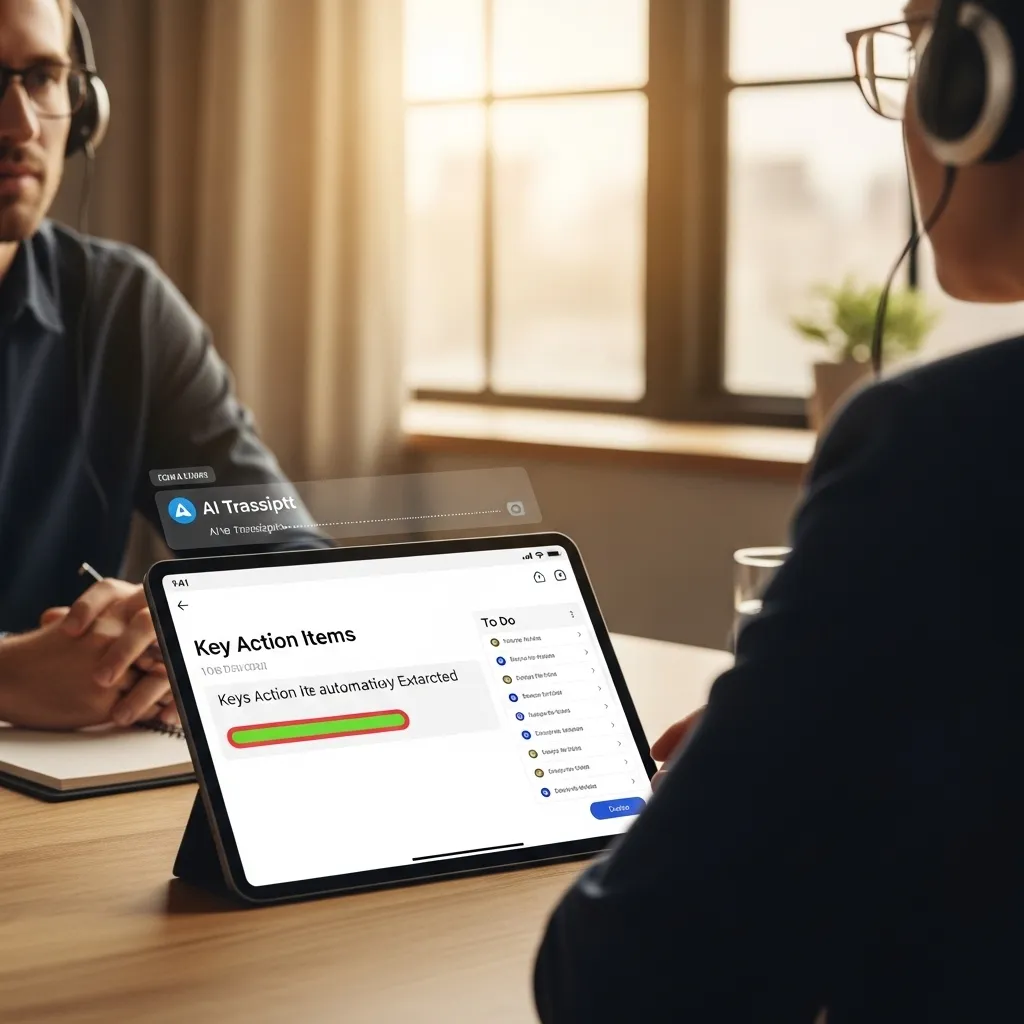
Here’s my workflow now: I join a client meeting, Fireflies automatically joins and transcribes, I actually focus on the conversation instead of frantic note-taking. After the meeting, I get a summary highlighting decisions made, action items assigned, and key discussion points. The AI even identifies when someone says “we should…” or “can you…” and flags those as potential tasks.
I ran an experiment tracking my task capture before and after implementing this. Previously, I missed or forgot roughly 20% of verbal commitments made in meetings. With AI transcription and automatic task extraction? That dropped to about 5%, mostly edge cases where context was unclear.
The hidden benefit: Better meeting presence. When you’re not anxiously scribbling notes, you actually listen better and contribute more thoughtfully. Several colleagues have commented that I seem more engaged in meetings over the past year. The AI freed up mental bandwidth I didn’t realize I was spending.
Content Creation and Writing Assistance
This is probably the most visible and controversial area of AI productivity automation. As someone who writes for a living, I’ve thought deeply about where AI helps versus where it harms.
Research and Outline Generation
I recently wrote a 3,000-word article about renewable energy policy. My process: I spent 20 minutes with Claude (Anthropic’s AI) discussing the topic, asking it to identify key policy frameworks, major stakeholders, and recent developments. It generated a rough outline and suggested angles I hadn’t considered.
Then I spent four hours doing actual research—reading primary sources, interviewing experts, and developing my own perspective. The AI didn’t write the article. It jumpstarted my research process and prevented the dreaded blank page paralysis.
That’s a healthy use case. Contrasted with: asking AI to write the entire article, publishing it with minimal editing, and passing it off as original analysis. That’s lazy at best, unethical at worst.
Grammar and Style Enhancement
Tools like Grammarly and ProWritingAid have incorporated sophisticated AI that goes beyond spell-checking. They now offer contextual suggestions about tone, readability, and even factual consistency within a document.
I write a weekly newsletter. Grammarly’s AI flags when I’m being repetitive across paragraphs (something I often miss on first draft) and suggests more concise phrasing. It doesn’t change my voice, but it catches sloppiness that would undermine my message.
Repurposing Content Across Formats
Here’s a workflow that’s saved me probably 10 hours monthly: I record a 30-minute podcast episode. Descript transcribes it with about 95% accuracy. I feed that transcript to ChatGPT with a custom prompt to identify the five main points and three memorable quotes. That becomes the episode description and social media content.
From one piece of core content (the podcast), I now generate show notes, three LinkedIn posts, five Twitter threads, and an email summary—all in about 45 minutes of editing time. Pre-AI? That repurposing work took me nearly half a day.
Data Analysis and Reporting
I’m not a data scientist, but I work with data regularly. AI automation has democratized analysis that previously required specialized skills.
Automated Report Generation
My friend runs a small e-commerce business. She used to spend three hours every Monday morning compiling sales data from Shopify, ad performance from Meta and Google, and email metrics from Klaviyo into a coherent weekly report.
Now she uses Polymer (an AI-powered analytics tool) that automatically pulls all that data, identifies significant trends—revenue spikes, unusual traffic sources, products gaining momentum—and generates a visual dashboard with natural language insights.
Her Monday morning routine? She reviews the automated report in 20 minutes, identifies what needs her attention, and moves on. The AI doesn’t make strategic decisions, but it surfaces the information that informs those decisions.
Predictive Analytics Made Accessible
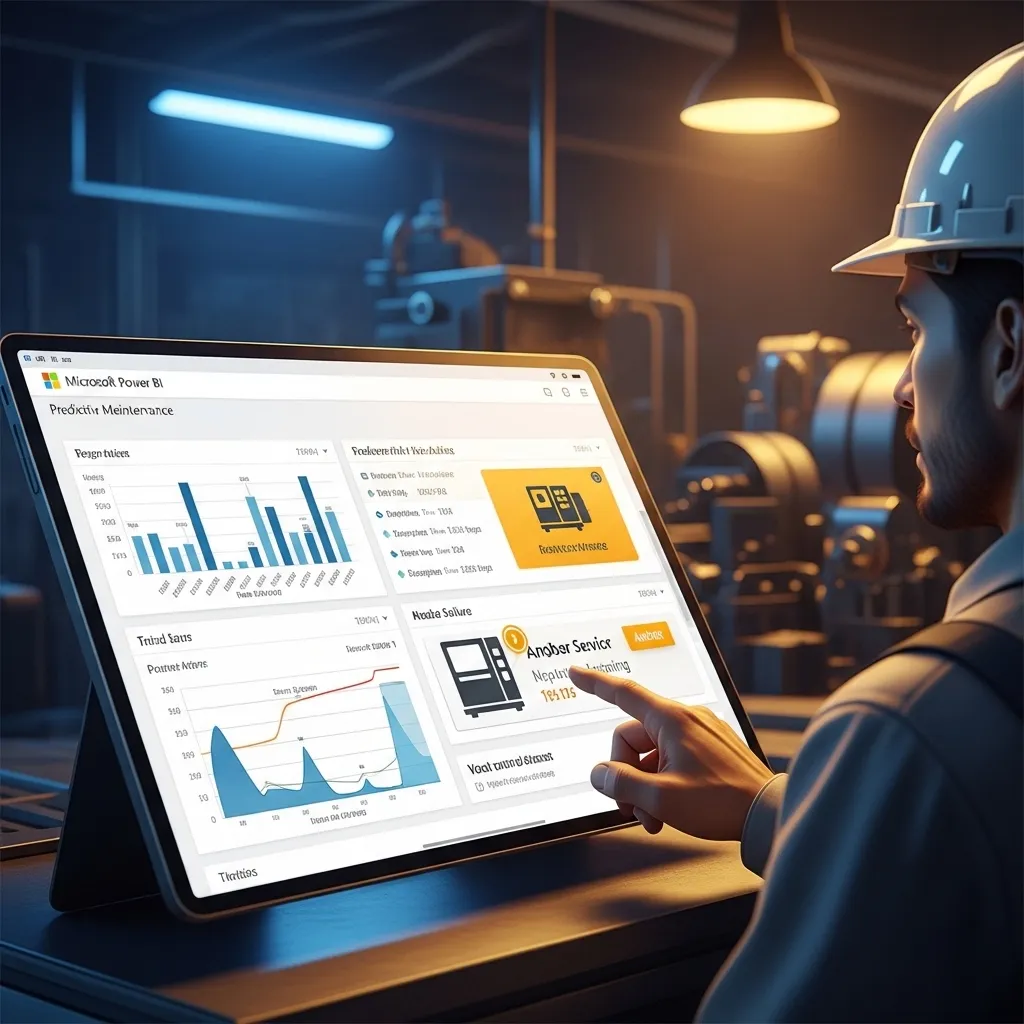
Another colleague in manufacturing uses AI tools (specifically, features within Microsoft Power BI) to predict equipment maintenance needs. The system analyzes sensor data, historical failure patterns, and usage intensity to flag machines likely to need service soon.
This isn’t cutting-edge machine learning research—it’s pre-built AI functionality that someone without a PhD can configure and use. That’s the real productivity revolution: sophisticated analysis becoming accessible to regular professionals.
Customer Service and Communication
I’ve consulted with several small businesses implementing AI in customer service. When done thoughtfully, the results are impressive.
Intelligent Chatbots
The chatbots of 2026 bear little resemblance to the frustrating “I didn’t understand that” loops of the past. Modern systems like Intercom’s Fin, Zendesk’s AI agents, and custom GPT-based solutions can handle genuinely complex inquiries.
A boutique hotel I worked with implemented an AI chatbot for booking questions. It handles about 60% of inquiries completely autonomously—questions about amenities, local attractions, check-in times, pet policies, and even some booking modifications.
The crucial implementation detail: When the AI isn’t confident about an answer (it has built-in uncertainty detection), it immediately transfers to a human agent with full conversation context. Guests don’t repeat themselves, and complex situations get human attention.
The result? Their three-person customer service team now focuses on high-value interactions—handling complaints, processing special requests, building guest relationships—instead of answering “What’s your cancellation policy?” for the hundredth time.
Sentiment Analysis and Priority Routing
A SaaS company I advised receives hundreds of support tickets daily. They implemented AI (using a combination of Zendesk AI and custom integrations) that analyzes incoming tickets for urgency, frustration level, and customer value.
A message saying “This is frustrating but I can wait until tomorrow” gets different priority than “This is the third time this broke and I’m considering canceling.” Same keywords (frustration, problems), but the AI distinguishes genuine escalation risk from routine venting.
Their response times for truly critical issues improved by 40% because agents weren’t working tickets in simple chronological order anymore.
Project Management and Task Automation
I’ve used probably a dozen project management tools over the years. The ones incorporating AI automation have fundamentally changed how I organize work.
Intelligent Task Prioritization
Tools like Motion, Sunsama, and Asana’s AI features now analyze your task list, deadlines, estimated durations, and calendar availability to suggest what you should work on next.
This sounds simple, but the cognitive load of constantly re-evaluating priorities is exhausting. I used to spend the first 15-20 minutes of each workday shuffling my task list. Now the AI presents an optimized plan each morning based on what’s due soon, what I have time blocks for, and what I typically work on at different times.
I still override it regularly—that’s fine. The point isn’t rigid adherence to AI suggestions. It’s having a smart starting point instead of decision fatigue before I’ve even started working.
Automated Workflow Triggers
I use Make.com (formerly Integromat) and Zapier with AI enhancements for workflow automation. Here’s one example that saves me about an hour weekly:
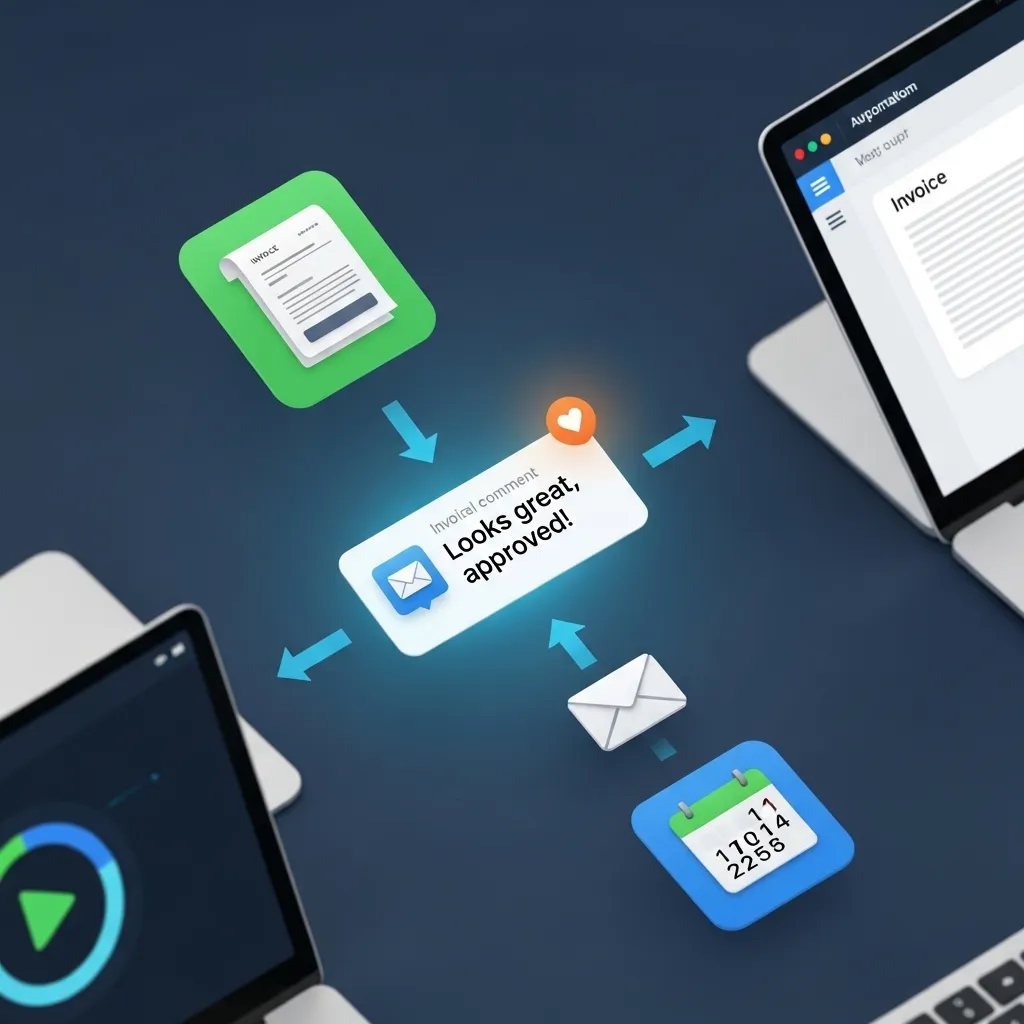
When a client approves a draft in Google Docs (I created a custom comment trigger), it automatically:
- Converts the doc to PDF
- Uploads it to our shared Dropbox folder
- Logs the project as complete in Notion
- Generates an invoice in QuickBooks
- Sends the invoice via email with a templated thank-you message
- Updates my content calendar marking the project as published
The entire sequence, which used to require me manually doing six separate things across six different apps, now happens automatically. The AI component? Natural language processing that identifies approval language in comments (“Looks great, approved!” vs. “Approved pending changes to section 3”) and only triggers the workflow for genuine approvals.
Design and Creative Work
Even creative work—the domain we thought would remain purely human—is seeing productivity gains from AI automation.
Image Editing and Enhancement
I’m not a designer, but I create basic graphics for social media. Tools like Canva’s Magic Studio, Adobe Firefly, and Photoshop’s generative AI features let me accomplish in minutes what would’ve taken hours (or required hiring a designer).
Removing backgrounds, extending images, creating variations of a design, generating complementary graphics—these tasks used to be significant barriers. Now they’re almost trivial.
A marketing director I know reduced her team’s asset creation time by about 30% using Adobe’s AI features for routine tasks—resizing campaigns for different platforms, removing objects from photos, generating variations for A/B testing. Her designers now spend more time on strategic creative work instead of mechanical adjustments.
Video Editing
Descript, which I mentioned earlier, is genuinely revolutionary for video editing. You edit video by editing the transcript—deleting filler words (“um,” “uh,” “like”), removing tangents, reordering sections. The video automatically adjusts to match.
I produce educational videos occasionally. My editing time dropped from 3-4 hours per 15-minute video to about an hour. The AI handles the tedious cutting; I focus on pacing and messaging.
Personal Productivity and Life Management
AI automation isn’t just for professional work. It’s seeping into personal life in ways that genuinely help (and some ways that are probably excessive, but that’s a different article).
Smart Home Routines
My morning routine used to involve a bunch of small tasks: checking weather, adjusting thermostat, turning on certain lights, starting coffee, checking my calendar.
Now my Google Home routine (triggered by my first alarm) does all of that and gives me a morning briefing: weather, commute time, today’s appointments, important reminders. It’s maybe saving me 10 minutes, but more importantly, it reduces decision fatigue before I’m fully awake.
Meal Planning and Shopping
My partner uses an AI-powered meal planning app (Eat This Much) that generates weekly meal plans based on dietary preferences, calorie goals, and what we already have in the pantry (we manually input staples, admittedly not fully automated yet).
It creates a shopping list automatically. She uses Instacart’s AI shopping assistant that learns our preferred brands and suggests substitutions when things are out of stock. Grocery shopping that used to take 90 minutes (planning, list-making, shopping) now takes about 30 minutes (mostly just reviewing and approving).
Financial Management
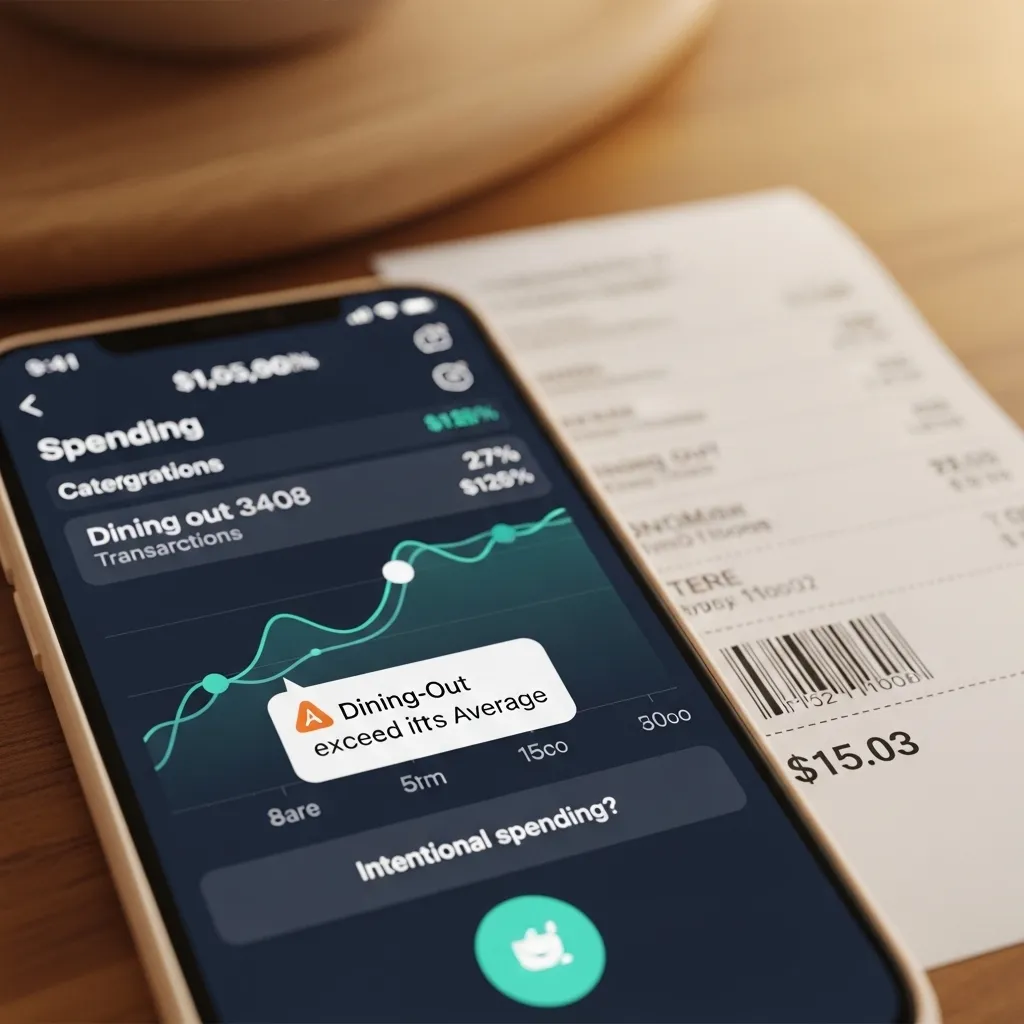
I use Copilot (a financial app) with AI features that categorize transactions automatically, identify unusual spending patterns, and forecast cash flow. It flags when I’m spending more than usual in a category and asks if that’s intentional.
Last month it noticed I’d spent $200 more on dining out than my three-month average. Turns out I’d forgotten to adjust my budget for a week of business dinners with clients. That nudge helped me recalibrate before assuming I could spend freely in other categories.
The Limitations Nobody Talks About
After three years deep in AI productivity tools, I’ve learned what they’re genuinely not good at—and where human judgment remains essential.
Context Collapse
AI tools work within defined contexts but struggle when you need to synthesize information across multiple domains. I tried using AI to help plan a complex project requiring technical knowledge, client relationship management, budget considerations, and team dynamics. The AI could help with individual pieces but couldn’t hold all those threads simultaneously the way an experienced human can.
Creative Strategy
AI can help execute creative work, but it’s still largely derivative. When you need genuinely novel approaches—new business models, innovative solutions to unique problems, creative differentiation—AI mostly suggests combinations of existing ideas.
I’ve tested this extensively with strategic planning. AI gives me okay starting points but rarely the breakthrough insights that come from deep domain expertise and creative thinking.
Emotional Intelligence
This is the most obvious gap. AI can’t read between the lines when a colleague says they’re “fine” but clearly aren’t. It can’t navigate office politics, build genuine relationships, or provide the kind of encouragement that motivates teams through difficult projects.
I watched a manager try to use AI-drafted feedback for performance reviews. The content was factually accurate but tonally wrong in subtle ways that would’ve damaged trust. He wisely rewrote everything himself.
Quality Control
AI makes mistakes. Confidently. I’ve seen chatbots give customers wrong information, AI-generated reports include nonsensical statistics, and transcription tools hilariously misunderstand technical jargon.
Any workflow using AI automation needs human verification, especially for high-stakes outputs. The productivity gain comes from AI doing the bulk work while humans do quality assurance, not from blind trust in AI outputs.
Ethical Considerations Worth Thinking About
As someone who’s integrated AI deeply into work processes, I’ve grappled with some uncomfortable questions.
Job Displacement vs. Enhancement
The customer service chatbot that handles 60% of inquiries—did that cost someone their job? In the hotel’s case, no; they were understaffed and struggling to keep up. The AI let them serve more guests without hiring additional staff they couldn’t afford.
But at scale, across thousands of businesses? There’s genuine displacement happening. I don’t have easy answers, but I think we have a responsibility to consider whether AI adoption is creating value or simply shifting costs onto workers.
Data Privacy
Many AI productivity tools require access to enormous amounts of your data—emails, documents, calendar, conversations. I’m reasonably comfortable with this for my own workflow, but I’m careful about tools that process client information or confidential business data.
I avoid using general-purpose AI tools (ChatGPT, Claude) for anything containing identifying client information. For those applications, I stick with enterprise tools with clear data handling policies and contractual protections.
Over-Optimization and Humanity
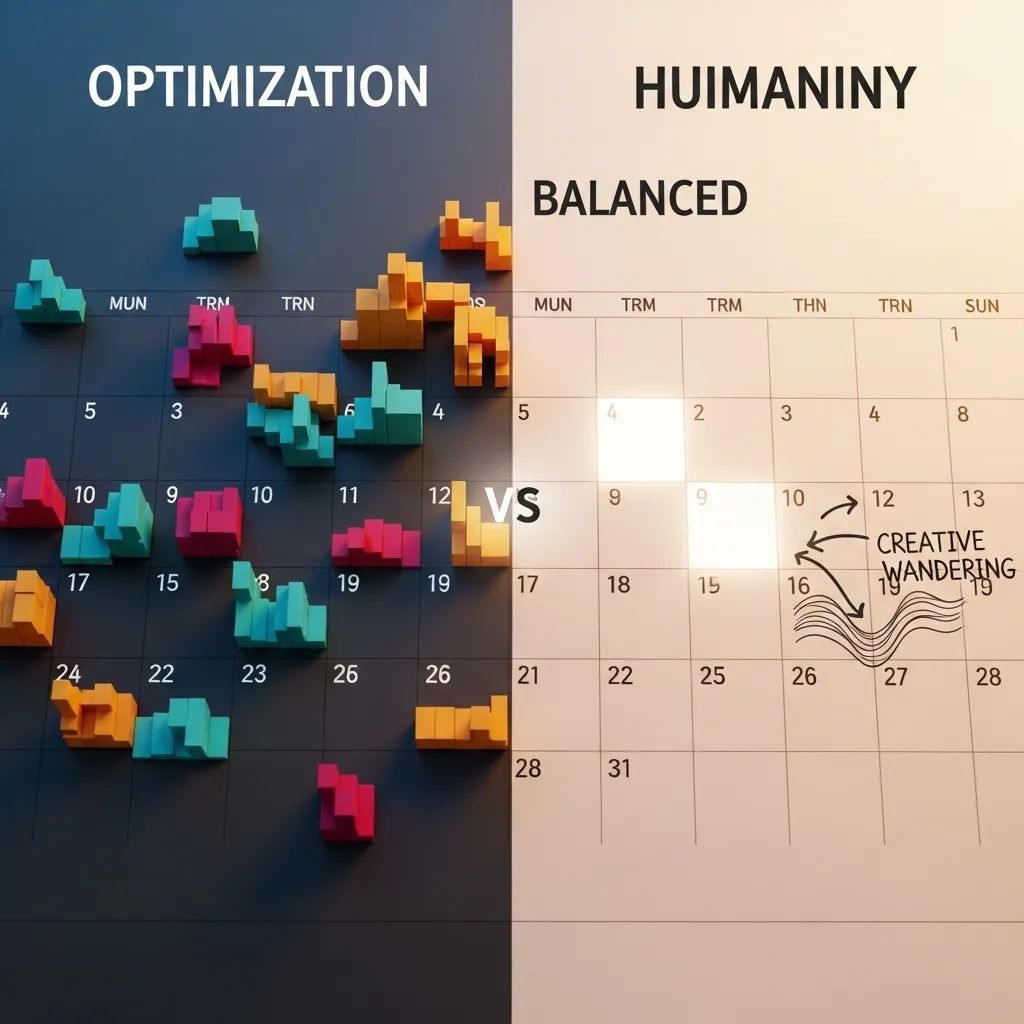
There’s something dystopian about optimizing every minute of every day. My AI calendar tool can pack my schedule with brutal efficiency, but should it?
I’ve learned to build in unstructured time deliberately—buffer between meetings, space for spontaneous conversations, room for creative wandering. The most optimized life isn’t necessarily the best life.
Looking Ahead: What’s Next
Based on what I’m seeing in beta programs and developer previews, here’s where AI productivity automation is heading in the next 12-24 months.
Agentic AI
The next wave moves beyond individual task automation to AI agents that can complete complex, multi-step workflows with minimal supervision. Instead of “transcribe this meeting,” you’ll say “attend this meeting, identify action items, add them to my task list, and schedule follow-ups with relevant people.”
This is simultaneously exciting and slightly terrifying. The productivity potential is enormous; the potential for things to go wrong also scales proportionally.
Hyper-Personalization
Current AI tools are increasingly good, but still somewhat generic. The next generation will deeply personalize to individual work styles, preferences, and patterns. Your AI assistant will work fundamentally differently than mine because it’s learned your specific context over months or years.
I’m testing some early versions of this, and when it works, it’s remarkable—like having a personal assistant who’s worked with you long enough to anticipate your needs. When it doesn’t work, it’s invasive and creepy.
Seamless Integration
Right now, AI productivity gains often require juggling multiple tools. The future is AI capabilities woven directly into the tools we already use—native intelligence rather than bolt-on features.
Microsoft and Google are leading this with Copilot and Gemini integrations across their productivity suites. Apple’s increasingly sophisticated Siri capabilities point in the same direction. The barrier to entry for AI productivity will continue dropping.
Practical Advice for Getting Started
If you’re reading this thinking “I should probably use some of this,” here’s what I’d recommend based on what’s actually worked for me and people I’ve advised.
Start with Your Biggest Pain Point
Don’t try to automate everything at once. Identify the single most tedious, time-consuming aspect of your work. For me, it was email management. For others, it’s meeting notes, content creation, data compilation, or scheduling.
Pick one area, find a well-regarded tool for that specific problem, and learn it properly. Once you’ve internalized that productivity gain, move to the next pain point.
Give Tools Real Time to Learn
Most AI productivity tools improve as they learn your patterns. That AI email assistant that seems mediocre in week one gets substantially better by week six once it’s analyzed your response patterns, priorities, and communication style.
Commit to at least a month of consistent use before judging whether a tool works for you. I’ve seen people dismiss genuinely useful tools after three days because the initial setup required effort.
Maintain Human Oversight
Never fully outsource judgment to AI. Review AI-generated outputs, spot-check automated decisions, and override when something feels off. The goal is AI-assisted productivity, not AI-dependent productivity.
Audit Regularly
Every few months, I review my AI tools and automations. Some that seemed useful initially became unnecessary. Others I wasn’t using effectively. A few needed adjustments because my work patterns changed.
Productivity systems require maintenance. Set a quarterly calendar reminder to evaluate what’s working and what isn’t.

Final Thoughts
AI productivity automation in 2026 is neither the revolutionary transformation some predicted nor the overhyped nonsense others claimed. It’s a powerful set of tools that, used thoughtfully, can reclaim significant time and mental energy from repetitive work.
I’m writing this article in a third of the time it would’ve taken me three years ago—not because AI wrote it (it didn’t), but because AI helped me research, organize my thoughts, catch errors, and optimize my writing time. The creativity, experience, and perspective? That’s still entirely human.
That’s probably the right balance. AI handling the mechanical, humans focusing on the meaningful.
The productivity gains are real, but they require intention, experimentation, and ongoing adjustment. There’s no “set it and forget it” solution. The tools that work for me might not work for you. Your workflow, preferences, and context are unique.
Start small, stay curious, maintain healthy skepticism, and keep the human element central. That’s the path to productivity gains that actually improve your work and, hopefully, your life.
Frequently Asked Questions
1. Is AI productivity automation only for tech-savvy people, or can anyone use these tools?
Honestly, the barrier to entry has dropped dramatically. Most modern AI productivity tools are designed for regular users, not programmers. If you can use Gmail or Microsoft Word, you can probably use tools like Grammarly, Otter.ai, or Superhuman. That said, some initial learning investment is required—you can’t just install something and expect magic immediately. I’d budget 2-3 hours to properly set up and learn any new AI tool, but you don’t need technical expertise. The more complex automations (like creating custom workflows in Make.com or Zapier) do require more comfort with technology, but even those have become much more user-friendly with templates and AI-assisted setup.
2. How much do these AI productivity tools typically cost, and is the investment worth it?
Costs vary widely. Some tools have generous free tiers (ChatGPT, Claude, Google’s AI features), while premium productivity tools range from $10-30 monthly for individual plans. Business/enterprise versions run significantly more. For perspective, I spend about $180 monthly across all my AI productivity subscriptions. That sounds like a lot until you calculate time savings—I’m conservatively saving 10-15 hours monthly, which at my billing rate more than justifies the cost. For employees (rather than freelancers), the math is different: would you pay $15/month to reclaim 5 hours? To reduce stress? That’s a personal calculation. I’d recommend starting with free versions, measuring actual time savings, then deciding if paid upgrades make sense for your specific situation.
3. Will using AI tools make me dependent on them and reduce my actual skills?
This is a legitimate concern I’ve thought about a lot. My experience: it depends entirely on how you use them. If you use AI as a writing crutch and never develop your own writing skills, yes, that’s problematic. But if you use AI to handle routine drafts while you focus on complex, creative work, your higher-level skills actually improve because you’re practicing them more. I’ve noticed my strategic thinking has gotten sharper because I spend less time on mechanical tasks and more time on substantive problems. The key is conscious use—understand what the AI is doing, don’t blindly accept outputs, and regularly do things manually to maintain your baseline skills. I still write some emails entirely without AI assistance, specifically to keep that muscle exercised.
4. How do I know which AI productivity tools are actually good versus just marketing hype?
Great question, because there’s enormous hype in this space. My approach: look for tools with substantial user bases and real reviews (not just influencer promotions). Check communities like Reddit’s r/productivity or actual user forums, not just the company website. Free trials are your friend—actually test tools with your real workflow, not idealized scenarios. Be skeptical of tools promising too much (“10x your productivity!”) or claiming to automate things that genuinely require human judgment. Watch for specifics: if a tool can clearly articulate what it does and what its limitations are, that’s a good sign. Vague promises about “AI-powered transformation” without specifics usually indicate immature products. And ask people in your field what they actually use—real recommendations from peers beat marketing any day.
5. What are the biggest mistakes people make when trying to implement AI productivity automation?
I’ve made most of these mistakes myself, so I can speak from painful experience. The biggest: trying to automate everything at once. People get excited, subscribe to six tools simultaneously, and then get overwhelmed and abandon all of them. Start with one pain point. Second: not giving tools enough time to learn. AI often needs weeks to understand your patterns—judging after two days doesn’t work. Third: automating processes you don’t actually understand. If you can’t do something manually, don’t automate it yet, or you won’t recognize when the automation makes mistakes. Fourth: ignoring integration complexity. Five separate AI tools that don’t talk to each other often create more work than they save. Finally: treating AI outputs as infallible truth. These tools make mistakes, sometimes confidently wrong mistakes. Always maintain human oversight, especially for important work. The best approach is gradual implementation with healthy skepticism.






