
Free AI Tools for Students: A Comprehensive Guide for 2026
Free AI Tools for Students: A Comprehensive Guide for 2026
I spent last semester volunteering as a tutor at a community college, and I kept noticing the same pattern. Students would show up stressed about assignments, struggling to organize their research, or spending hours on tasks that could be done more efficiently. When I’d suggest free AI tools that could help, I’d usually get two reactions: either complete unfamiliarity (“What AI tools?”) or anxiety (“Isn’t that cheating?”).
Neither response is quite right. AI tools have become legitimate study aids—as normal as using a calculator for math or spell-check for writing. The key is understanding which tools actually help you learn versus which ones do your thinking for you. There’s a big difference.
I’ve spent the past year systematically testing free AI tools with students across different majors, grade levels, and subjects. Some tools are genuinely transformative for learning. Others are overhyped or actively counterproductive. This guide covers what actually works, based on real use by real students, not marketing promises.
The Current Landscape: What’s Changed in 2026
Before diving into specific tools, let’s acknowledge where we are. AI in education was controversial just a few years ago. Many schools banned it outright in 2023-2024. Now, in 2026, most educational institutions have evolved to a more nuanced position: AI tools are allowed and even encouraged when used appropriately to support learning, but submitting AI-generated work as your own remains academic dishonesty.
Check your school’s specific academic integrity policy before using any of these tools for graded work. Policies vary significantly. Some professors explicitly allow AI assistance; others restrict it. When in doubt, ask.
The tools themselves have matured considerably. Free versions are now genuinely useful rather than just limited demos designed to push you toward paid subscriptions. Many were built specifically with students in mind, understanding budget constraints and educational use cases.

Best Free AI Tools for Writing and Research
Writing assignments consume a massive portion of student time. These tools can make that time more productive without doing the work for you.
ChatGPT (OpenAI) – The Versatile Study Partner
What it offers for free: Access to GPT-4o-mini model with daily usage limits. The interface is simple—just a text conversation box.
How students actually use it:
I watched a history student use ChatGPT brilliantly. She was writing a paper on the French Revolution and used it to:
- Explain confusing historical concepts in simpler language
- Generate practice quiz questions to test her understanding
- Brainstorm thesis statement ideas (which she then developed herself)
- Identify gaps in her argument structure
She didn’t use it to write the paper—she used it to understand the material better so she could write a stronger paper herself.
Practical applications:
- Breaking down complex textbook explanations into understandable language
- Generating practice problems for self-testing
- Brainstorming essay outlines (but not writing the essay)
- Explaining mistakes in problem sets
- Getting feedback on draft work before final submission
The right way to use it: Ask it to explain, teach, and help you understand. Ask for feedback on your ideas, not replacement ideas.
The wrong way: Copy-pasting its output into your assignments. Besides being academically dishonest, you’re robbing yourself of the learning that assignments are designed to create.
Academic integrity note: Many professors are fine with using ChatGPT for understanding concepts and brainstorming, but not for generating content you submit. Always disclose your use if you’re uncertain.
Claude (Anthropic) – For Deeper Analysis
What it offers for free: Access to Claude models with monthly message limits. Similar interface to ChatGPT but with some different strengths.
How students actually use it:
A biology major I worked with preferred Claude for research paper help. She’d upload entire scientific papers (Claude handles long documents well) and ask it to:
- Summarize methodology sections
- Explain statistical results in plain English
- Identify connections between multiple papers
- Generate citations in proper format (which she then verified)
The key word there is “verified.” Claude isn’t perfect with citations, but it gets you 80% of the way there.
Practical applications:
- Analyzing long research papers or book chapters
- Understanding complex scientific or technical writing
- Getting detailed explanations of difficult concepts
- Outlining multi-section projects
- Literature review assistance (finding themes across sources)
Why some students prefer it over ChatGPT: Claude tends to give more thorough, nuanced responses. For complex academic work, that extra depth helps.
Limitations: The free tier has monthly message limits. Heavy users might hit caps during exam season.
Grammarly – Writing Improvement and Editing
What it offers for free: Grammar checking, basic writing suggestions, tone detection, and plagiarism detection (limited).
How students actually use it:
Every student I’ve recommended Grammarly to still uses it months later. That’s rare for any tool. It works directly in your browser, so it checks your writing in Google Docs, email, learning management systems—wherever you type.
A non-native English speaker I tutored said Grammarly was “like having an English tutor available 24/7.” It caught grammar patterns she repeatedly struggled with, and she gradually learned to avoid those mistakes.
Practical applications:
- Real-time grammar and spelling correction
- Catching unclear sentences
- Tone checking (making sure your email to a professor sounds appropriately respectful)
- Learning from your common mistakes
- Quick proofreading before submission
Free vs. paid: The free version handles grammar, spelling, and basic clarity. The paid version adds style suggestions and plagiarism checking. For most students, free is sufficient.
Pro tip: Actually read Grammarly’s suggestions and understand why it’s recommending changes. That’s how you improve as a writer rather than just producing cleaner drafts.
Perplexity AI – Research and Fact-Finding
What it offers for free: AI-powered search that provides synthesized answers with source citations. No daily limits on the free tier (though you get limited access to advanced features).
How students actually use it:
This has become my go-to recommendation for research starting points. Unlike ChatGPT, Perplexity has internet access and cites its sources, making it more reliable for factual research.
A political science student used it to research campaign finance reform:
- Asked broad questions to understand the topic landscape
- Got synthesized summaries with links to source material
- Used follow-up questions to go deeper on specific aspects
- Clicked through to original sources to read full context
The citations are crucial. They let you verify information and find the actual sources your professor expects you to cite.
Practical applications:
- Initial research on unfamiliar topics
- Finding credible sources quickly
- Understanding current events for assignments
- Fact-checking information
- Exploring different angles on a topic
Academic integrity note: You still need to read the original sources and cite them properly. Perplexity is a research starting point, not a research endpoint.
Quillbot – Paraphrasing and Summarizing
What it offers for free: Paraphrasing tool, summarizer, grammar checker, and citation generator. Free tier has some word limits.
How students actually use it:
This one requires a nuance conversation. Quillbot can help you understand how to rephrase ideas, but using it to paraphrase source material you haven’t truly understood is plagiarism with extra steps.
Legitimate use I’ve seen: A student read a complex journal article, wrote her own summary in her notes, then used Quillbot to see alternative ways to phrase certain concepts. This helped her find clearer language while maintaining her own understanding.
Problematic use I’ve seen: Students pasting paragraphs from sources into Quillbot and using the output in their papers. This is plagiarism, even if the words are technically different.
Practical applications (when used ethically):
- Learning different ways to express ideas
- Summarizing your own notes into more concise study guides
- Checking that you’re not too close to source wording
- Finding clearer phrasing for your own ideas
Critical warning: Many plagiarism detectors specifically look for Quillbot-style paraphrasing. More importantly, if you don’t genuinely understand the material you’re paraphrasing, you’re not learning.
Free AI Tools for STEM Subjects
Math, science, and technical subjects have specific AI tools that can be incredibly helpful for learning.
Wolfram Alpha – Computational Knowledge Engine
What it offers for free: Step-by-step solutions to math and science problems, data analysis, unit conversions, and computational tools. Free tier has some limitations on step-by-step solutions.
How students actually use it:
Wolfram Alpha has been around longer than the current AI boom, but it’s remained incredibly relevant. An engineering student showed me how he uses it:
- Enter a calculus problem to see the solution steps
- Verify his own work on homework problems
- Understand where he went wrong when his answer doesn’t match
- Explore mathematical concepts interactively
The step-by-step solutions (some are free, some require Pro) are educational gold when you’re stuck.
Practical applications:
- Checking homework answers
- Understanding solution methods
- Exploring mathematical concepts
- Quick calculations and conversions
- Graphing functions
- Statistical analysis help
Learning mindset: Use it to check your work and understand methods, not to copy answers without understanding. If you can’t reproduce the solution without Wolfram, you haven’t learned it.
Microsoft Math Solver – Free Homework Help
What it offers for free: Complete math problem solver with detailed steps. You can type problems or photograph them. Completely free with no premium tier.
How students actually use it:
A high school junior I tutored in algebra used Math Solver as a “tutor availability backup.” When she couldn’t reach me or her teacher, she’d photograph her homework problems, see the solution steps, and try to understand the method.
The key phrase: “try to understand.” Sometimes she couldn’t follow the solution and would bring questions to our next tutoring session. That’s exactly the right approach.
Practical applications:
- Algebra through calculus problem-solving
- Understanding solution steps
- Checking homework
- Learning alternative solution methods
- Visual graphing of equations
Subjects covered: Arithmetic, algebra, trigonometry, calculus, statistics, and basic chemistry equations.
Best practice: Work the problem yourself first, then use Math Solver to check. If your answer differs, figure out where your method diverged.
Google Scholar AI – Research Paper Discovery
What it offers for free: Academic search engine with new AI features that help summarize papers and find related research. Completely free.
How students actually use it:
Every college student doing research should know about Google Scholar. The newer AI features help you:
- Find relevant academic papers on your topic
- See citation counts (indicating influence)
- Access free versions of papers when available
- Get alerts when new research is published on topics you’re following
A psychology major used it to find peer-reviewed sources for a research proposal. She filtered for recent publications, checked citation counts to identify influential studies, and built her literature review from legitimate academic sources.
Practical applications:
- Finding peer-reviewed sources for research papers
- Tracking down citations from bibliographies
- Seeing who’s citing a particular paper (useful for finding related research)
- Accessing free versions of papers (many authors post preprints)
- Staying current in your field
Pro tip: Use the “cited by” feature to find more recent research that built on studies you’re reading.
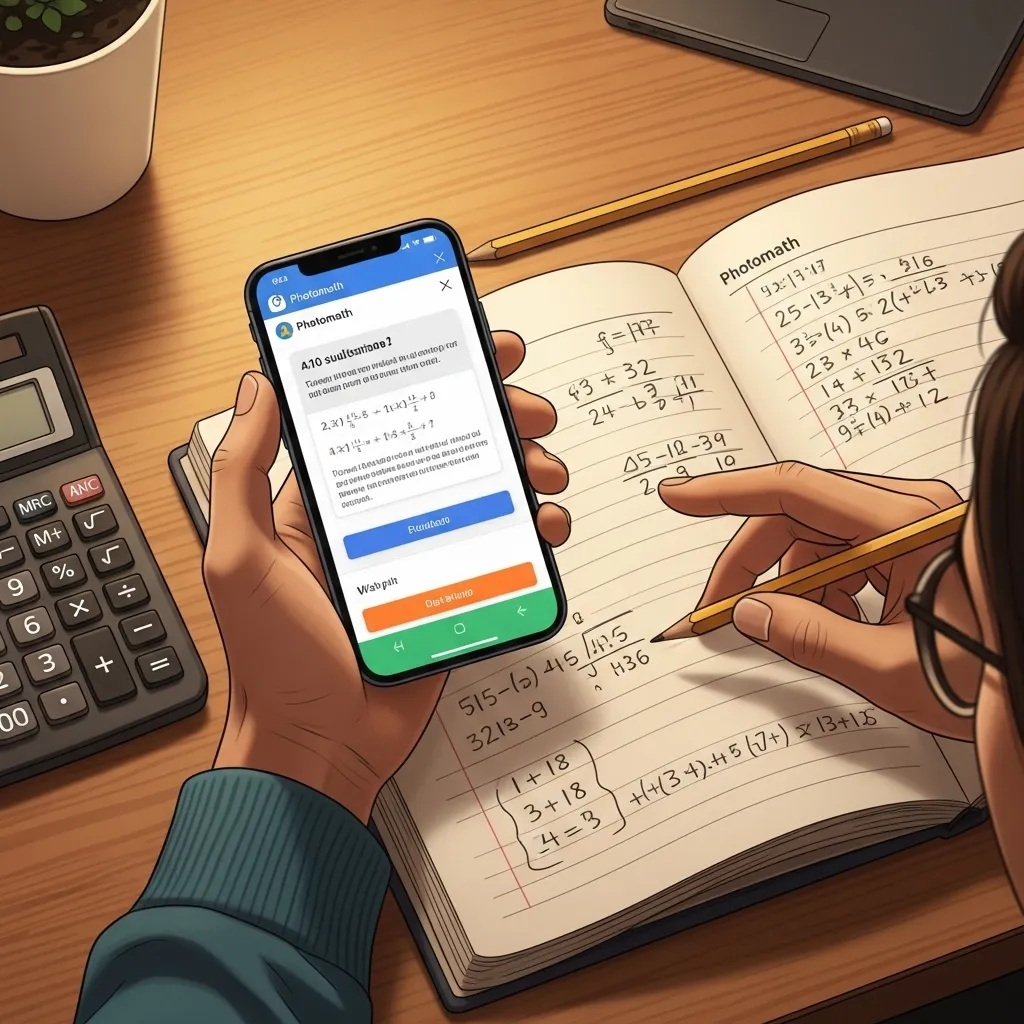
Photomath – Visual Math Problem Solver
What it offers for free: Photograph math problems and get step-by-step solutions. Free tier covers most basic functions.
How students actually use it:
This tool is popular because it’s mobile-first. Students photograph homework problems and immediately get solutions on their phones.
The risk here is obvious: it’s incredibly easy to just copy answers. But I’ve seen it used productively too.
A calculus student used it as an “am I even close?” check. She’d work through a problem, check her answer with Photomath, and if they matched, she’d move on confidently. If they didn’t match, she’d review both solution methods to find her mistake.
Practical applications:
- Checking homework answers quickly
- Understanding alternative solution methods
- Visual learners who benefit from seeing worked examples
- Homework help when stuck on a specific problem
Critical consideration: The ease of getting answers makes this tool the highest temptation for cheating. Use it as a learning check, not an answer key.
Free AI Tools for Language Learning
Language students have particularly strong free AI options available now.
ChatGPT for Language Practice
How language students use it:
This might be the most universally beneficial use of ChatGPT I’ve seen. A Spanish student I know practices conversation by:
- Having conversations entirely in Spanish
- Asking ChatGPT to correct her grammar mistakes
- Requesting explanations in English when confused
- Practicing specific grammar concepts
- Getting cultural context explanations
It’s like having a patient tutor available 24/7 who never gets tired of your mistakes.
Practical applications:
- Conversation practice in your target language
- Grammar explanations
- Vocabulary in context
- Translation (with explanations of why, not just what)
- Writing practice with immediate feedback
Why it works: Language learning requires massive amounts of practice. ChatGPT provides unlimited practice without judgment.
Limitation: ChatGPT can make mistakes in less common languages or with very advanced grammar. For beginner through intermediate learners, it’s excellent.
Duolingo Max – AI-Powered Language Learning
What it offers: While Duolingo Max is paid, regular Duolingo is free and now includes AI-powered features. The free version is still highly functional for language learning.
How students use it:
Duolingo has maintained its position as the most popular free language learning tool by continuously integrating new AI features. Students use it for:
- Structured daily practice
- Gamified learning that builds consistency
- Speaking practice (pronunciation feedback)
- Personalized lesson difficulty
A friend learning Japanese uses free Duolingo for 15 minutes every morning before coffee. She’s made remarkable progress over a year through sheer consistency.
Practical applications:
- Building foundational vocabulary
- Grammar structure understanding
- Speaking and listening practice
- Maintaining daily practice habits
- Supplementing formal language classes
Reality check: Duolingo alone won’t make you fluent, but as a free supplement to classes or other practice, it’s valuable.
Free AI Tools for Productivity and Organization
Managing coursework, deadlines, and studying requires organization. These AI tools help.
Notion AI – Notes and Organization
What it offers for free: Notion’s workspace tool is free for students (with education email). AI features have limited free usage.
How students use it:
I’ve watched Notion transform chaotic students into organized ones. The AI features add capabilities like:
- Converting messy lecture notes into organized summaries
- Creating to-do lists from project descriptions
- Generating study guides from notes
- Organizing research notes by themes
A pre-med student showed me her Notion setup with databases for each class, linked notes, and AI-generated study questions from her own notes. It was impressively thorough.
Practical applications:
- Centralized note-taking across all classes
- Project planning and tracking
- Converting notes into study materials
- Organizing research
- Collaborative group project management
Learning curve: Notion has a steeper learning curve than simpler note apps, but students who invest the time generally become devoted users.
Otter.ai – Lecture Transcription
What it offers for free: 300 minutes of free transcription per month, AI-generated summaries, and speaker identification.
How students use it:
Permission first: Always ask your professor before recording lectures. Most don’t mind, but some have legitimate reasons for restricting recording.
Once you have permission, Otter is transformative for lecture notes. Record the lecture, get a searchable transcript, and review specific sections later.
A student with a learning disability that affects processing speed got permission to record all her lectures. Otter transcripts let her focus on understanding during class rather than frantic note-taking, then review complete information later.
Practical applications:
- Recording and transcribing lectures
- Searching transcripts for specific topics
- Reviewing confusing sections
- Creating study guides from lectures
- Accessibility support
Important notes:
- Always get permission
- 300 free minutes = about 6-8 hours of lectures monthly
- Transcription isn’t perfect; review for errors
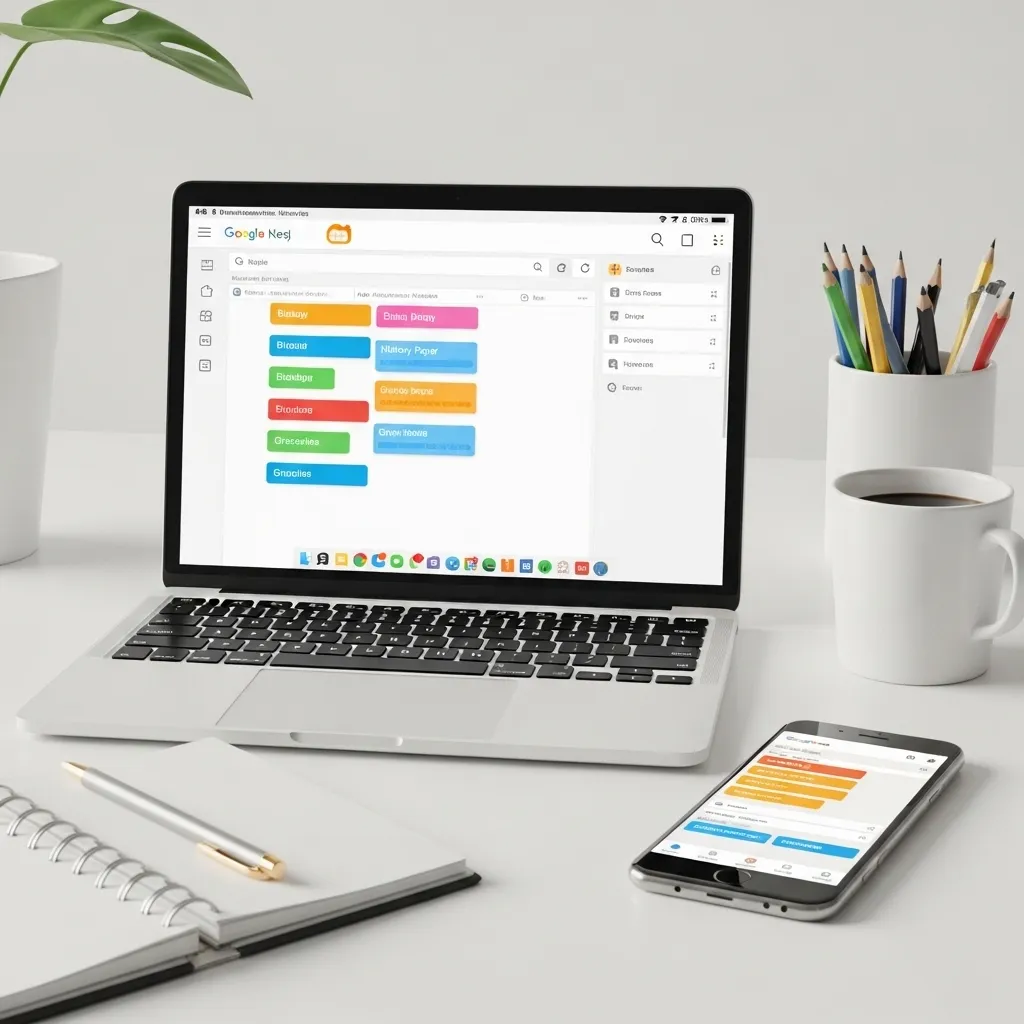
Google Keep with AI Features – Simple Note-Taking
What it offers for free: Note-taking with AI-powered organization, reminders, and search. Completely free with a Google account.
How students use it:
For students who find Notion overwhelming, Google Keep offers AI-powered simplicity. Students use it for:
- Quick voice notes that transcribe automatically
- Color-coded notes by subject
- Location and time-based reminders
- Shared notes for group projects
The AI features automatically organize notes, extract action items, and make everything searchable.
Practical applications:
- Quick capture of ideas and reminders
- Shopping lists for dorm/apartment supplies
- Study reminders
- Simple to-do lists
- Voice-to-text notes while walking between classes
Why students like it: It’s simple, works on phone and computer, and integrates with other Google tools most students already use.
Subject-Specific Free AI Tools
Some AI tools target specific academic disciplines particularly well.
Elicit – Research Assistant for Academic Papers
What it offers for free: AI tool designed specifically for academic research. Free tier allows limited searches with some advanced features.
How students use it:
This is particularly valuable for upper-level students writing research papers. Elicit can:
- Search academic papers by research question (not just keywords)
- Extract key findings from papers
- Summarize methodology sections
- Identify patterns across multiple studies
A sociology student used Elicit to review 20 papers on social media and mental health, extracting key findings and methodologies far faster than reading each paper completely.
Practical applications:
- Literature reviews
- Finding relevant research
- Understanding methodology
- Extracting data from papers
- Identifying research gaps
Best for: Upper-level undergraduates and graduate students doing research-heavy work.
Consensus – Scientific Research Search
What it offers for free: AI-powered search specifically for peer-reviewed research. Free tier with limited searches.
How students use it:
Consensus is brilliant for science students because it searches actual peer-reviewed studies and synthesizes findings. Ask a question like “Does caffeine improve academic performance?” and Consensus:
- Searches relevant studies
- Tells you what the research consensus is
- Shows whether findings are consistent or conflicting
- Links to original papers
A pre-med student used it to research topics for class presentations, quickly understanding the current scientific consensus before diving deeper into specific studies.
Practical applications:
- Quick research topic overview
- Finding scientific consensus
- Identifying legitimate research vs. questionable claims
- Science class presentations and papers
- Verifying health and science claims
Limitation: Only useful for topics with peer-reviewed research. Won’t help with humanities papers or non-scientific topics.
GitHub Copilot – Free for Students
What it offers for free: Normally paid AI coding assistant, completely free for verified students.
How computer science students use it:
Every CS student I know uses Copilot. It suggests code as you type, explains programming concepts, and helps debug errors.
A sophomore CS major described it as “pair programming with an AI.” When he gets stuck, Copilot often suggests solutions he can learn from.
Practical applications:
- Learning programming concepts
- Getting unstuck on coding assignments
- Understanding error messages
- Learning best practices
- Exploring alternative approaches
Academic integrity consideration: Some CS professors restrict AI coding tool usage. Always check. When allowed, use Copilot to learn, not to generate code you don’t understand.
How to get it free: Sign up with your student email at GitHub Education.
How to Use AI Tools Ethically in School
This deserves its own section because it’s critical. The difference between helpful AI use and academic dishonesty often comes down to intent and approach.
The Core Principle: Learning vs. Output
Ask yourself: “Am I using this tool to learn, or to avoid learning?”
Ethical uses that support learning:
- Getting explanations of difficult concepts
- Checking your own work
- Generating practice problems
- Brainstorming ideas you’ll develop yourself
- Understanding source material better
- Getting feedback on drafts
- Learning alternative approaches
Unethical uses that avoid learning:
- Generating content to submit as your own work
- Paraphrasing sources you haven’t read
- Getting answers without understanding solutions
- Bypassing the thinking your assignment is designed to create
- Using AI to fake knowledge you don’t have
School-Specific Policies
Academic integrity policies vary significantly. I’ve seen policies ranging from:
- “AI tools completely prohibited for any graded work”
- “AI allowed for brainstorming and editing but not content generation”
- “AI encouraged when use is disclosed and cited”
- “AI integration explicitly taught as part of the curriculum”
Before using any AI tool for coursework:
- Read your school’s academic integrity policy
- Check your specific class syllabus
- When in doubt, ask your professor directly
- Disclose your AI use if required
Citation and Disclosure
Some professors require you to cite or disclose AI tool usage. This might look like:
In your paper’s acknowledgments: “I used ChatGPT to brainstorm initial thesis ideas and to provide feedback on my outline structure.”
Or in a citation: “ChatGPT (OpenAI, 2026) was used to explain [concept] and generate practice problems for self-study.”
Check if your professor or citation style (APA, MLA, Chicago) has specific requirements.
The Learning Test
Here’s my personal test for whether AI use is appropriate: If your professor asked you to explain your work in a face-to-face conversation, could you?
If AI helped you understand something better, you’d be able to explain it. If AI did your thinking for you, you wouldn’t. That’s the difference.

Practical Tips for Getting the Most from Free AI Tools
After watching dozens of students use these tools, I’ve noticed patterns in who gets value versus who gets frustrated.
Tip 1: Combine Tools Strategically
Don’t rely on one tool for everything. Different tools have different strengths. A typical research paper workflow might use:
- Perplexity to understand the topic initially
- Google Scholar to find academic sources
- ChatGPT to brainstorm thesis ideas
- Your own thinking and writing for the draft
- Grammarly for editing
- Citation generators to format references (which you verify)
Tip 2: Always Fact-Check AI Output
AI tools can confidently present incorrect information. This is less common now than in 2023, but it still happens.
For any factual claim you’ll rely on:
- Verify with authoritative sources
- Check original sources, not just AI summaries
- Be especially skeptical of statistics, dates, and specific facts
I caught ChatGPT claiming a historical event happened two years off from the actual date. Small error, but it would’ve cost points in a paper.
Tip 3: Use AI to Generate Questions, Not Just Answers
The most successful students I’ve worked with use AI tools to ask better questions. Instead of:
“Explain the French Revolution”
Try:
“I’m studying the French Revolution’s economic causes. What are three questions I should explore to understand this topic deeply?”
The AI helps you think more deeply rather than doing your thinking for you.
Tip 4: Respect Usage Limits
Free tiers have limits. Respect them instead of constantly creating new accounts to circumvent restrictions (which violates terms of service).
If you regularly hit limits, that’s a signal either:
- You might benefit from a paid plan (many have student discounts)
- You’re relying too heavily on AI and should develop your own skills more
- You need to use your AI interactions more efficiently
Tip 5: Keep Learning Independently
AI tools are supplements, not substitutes for actual learning. A student who uses ChatGPT to explain every concept but never engages with textbooks, lectures, or independent thinking isn’t truly learning.
Use AI tools to enhance your learning process, not replace it.
Common Mistakes Students Make with AI Tools
I’ve seen these mistakes repeatedly. Learn from others’ errors:
Mistake 1: Trusting AI Completely
A student used ChatGPT to get historical dates for a paper. Several were wrong. She didn’t check. She lost points.
AI tools make mistakes. Always verify important information.
Mistake 2: Using AI Without Understanding Output
A calculus student copied solution steps from an AI tool without understanding them. When the professor asked her to explain her work, she couldn’t. Academic integrity violation.
If you can’t explain what you’ve submitted, you’ve crossed into dishonesty.
Mistake 3: Over-Reliance Leading to Skill Atrophy
I worked with a student who used AI so heavily for writing that his own writing skills actually declined over a semester. He’d stopped practicing the thinking and writing processes.
Use AI to develop skills, not replace skill development.
Mistake 4: Not Reading Policies
Students have faced serious academic consequences for using AI tools in ways that violated their school’s policies—even when they didn’t realize they were violating policies.
Read your school’s academic integrity policy carefully. It’s worth 30 minutes to avoid potentially serious consequences.
Mistake 5: Ignoring the Learning Opportunity
The best use of AI tools is learning. A student who uses Math Solver just to get homework answers misses the chance to understand mathematical methods better.
Ask yourself: “What can I learn from this interaction?”

The Future of AI Tools for Students
Based on current trends, here’s what I expect to see:
More educational platform integration: Learning management systems like Canvas and Blackboard are increasingly integrating AI features directly. Students won’t need separate tools—AI assistance will be built into their existing platforms.
Personalized learning paths: AI tools are getting better at identifying your specific knowledge gaps and adapting to your learning style.
Better plagiarism detection: As AI tools evolve, so do plagiarism detectors. They’re increasingly sophisticated at identifying AI-generated content.
Mandatory AI literacy: More schools are teaching AI literacy as a core skill, similar to how they teach information literacy or research skills.
Subject-specific tools: We’re seeing more AI tools built specifically for chemistry, engineering, literature analysis, etc., rather than general-purpose tools.
The trajectory is clear: AI tools will become standard parts of education, similar to how calculators, search engines, and word processors became standard. The students who learn to use them ethically and effectively will have advantages.
Budget-Conscious Tool Selection
Since this guide focuses on free tools, let’s address the reality: some free tools will eventually try to upsell you to paid versions.
When free is enough:
- You’re using tools occasionally, not daily
- Free tier limits cover your usage
- You’re early in your academic career (high school, early undergrad)
- You’re experimenting to see what works for you
When paid might be worth it:
- You consistently hit free tier limits
- You’re doing research-intensive work (senior thesis, grad school)
- You use a tool daily and it genuinely saves significant time
- Student discounts make paid versions affordable
Student discounts to look for:
Many paid tools offer significant student discounts:
- GitHub Copilot: Free for students (normally $10/month)
- Notion: Free for students (limited AI features)
- Grammarly: Often 50%+ discounts for students
- Various tools through GitHub Student Developer Pack
Always check for student pricing before paying full price.

Real Student Success Stories
Let me share a few specific examples of students using these tools effectively:
Case 1: International Student with Language Barriers
A Chinese student in his first semester at a U.S. university struggled with writing assignments in English. He used:
- Grammarly to catch grammar mistakes and learn English patterns
- ChatGPT to explain idiomatic expressions and cultural references
- Quillbot to see different ways to phrase his ideas
Critically, he wrote everything himself first, then used these tools to improve his expression. His writing improved dramatically over two semesters, both in quality and in his own skill development.
Case 2: STEM Student with Math Anxiety
A biology major needed statistics for her research but had significant math anxiety. She used:
- Wolfram Alpha to check her statistical calculations
- ChatGPT to explain statistical concepts in biology-specific contexts
- YouTube plus AI tools to work through practice problems
The AI tools gave her confidence to practice more, which reduced her anxiety and improved her skills. She ended up doing well in statistics and applying it successfully in her research.
Case 3: First-Generation College Student
A first-gen student whose parents hadn’t attended college used AI tools to fill gaps in academic cultural knowledge:
- ChatGPT to understand assignment expectations
- Otter to record and review professor office hours
- Various tools to understand academic writing conventions
These tools helped level the playing field, giving her access to knowledge about “how college works” that students with college-educated parents often take for granted.
Creating Your Personal AI Tool Stack
Don’t try to use every tool I’ve mentioned. Instead, build a personal toolkit based on your specific needs.
For most students, start with:
- One general conversational AI (ChatGPT or Claude)
- Grammarly for writing improvement
- One subject-specific tool for your major
- One organization tool (Notion, Google Keep, or similar)
Then expand based on your needs:
- STEM majors: Add Wolfram Alpha or Math Solver
- Research-heavy students: Add Perplexity, Google Scholar, possibly Elicit
- Language learners: Add language-specific practice tools
- CS students: Definitely get GitHub Copilot (it’s free for you)
Revisit quarterly: Your needs change as courses change. Reassess what tools you’re actually using versus which ones just sit idle.
Final Thoughts: Tools, Not Shortcuts
Here’s what I’ve observed after a year of watching students navigate AI tools: The students who benefit most view AI as a learning partner, not a shortcut machine.
They ask AI tools to explain, teach, suggest, and check. They maintain their own critical thinking, verify information, and do the actual work of learning. They’re honest about their AI use and follow their school’s policies.
The students who struggle either avoid AI entirely (missing genuine learning opportunities) or rely on it too heavily (undermining their own skill development and risking academic integrity issues).
The sweet spot is in the middle: using AI tools strategically to learn more effectively, think more clearly, and work more efficiently, while maintaining your own agency, judgment, and intellectual growth.
These tools are powerful. Free doesn’t mean low-quality anymore—many free AI tools now offer genuinely valuable capabilities. But they’re still just tools. Your education, your learning, and your intellectual development remain your responsibility.
Use these tools wisely, ethically, and strategically. They can enhance your education significantly if you approach them with the right mindset.
Frequently Asked Questions
Q: Is using AI tools for homework considered cheating?
It depends entirely on how you use them and your school’s specific policies. Using AI to understand concepts, check your work, or brainstorm ideas is generally acceptable. Using AI to generate content you submit as your own work is academic dishonesty.
The key questions are: Did you do the learning your assignment was designed to create? Can you explain and defend your work? Are you following your professor’s and institution’s policies?
My recommendation: Always check your specific class syllabus and ask your professor if you’re uncertain. Many professors are fine with AI use when it’s disclosed appropriately.
Q: Which free AI tool should I start with as a student?
Start with ChatGPT. It’s free, versatile, and has the simplest learning curve. Use it for a week or two to get comfortable with conversational AI, then add specialized tools based on your specific needs.
If you’re a STEM student, add Wolfram Alpha or Microsoft Math Solver second. If you do a lot of writing, add Grammarly second. Let your actual coursework needs guide your tool selection rather than trying to use everything at once.
Q: How can I tell if AI-generated information is accurate?
You can’t always tell, which is why verification is essential. For factual claims, check authoritative sources. For academic work, trace citations back to original sources. For mathematical solutions, work through the steps yourself to understand them.
Red flags that information might be wrong: Very specific statistics without sources, unfamiliar historical dates or events, scientific claims that contradict what you’ve learned, or anything that seems too convenient for your argument.
Treat AI tools like you’d treat Wikipedia: useful starting points that require verification, not authoritative final sources.
Q: Will using AI tools hurt my learning and make me less capable?
It depends entirely on how you use them. AI tools used to enhance understanding, provide practice, and check your work can actually accelerate learning. AI tools used to avoid thinking, skip learning processes, or fake understanding will absolutely hurt your development.
A good test: If AI helps you learn something so you can eventually do it without AI, that’s beneficial use. If you remain dependent on AI to do things you should be learning yourself, that’s detrimental use.
Think of it like calculators in math. Using calculators to check arithmetic while learning algebra is fine. Using calculators so extensively that you never learn basic math facts is problematic.
Q: What should I do if I accidentally violate my school’s AI policy?
First, understand that many schools are still developing clear AI policies, so unintentional violations happen. If you realize you’ve used AI in a way that might violate policies:
- Don’t submit the work. If you’ve already submitted it, contact your professor immediately.
- Be honest about what happened. Explain you didn’t understand the policy and want to do the right thing.
- Ask how to remedy the situation. Most professors appreciate honesty and give students chances to resubmit work properly.
Academic integrity violations are serious, but professors are typically more lenient with students who self-report honestly than with students who try to hide violations.
Going forward, read all syllabi carefully, ask questions when policies are unclear, and err on the side of disclosure if you’re uncertain whether your AI use needs to be reported.






