
AI Coding Tools for Developers 2026: A Ground-Level Perspective on What Actually Works
AI Coding Tools for Developers 2026: A Ground-Level Perspective on What Actually Works
I still remember the first time I tried GitHub Copilot back in 2021. It was novel, occasionally helpful, but felt more like a party trick than a serious development tool. Fast forward to 2026, and the landscape has transformed so dramatically that I sometimes catch myself wondering how I ever coded without these assistants.
But here’s what the marketing materials won’t tell you: AI coding tools aren’t magic, they don’t replace developers, and choosing the wrong one for your workflow can actually slow you down. After spending the better part of three years integrating various AI tools into my team’s development process, I’ve learned what works, what doesn’t, and what you actually need to know before diving in.
The Current State of AI Coding Assistants
The AI coding tool market in 2026 isn’t dominated by a single player anymore. Instead, we’re seeing a mature ecosystem with specialized tools for different development needs. The days of simple autocomplete suggestions are long gone. Modern AI coding assistants can understand entire codebases, suggest architectural improvements, write comprehensive test suites, and even debug complex issues across multiple files.
What’s changed most dramatically isn’t just the capability—it’s the reliability. Where earlier versions would confidently suggest completely wrong solutions, current tools have gotten remarkably better at understanding context and admitting uncertainty. They’ve also become significantly more specialized, which turns out to be both a blessing and a curse.

The Major Players and What They’re Actually Good At
GitHub Copilot X (2026 Edition)
Microsoft’s flagship coding assistant has evolved well beyond its autocomplete origins. The 2026 version integrates deeply with the entire development lifecycle, from initial design conversations to production monitoring. I use it daily, and what impresses me most is how it’s learned to understand project-specific patterns.
In practice, this means Copilot X adapts to your team’s coding standards, naming conventions, and architectural decisions. Last month, I watched it correctly suggest implementing a service using our custom repository pattern—something it learned purely from analyzing our existing codebase. That’s genuinely useful.
The voice-to-code feature still feels gimmicky to me, though I know developers with RSI who swear by it. Where Copilot X really shines is in mundane-but-necessary tasks: writing boilerplate, generating repetitive CRUD operations, and creating initial test structures. I’ve clocked it saving our team about 6-8 hours per week on average, mostly by eliminating the tedious parts of coding.
The downsides? It’s become expensive at $39/month for the professional tier (which you’ll need for commercial work), and it still occasionally suggests deprecated methods from its training data. You absolutely cannot use this tool blindly.
Amazon CodeWhisperer Enterprise
I was skeptical when Amazon pitched this as the “AWS-native” coding assistant, but after implementing it for our backend team working heavily with AWS services, I get it. CodeWhisperer has become uncannily good at suggesting AWS-specific implementations that actually follow best practices.
Where I’ve seen it really excel is in security. The built-in security scanning catches issues that even experienced developers miss—SQL injection vulnerabilities, exposed credentials, insecure cryptographic implementations. Just last week, it flagged a subtle SSRF vulnerability in some Lambda code that had passed three code reviews. That’s worth the cost right there.
The learning curve is steeper than Copilot, and it’s genuinely not as good for general-purpose development. But if you’re working in the AWS ecosystem, particularly with serverless architectures, it’s become an essential tool for my team.
Tabnine AI (Enterprise 2026)
Tabnine took a different route than competitors by focusing heavily on privacy and on-premise deployment. For teams working on proprietary code or in regulated industries, this matters enormously. The pharmaceutical company client I consult for uses Tabnine exclusively because they can run the entire model on their own infrastructure—no code ever leaves their network.
The suggestions aren’t quite as sophisticated as Copilot X, and the contextual understanding is more limited. But it’s fast, it’s private, and it learns from your codebase without sending anything to external servers. For the right use case, these tradeoffs make perfect sense.
Replit Ghostwriter Max
Replit has carved out an interesting niche by building their AI coding assistant directly into a complete development environment. What makes Ghostwriter Max different is how tightly integrated it is with the entire development workflow. It’s not just suggesting code—it’s helping manage deployments, debugging runtime issues, and even suggesting infrastructure configurations.
I’ve been using this for side projects and rapid prototyping, and the speed from idea to deployed application is remarkable. Recently, I built and deployed a complete API gateway with authentication in about two hours, with Ghostwriter Max handling probably 60% of the actual code writing.
The limitation is that you’re locked into Replit’s environment. For serious production applications, that’s usually a dealbreaker. But for MVPs, proof-of-concepts, and personal projects, it’s become my go-to tool.
Cursor IDE
Cursor deserves special mention because it’s rebuilt the entire IDE experience around AI assistance rather than bolting AI onto existing tools. The “composer” feature lets you have extended conversations about code changes across multiple files, which sounds simple but changes how you work.
Last sprint, I needed to refactor a complex state management system across about twenty React components. Instead of making changes file-by-file, I described the refactoring to Cursor and reviewed its proposed changes across the entire codebase. It wasn’t perfect—I probably accepted 75% of its suggestions and modified the rest—but the time savings was significant.
The catch is that Cursor is still a relatively young IDE. It lacks some power-user features that VS Code veterans expect, and there are occasional stability issues. But the development team ships updates almost weekly, and the trajectory is impressive.
What Works in Real-World Development
After working with various AI coding tools across different projects, certain patterns have emerged about what actually provides value versus what looks impressive in demos.
Code generation for well-defined problems is genuinely good. When you know exactly what you need—a REST endpoint with specific validation, a database migration, a React component with particular props—AI tools can generate solid first drafts quickly. I’d estimate current tools get it right (or nearly right) about 70-80% of the time for standard implementations.
Test generation has become legitimately useful. This was a surprise to me. Early AI-generated tests were superficial and didn’t catch real bugs. Current tools generate much more thoughtful test suites, including edge cases I might not have considered. I still review and modify the tests, but they’re a solid starting point.
Documentation writing is a time-saver. AI tools can generate decent README files, inline documentation, and API documentation from code. It’s not publication-ready without editing, but it eliminates the blank-page problem and ensures you don’t miss documenting important parameters.
Code explanation for unfamiliar codebases is invaluable. We brought on three junior developers last quarter, and watching them use AI tools to understand our legacy codebase was eye-opening. Instead of constantly interrupting senior developers with questions, they could get quick explanations of what complex functions were doing, then ask humans for the nuanced context.
Debugging assistance has improved dramatically. Modern AI tools don’t just suggest fixes—they can trace through complex error chains, identify root causes across multiple files, and suggest solutions that account for your specific tech stack. I’ve had Cursor correctly identify and fix a race condition bug that I’d been hunting for two days.

What Doesn’t Work (Yet)
Being honest about limitations is important, because over-relying on AI tools where they’re weak will hurt your productivity and code quality.
Architectural decisions still require human judgment. AI tools can suggest patterns and approaches, but they don’t understand the business context, team capabilities, or long-term maintenance implications of architectural choices. I’ve seen developers ask AI tools to design system architectures and get technically plausible suggestions that would have been nightmares to maintain.
Complex algorithmic problems are hit-or-miss. For novel algorithms or complex business logic, AI suggestions often miss important edge cases or make incorrect assumptions. They’re helpful for scaffolding and exploring approaches, but you need deep understanding to validate the solutions.
Refactoring large codebases requires careful oversight. While tools like Cursor can suggest refactorings across multiple files, they sometimes miss subtle dependencies or make changes that break runtime behavior in ways that don’t show up in static analysis. I’ve learned to make AI-suggested refactorings in small batches with comprehensive testing between changes.
Security-critical code needs expert review. AI tools have gotten better at security, but they’re not infallible. CodeWhisperer might catch common vulnerabilities, but subtle security issues—especially business-logic vulnerabilities—still require human security expertise.
Performance optimization is often superficial. AI tools can suggest standard optimizations (use a Set instead of an Array for lookups, memoize this function), but they don’t understand the actual performance characteristics of your specific application. I’ve seen AI-suggested “optimizations” that made things worse.

The Workflow Integration Question
The biggest mistake I see developers make isn’t choosing the wrong tool—it’s failing to integrate AI assistants thoughtfully into their workflow.
I think of AI coding tools as pair programming with an extremely knowledgeable but sometimes overconfident junior developer. They know a lot of patterns and can write code quickly, but they need guidance and review. The key is finding the right balance of autonomy and oversight.
My personal workflow has evolved to use AI tools heavily during the initial implementation phase. I’ll describe what I need, review and refine the generated code, then use AI assistance to write initial tests. But during code review, debugging subtle issues, and making architectural decisions, I rely primarily on human judgment with AI as a research assistant.
Different developers on my team have found different workflows. Some prefer writing skeleton code themselves and using AI to fill in implementation details. Others start with AI-generated code and refactor it to their preferences. The tools are flexible enough to accommodate different working styles.
The Cost-Benefit Reality
Let’s talk money, because nobody else seems to want to address this directly.
For individual developers, most AI coding tools cost between $10-40 per month. That sounds cheap until you consider that you might need multiple tools for different purposes. I’m currently paying for Copilot X ($39), maintaining a Cursor license ($20), and we have a team CodeWhisperer subscription ($19 per user). That adds up.
For companies, enterprise pricing varies wildly but generally ranges from $30-100 per developer per month depending on the tool and features. For our 12-person development team, we’re spending roughly $8,000 annually on AI coding tools.
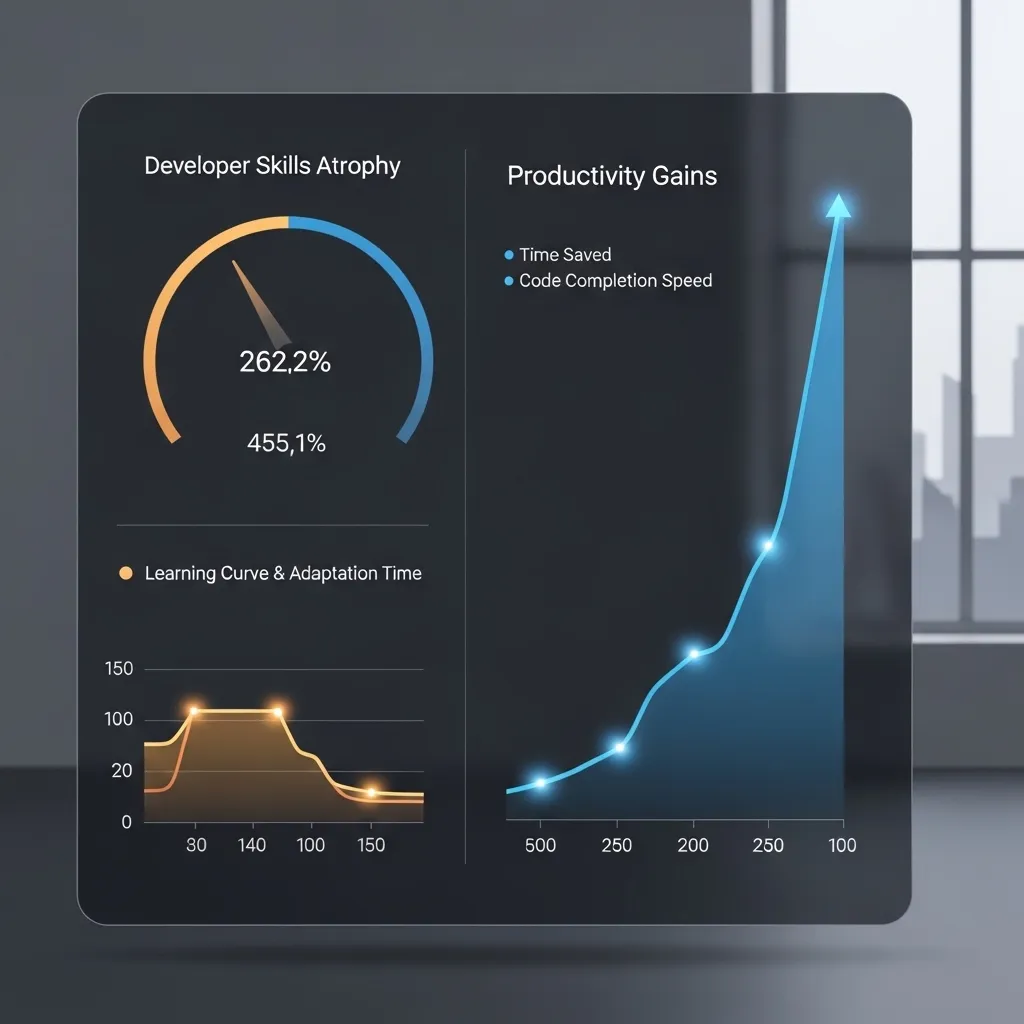
Is it worth it? Based on conservative estimates, these tools save each developer on my team about 5-7 hours per week. That’s roughly 15-20% productivity improvement, which translates to about $60,000-80,000 in effective capacity gains for our team annually. The ROI is clearly positive.
But there are hidden costs. There’s the learning curve—probably 10-15 hours per developer to become proficient with a new AI tool. There’s the risk of over-reliance leading to skill atrophy in junior developers. And there’s the ongoing cost of reviewing AI-generated code, which requires its own kind of vigilance.
Privacy and Security Considerations
This deserves its own section because it’s critical and often glossed over in promotional content.
Most cloud-based AI coding tools send your code to external servers for processing. GitHub Copilot, for instance, sends code snippets to OpenAI/Microsoft servers. For open-source or personal projects, this might be fine. For proprietary corporate code, it can be a serious problem.
The enterprise versions of major tools offer various privacy guarantees—code not used for model training, data retention limits, compliance certifications. But you need to actually read the agreements and understand what’s being transmitted where. I’ve seen companies adopt AI coding tools without proper security review, only to discover they were potentially violating NDAs or regulatory requirements.
For sensitive code, your options are:
- Use tools with on-premise deployment (like Tabnine Enterprise)
- Use tools with strong privacy guarantees and verify compliance
- Implement policy controls about what code can be processed by AI tools
- Avoid cloud-based AI tools entirely
We ended up implementing a tiered approach: open-source and internal tool development can use any AI assistant, but code for regulated industries or under NDA requires on-premise tools or human-only development.

The Impact on Junior Developers
This is maybe the most controversial topic in the AI coding tools discussion, and opinions are all over the map.
I’ve observed that AI tools can accelerate junior developer onboarding and productivity—they can contribute meaningful code faster than junior developers could five years ago. But I’ve also noticed concerning gaps in fundamental understanding. When you can get working code from an AI without understanding the underlying concepts, it’s tempting to skip the learning.
We’ve had to be intentional about this with our junior developers. We encourage AI tool use, but also require:
- Explaining what AI-generated code does in code reviews
- Implementing some features from scratch without AI assistance
- Pair programming sessions where they solve problems step-by-step
- Regular technical discussions about approaches and tradeoffs
The junior developers who treat AI tools as learning aids—asking them to explain concepts, comparing different approaches, understanding the generated code deeply—progress quickly and develop strong fundamentals. Those who treat AI tools as magic code generators struggle when they encounter problems outside the AI’s capabilities.
Looking Forward: What’s Coming
The AI coding tool space is evolving so rapidly that anything I write will be partially outdated in six months, but some clear trends are emerging.
Multi-modal development is gaining traction. Tools are starting to accept sketches, screenshots, and design files as inputs for generating UI code. I tested an early version that generated a React component from a Figma screenshot with about 80% accuracy. This will reshape front-end development significantly.
Proactive assistance is improving. Instead of waiting for you to ask, AI tools are getting better at noticing patterns and suggesting improvements. Cursor already does this to some extent—suggesting refactorings when it notices code smells, proposing tests when it sees untested code. It’s occasionally annoying, but often helpful.
Project-wide understanding is deepening. Current tools understand individual files and immediate context pretty well. The next generation is getting better at understanding entire system architectures, suggesting changes that ripple correctly through dependencies, and even proposing feature implementations across multiple services.
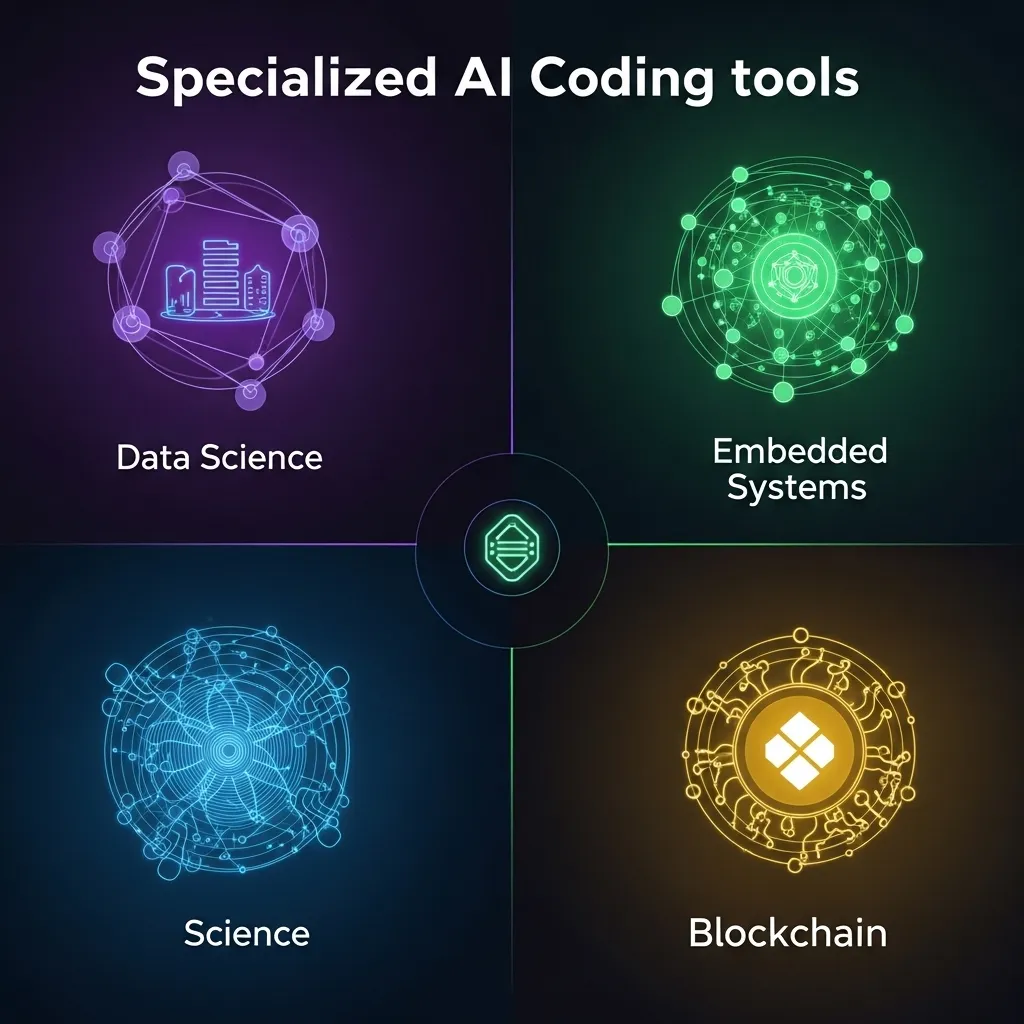
Specialized domain tools are emerging. Instead of general-purpose coding assistants, we’re seeing tools specialized for data science, embedded systems, blockchain development, and other domains. These specialized tools outperform general tools in their niches.
Practical Advice for Developers
If you’re considering incorporating AI coding tools into your workflow, here’s what I’d recommend based on actual experience:
Start with one tool and learn it well. The temptation is to try everything, but you’ll be more productive mastering one tool than juggling several superficially. GitHub Copilot X or Cursor are good general-purpose starting points.
Treat AI suggestions as first drafts, not final code. Always review, test, and understand what the AI generates. This sounds obvious, but I’ve caught myself just accepting suggestions without full understanding when I’m tired or rushed.
Use AI tools to handle boring tasks, not to skip learning. If you don’t understand how to implement something manually, don’t let AI do it for you yet. Learn the fundamentals first, then use AI to speed up implementation.
Configure your tools for your stack. Most AI coding assistants work better when you provide context about your tech stack, coding standards, and project structure. Spend time on configuration.
Measure the actual impact. Track how much time you’re actually saving. I use a simple time-tracking approach: estimate how long a task would take without AI assistance, then track actual time. This helps identify where AI tools provide value and where they don’t.
Stay current with updates. These tools improve monthly, sometimes weekly. Features that didn’t work well last quarter might be genuinely useful now. But also watch for changes in pricing or terms of service.

The Bottom Line
AI coding tools in 2026 are sophisticated, genuinely useful productivity enhancers that have earned a permanent place in most developers’ toolkits. They’re not going to replace developers—the hype around “AI will take all programming jobs” has mostly died down as reality set in—but they’re changing how we work in significant ways.
The developers who thrive are those who view AI tools as powerful assistants that handle routine work while humans focus on creative problem-solving, architectural decisions, and complex debugging. The developers who struggle are those who either reject AI tools entirely (and lose productivity benefits) or over-rely on them without developing deep understanding.
For me personally, AI coding tools have made development more enjoyable by reducing the tedious parts I never liked—writing boilerplate, creating repetitive tests, documenting obvious things. They’ve given me more time for the parts of development I find engaging: solving complex problems, designing elegant solutions, and mentoring other developers.
But they’ve also required me to develop new skills: quickly evaluating AI-generated code, effectively prompting AI tools for what I need, and knowing when to ignore AI suggestions and trust my expertise. The job has changed, and continuing to evolve with it is part of what makes software development interesting.
The tools I’ve described here will likely be obsolete or radically changed within two years. But the fundamental principle—using AI as a powerful assistant while maintaining human judgment and expertise—will remain relevant. The specific tools matter less than developing the skills to use them effectively.
Frequently Asked Questions
Q: Will AI coding tools replace junior developers?
Not in the way people fear. AI tools raise the productivity bar, which means junior developers can contribute more meaningful code faster. But they still need human mentorship, code review, and guidance to develop properly. What’s changing is that “junior developer” might mean someone who can architect features with AI assistance rather than someone who writes basic CRUD operations from scratch. Companies still need people who can learn, grow, and eventually make complex technical decisions—AI tools don’t change that fundamental need.
Q: Which AI coding tool should I start with as a beginner?
If you’re already using VS Code, start with GitHub Copilot—it’s the most mature, well-documented, and has the gentlest learning curve. If you’re willing to try a new IDE for potentially better AI integration, Cursor is excellent. For AWS-heavy development, CodeWhisperer makes more sense. Honestly, they’re all pretty good at this point, so picking one and learning it well matters more than agonizing over the “perfect” choice.
Q: How do I prevent AI tools from making me a worse developer?
The key is intentionality. Use AI tools to handle tasks you already understand, not to skip learning fundamentals. Regularly implement features without AI assistance to maintain your skills. In code reviews, explain what AI-generated code does to ensure you understand it. Treat AI tools as time-savers for routine work, not as replacements for deep thinking. And occasionally take on projects where you write everything from scratch—it keeps your fundamental skills sharp.
Q: Are AI coding tools safe to use with proprietary company code?
It depends on the tool and configuration. Enterprise versions of major tools (Copilot for Business, CodeWhisperer Enterprise, Tabnine Enterprise) offer guarantees that code isn’t used for training and data is handled securely. But you need to actually verify this meets your company’s security requirements. For highly sensitive code or regulated industries, consider tools that offer on-premise deployment. Always check with your company’s security and legal teams before using AI tools with proprietary code—I’ve seen developers get in serious trouble for using consumer AI tools with sensitive code.
Q: How much time can I realistically expect to save with AI coding tools?
Based on my team’s experience and discussions with other developers, realistic time savings range from 5-25% of development time, with most people landing around 10-15%. The variance depends heavily on what kind of development you do. If you write a lot of boilerplate, CRUD operations, or tests, you’ll see bigger gains. If you primarily work on complex algorithms or novel architectural problems, the benefits are smaller. Don’t expect AI tools to double your productivity—that’s hype. Expect them to eliminate some tedious tasks and provide a helpful assistant for routine work, which adds up to meaningful but not revolutionary time savings.






